Embroidering Quilting
200
e Rightmost column of second row (last row) ( )
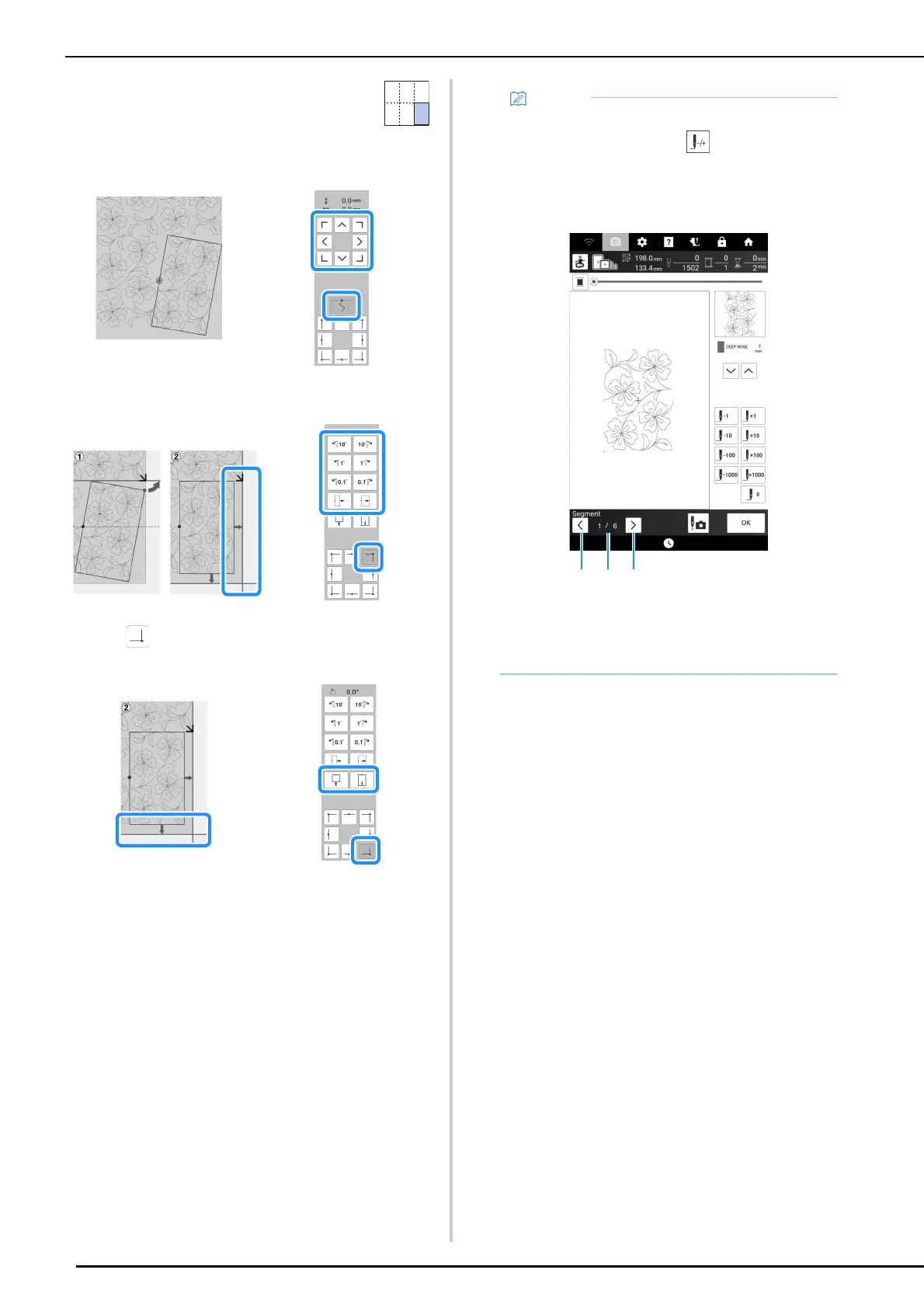
Use the move pattern keys to align the start point with the end
point of the previous pattern.
To align the upper-right corner with the thread mark of the
embroidered pattern above, adjust the angle and width of the
pattern.
Touch , and then adjust the length to align the pattern with
the chalk reference line.
10 Remove the thread marks.
• If you need to restitch a segment or skip a
segment, you can touch in the embroidery
screen to continue to the next pattern or return
to the previous pattern. Select the desired
pattern in the embroidering order, and then
touch [OK].
a Return to the previous pattern.
b Embroidering order of current pattern/Total
number of segments
c Continue to the next pattern.



 To Next Page