SV-EMS-220/221 Installation and Configuration
7-84 SkyView System Installation Guide - Revision AA
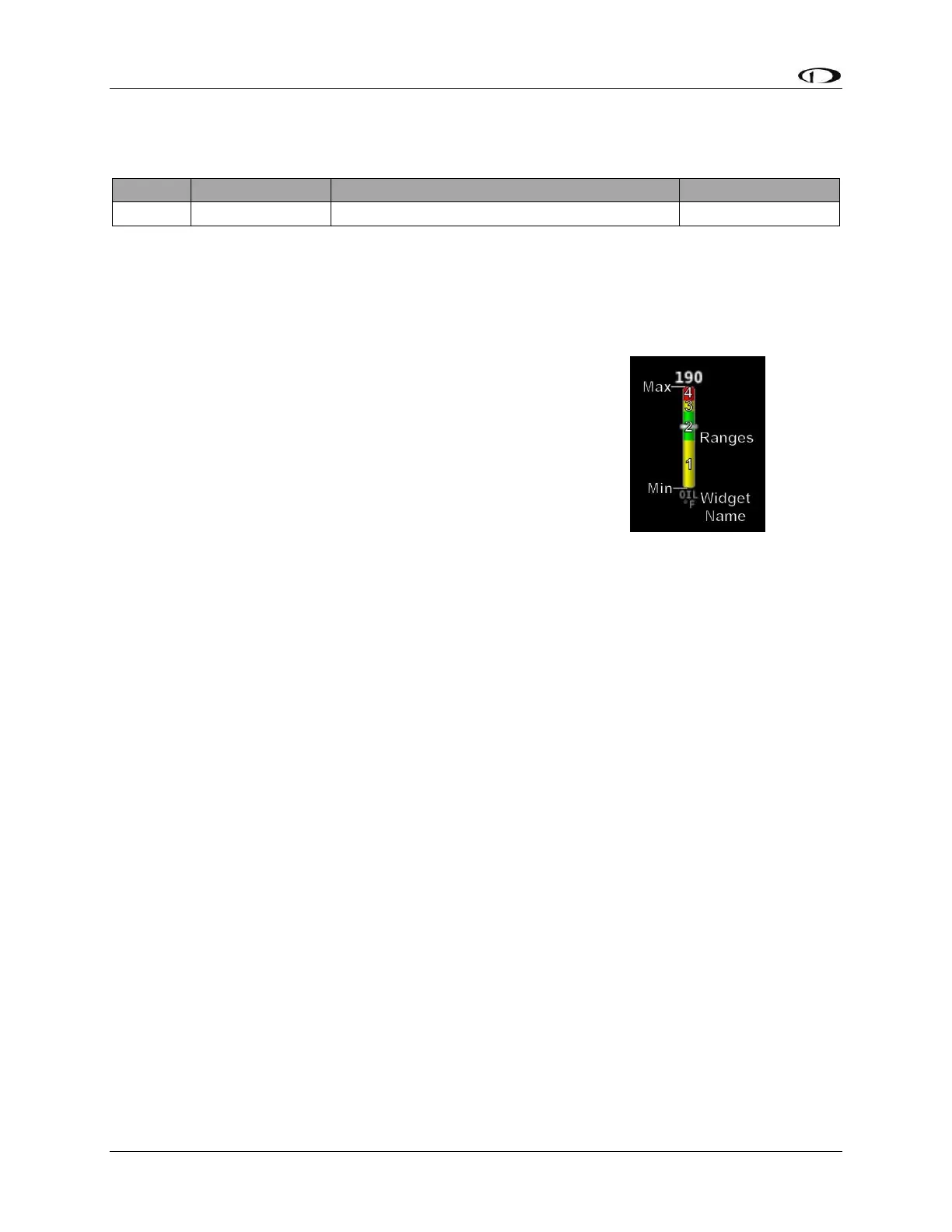
Example Oil Temperature Sensor Setup
Assume this sensor was mapped on the Sensor Input Mapping Wizard as:
Table 67 – Example Sensor Input Mapping for C37 P7 (Oil Temp)
Now, we want to configure its alert and graphical properties. Go to the Sensor Setup Menu and
open the OIL TEMPERATURE Page (SETUP MENU > EMS SETUP > SENSOR SETUP > OIL
TEMPERATURE).
Configure OIL TEMPERATURE with the following properties:
ALARM: LATCHING
MAXIMUM GRAPHICAL DISPLAY: 260 °F
MINIMUM GRAPHICAL DISPLAY: 80 °F
SHOW SENSOR UNITS YES
RANGE 1
o ENABLE YES
o COLOR YELLOW
o TOP 165 °F
o BOTTOM 80 °F
RANGE 2
o ENABLE YES
o COLOR GREEN
o TOP 220 °F
o BOTTOM 165 °F
RANGE 3
o ENABLE YES
o COLOR YELLOW
o TOP 240 °F
o BOTTOM 220 °F
RANGE 4
o ENABLE YES
o COLOR RED
o TOP 260 °F
o BOTTOM 240 °F
RANGE 5
o ENABLE NO
o COLOR RED
o TOP 5 °F
o BOTTOM 0 °F
Figure 84










 To Next Page