Accessory Installation and Configuration
SkyView System Installation Guide - Revision AA 15-27
Panel Module Faceplate Blank
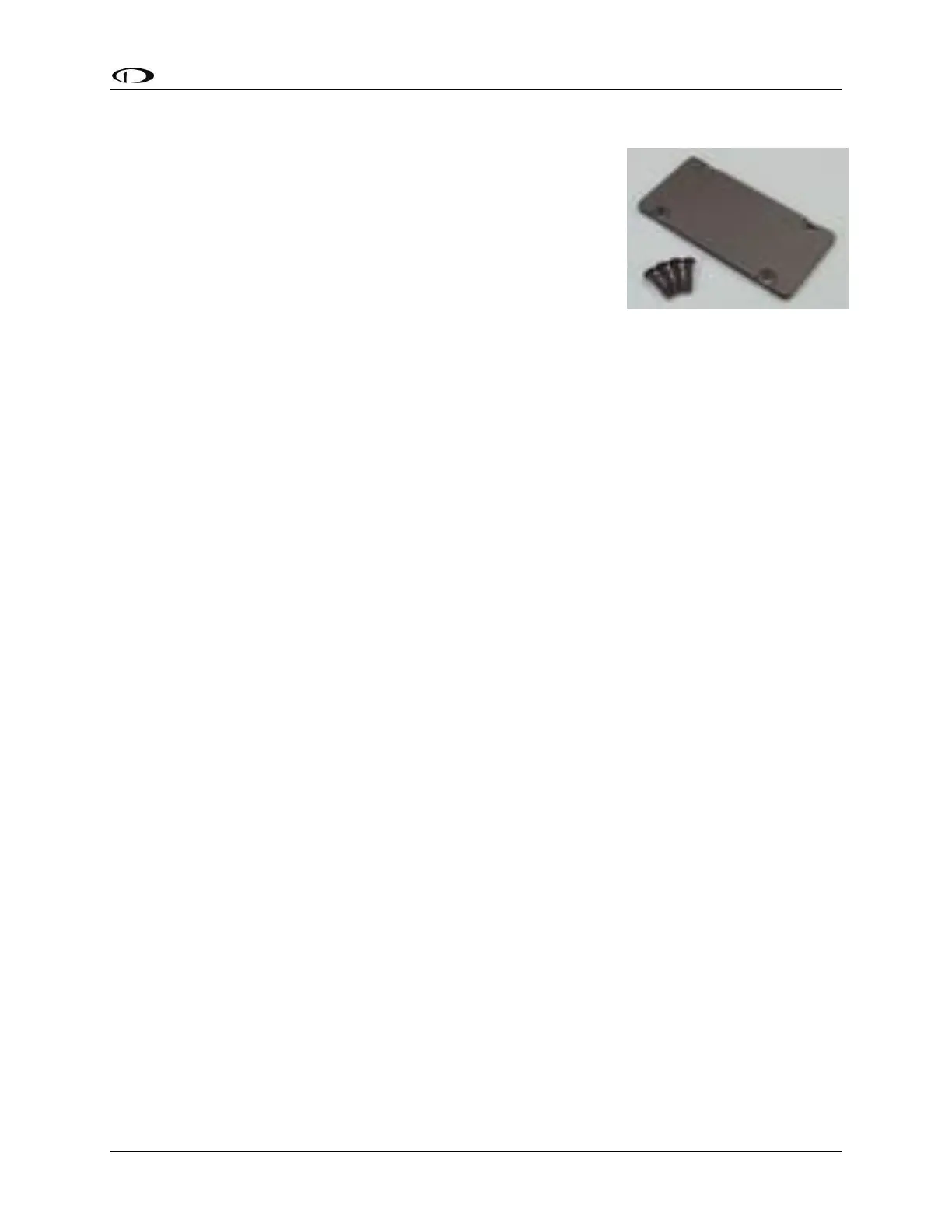
Dynon Avionics offers the Panel Module Faceplate Blank (SV-
BLANK-PANEL; P/N 102542-000) – see Figure 174. The Panel
Module Faceplate Blank is the same dimensions and screw
positions as other Dynon Avionics panel units such as SV-AP-
PANEL, SV-COM-PANEL, SV-KNOB-PANEL, and SV-INTERCOM-2S.
For dimensional information on installing the Panel Module
Faceplate Blank, see any of the panel unit sections.
If you have not installed all of the above panel units, but
eventually intend to, or if you want to cut your panel with the
idea of expansion (such as eventually providing the copilot
position with its own SV-KNOB-PANEL or SV-COM-PANEL), the Panel Module Faceplate Blank
allows you to cut the panel in advance of purchasing and installing that panel unit, and covering
the blank cutout with a cover panel that is complementary to the other Dynon Avionics panel
units.
The Panel Module Faceplate Blank is also an ideal place, and method, to locate misc. “external”
switches and indicators that are involved in the SkyView system. Placing those switches or
indicators on a Panel Module Faceplate Blank acts as a visual demarcation that those buttons,
switches, or indicators are related to SkyView, not other aircraft systems. See Appendix K:
Switches, etc. External to SkyView Units for a list of all such buttons, switches, and indicators.










 To Next Page