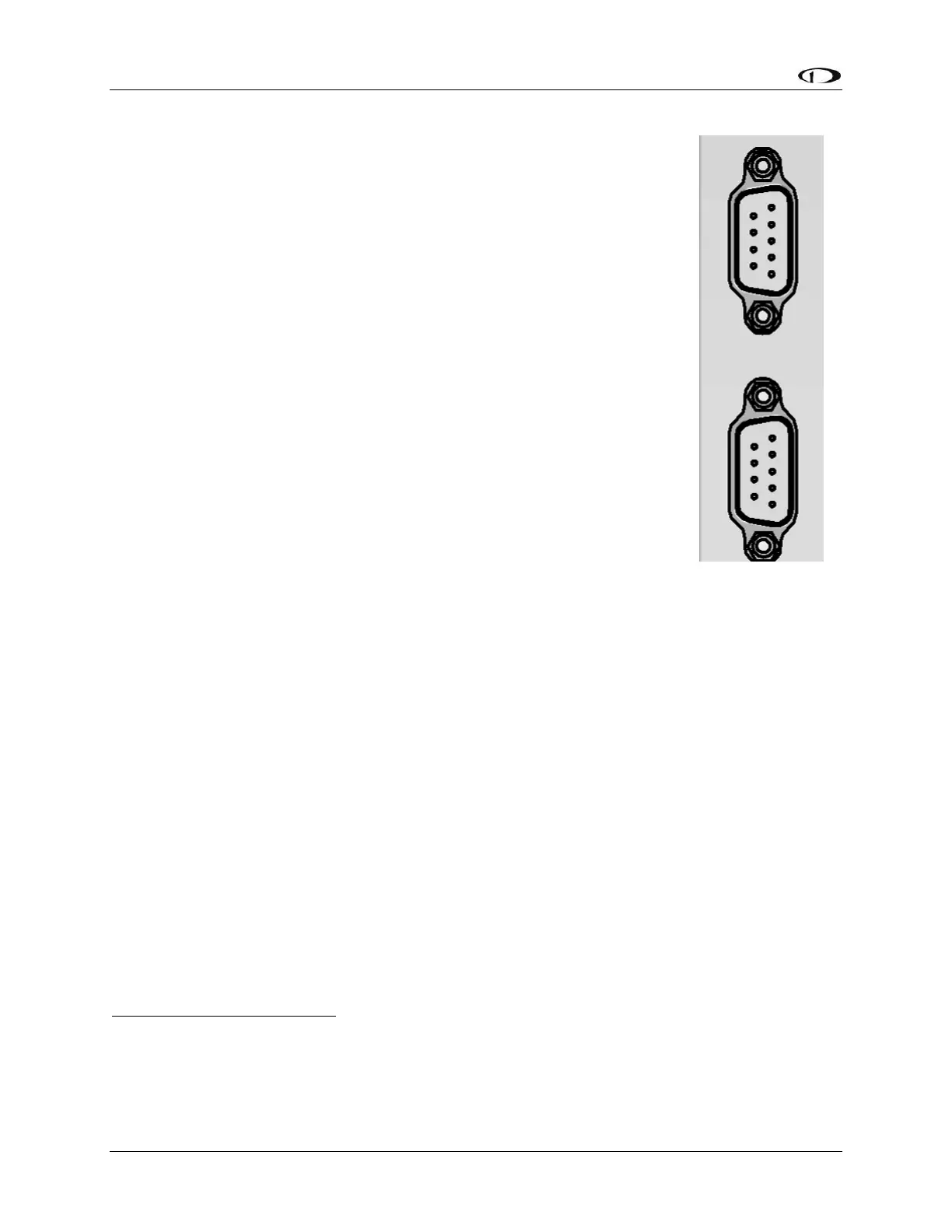
. This
initially causes some confusion because the same type of connector is used for
“RS-232 serial” on PCs and other (non-SkyView) devices such as GPS units. The
9-pin SkyView Network connectors on the back of a SkyView display is shown in
Figure 1 at right.
The specific use of the various pins within the 9-pin SkyView Network
connectors in a SkyView system is unique to SkyView. It is important to
understand that in SkyView, the 9-pin connectors are not electrically
compatible with RS-232 serial connections found on PCs and other devices.
One critical difference is that in a SkyView Network 9-pin D9F or D9M
connector, 3 of the 9 pins provide power, which, if connected to a RS-232
serial device, could damage it, or damage the SkyView display. For example, if
you wish to connect a GPS unit that has an RS-232 output, it will not work… and
may damage SkyView or the GPS… to connect the two units directly by plugging
in the GPS’ 9-pin connector the 9-pin connectors on the SkyView display.
RS-232 serial devices can be connected to a SkyView system; this is done via
specific pins / wires of the SV-HARNESS-D37 37-pin connector / harness on
the SkyView display. Details of connecting RS-232 serial devices are explained
in SkyView Display Installation and Configuration, RS-232 Serial Devices, and
Appendix C: Wiring and Electrical Connections, SkyView Display D37 Pinout (SV-HARNESS-D37).
SkyView Network is a “Party Line”
SkyView Network communicates between the displays and modules as a modern, multi-drop (serial
BUS) network, similar to an old-fashioned telephone party line. A more modern example of a multi-
drop serial network is Ethernet. SkyView Network wiring is electrically common between all SkyView
Network devices. In SkyView Network each Pin 1 of the 9-pin SkyView Network connectors and
cables are electrically connected to every SkyView Network 9-pin connector Pin 1.
The “physical” method of each connection doesn’t matter – electrical connections can be made with
splitters, hubs, multiple SkyView Network connectors on the back of a device (both connectors are
electrically common), etc. All SkyView Network devices “listen” on the SkyView Network. A SkyView
display manages (controls) all communications over SkyView Network. For example, if there are two
SV32 servos installed, the SkyView display “talks” to only one SV32 at a time. The SkyView display
distinguishes between the two SV32s by their unique (electronic) Serial Number.










 To Next Page