SkyView System Installation Guide - Revision AA 9-1
9. SV-BAT-320 Backup Battery Installation
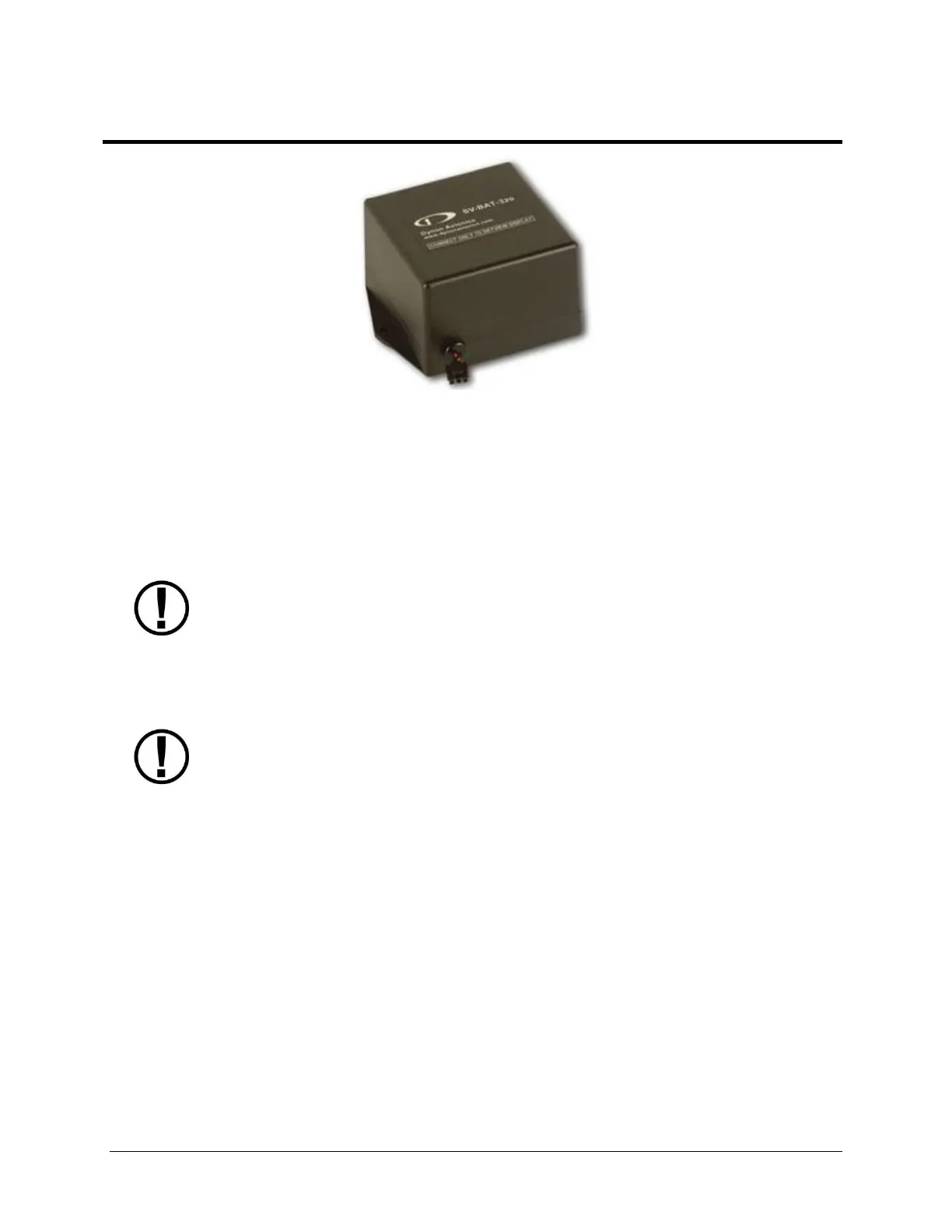
Figure 98 – SV-BAT-320 Backup Battery
This section contains information that specifically applies to the installation of the SV-BAT-320
Backup Battery. After reading this section, you should be able to determine how to prepare the
installation location, mount the module, connect it to a display, monitor its voltage, and ensure
it is charged.
SkyView displays are designed to work only with the SV-BAT-320 as a backup
battery in case of loss of aircraft power. Connecting any device other than the SV-
BAT-320 to SkyView display Pin 2(+) and Pin 23 (-) will void any warranties and is a
significant safety hazard.
Do not extend the SV-HARNESS-D37’s cable that connects to the SV-BAT-320.
An SV-BAT-320 can only power one SkyView display. Do not modify the cable to
the SV-BAT-320 to attempt to power more than one SkyView display from one SV-
BAT-320.
A SkyView display can only be powered by, and charge, one SV-BAT-320. Do not
modify the cable to the SV-BAT-320 to attempt to connect more than one SV-BAT-
320 to a SkyView display.
The SV-BAT-320 is a Lithium-Ion (Li-Ion) battery such as is used in mobile phones, laptops, and
tablet computers. It is designed to power a SkyView display, and devices powered by the
SkyView display for at least 60 minutes if aircraft power is lost.
Figure 99 is a high-level overview of a suggested SV-BAT-320 installation, configuration, and
maintenance procedure.










 To Next Page