System Planning
2-4 SkyView System Installation Guide - Revision AA
Power Specifications
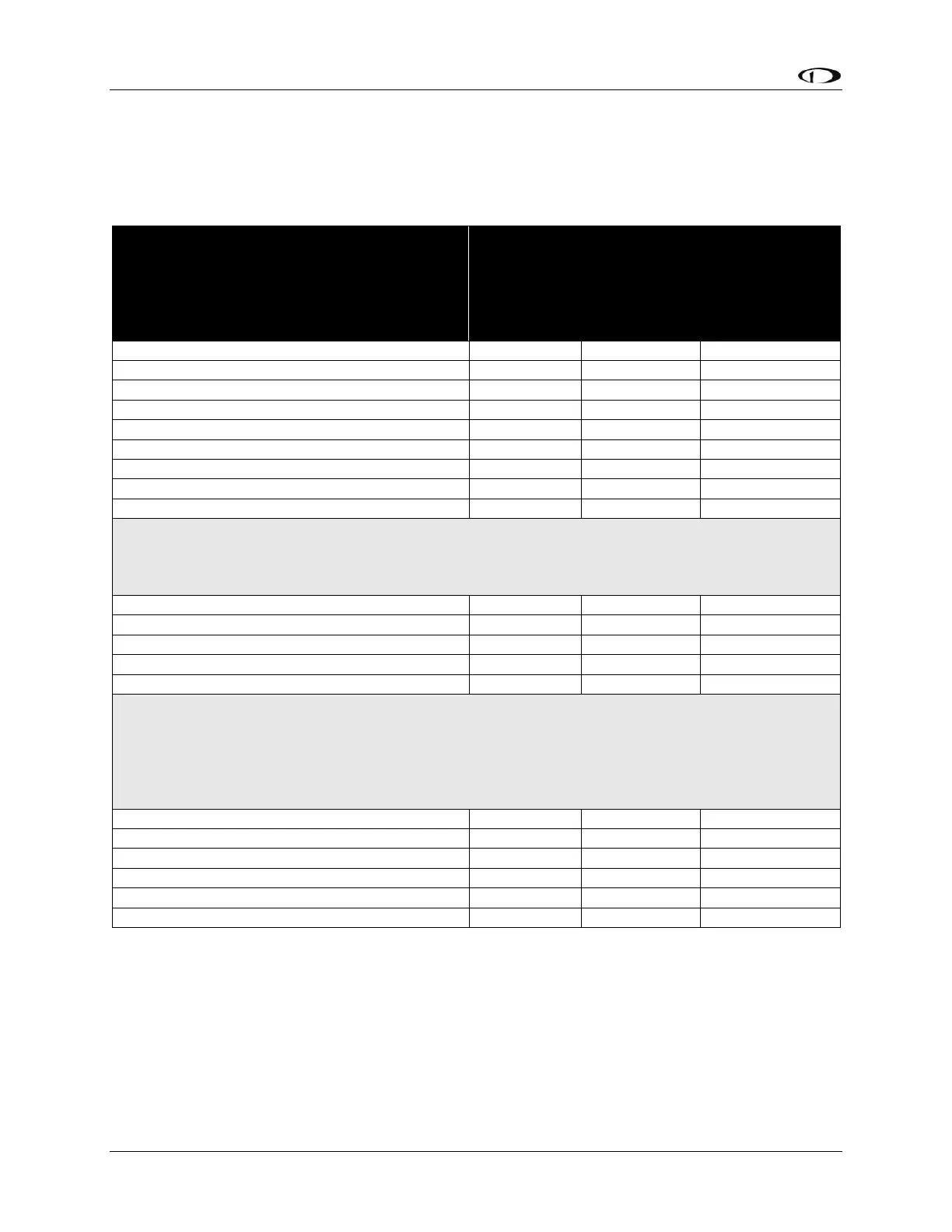
Table 3 contains SkyView displays and devices that are powered by SkyView displays. 5A circuit
protection is recommended for SkyView displays in common configurations; 5A is the smallest
circuit breaker that is commonly available in certified versions.
SkyView Displays:
No SV-BAT-320 (see below)
No SkyView Network modules (see below)
No SV-GPS-250
No USB devices
Display brightness at maximum
Current
requirement
@ 12V DC
Current
requirement
@ 24V DC
Circuit
Protection
Recommendation
Devices powered from SkyView Displays
These devices are directly connected to an individual SkyView display and are powered by the display. Add the
current consumption of these devices to the current consumption of the SkyView display they are connected to.
This will allow you to calculate the total current that each SkyView display requires.
SV-BAT-320 (while charging)
Video Adapter for SkyView (USB)
SkyView Wi-Fi Adapter (USB)
Devices powered via SkyView Network
These devices are connected to SkyView Network, which is powered by the SkyView display(s). If you have two
or three displays, the current requirements of these devices are shared equally between the displays. If you
have one display, add 100% of a SkyView Network device’s current to the display’s current requirement. If you
have two displays, add 50% of SkyView Network device’s current to each display’s current requirement. If you
have three displays, add 33% of SkyView Network device’s current to each display’s current requirement.
SV-AP-PANEL (not including trim motor loads)
SV-EMS-220 (maximum number of sensors)
Table 3 – Power Specifications for SkyView Displays, Units Powered by SkyView Displays
Example, a SV-D1000T @ 12V with:
1 – SV-BAT-320 (1.00A)
1 - SV-GPS-2020 (0.10A)
1 - SV-ADAHRS-200 (0.15A)
1 - SV-EMS-220 (0.11A)
will require 3.76A when charging the battery, 2.76A when the battery is fully charged.










 To Next Page