SkyView System Installation Guide - Revision AA 18-1
18. SV-AP-PANEL Installation and Configuration
If you intend to install and use SkyView SE, be advised that the buttons on the SV-
AP-PANEL will not function.
The SV-AP-PANEL’s Trim Control Subsystem, used for Electric Trim Control, and
SkyView AP Auto-trim, can be used with SkyView SE.
This section contains pre-installation considerations, installation instructions, and details to
install the SV-AP-PANEL/H (Horizontal orientation) and SV-AP-PANEL/V (Vertical orientation).
Physically, electronically, and operationally, the two versions are identical, and hereafter
referred to SV-AP-PANEL.
The SV-AP-PANEL is an optional control panel for a SkyView system that provides one-button
controls for the SkyView Autopilot that are otherwise operated from the SkyView display menu
buttons (which are still accessible after the installation of an SV-AP-PANEL). As the SV-AP-PANEL
allows for expert autopilot mode controls including IAS, VNAV, and approach sequencing, the
buttons on the SV-AP-PANEL are enabled only when the SkyView AP is set to EXPERT mode
(SETUP MENU > AUTOPILOT SETUP > AUTOPILOT CONTROLS > EXPERT). Up to two SV-AP-
PANELs can be installed in a SkyView system.
Setting the SkyView AP to EXPERT mode requires that two SkyView AP servos (Roll
and Pitch) are installed. If only one servo (either Roll only, or Pitch only) is
installed, the SkyView AP can only be set to SIMPLIFIED mode, and thus, the SV-
AP-PANEL cannot be used.
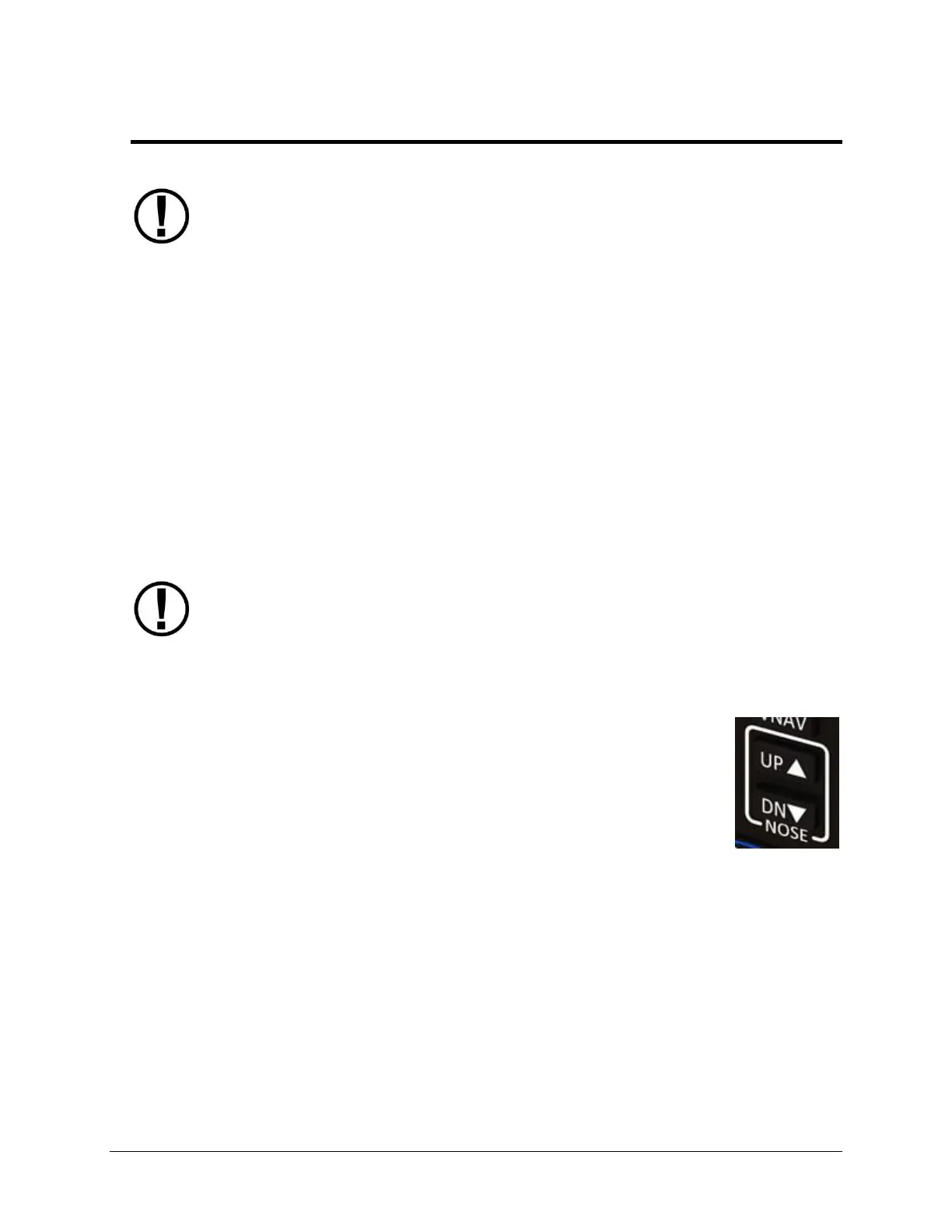
SV-AP-PANEL NOSE UP and NOSE DN BUTTONS
The NOSE UP button on the SV-AP-PANEL commands the AP System, if
engaged, to incrementally pitch the AP “Nose Up” via IAS or VS adjustments
depending on what mode the AP is in.
Similarly, the NOSE DN button on the SV-AP-PANEL commands the AP system,
if engaged, to incrementally pitch the AP “Nose Down” via IAS or VS
adjustments depending on what mode the AP is in.
The SV-AP-PANEL NOSE UP and NOSE DN buttons command the AP; these
buttons do not command trim controls (via the D15 connector). The only
controls for trim are button inputs to the D15 connector – see details below).
Figure 192
SV-AP-PANEL
UP / DN Buttons










 To Next Page