SkyView SE does not integrate with any IFR navigation sources, and excludes
features and components commonly used in an aircraft equipped for IFR flight,
including the SV-ARINC-429. If you intend to install and use SkyView SE, do not
purchase or install an SV-ARINC-429.
SkyView can connect to advanced GPS/NAV devices like the Garmin GNS 430/530 and similar
Via the SV-ARINC-429 module.
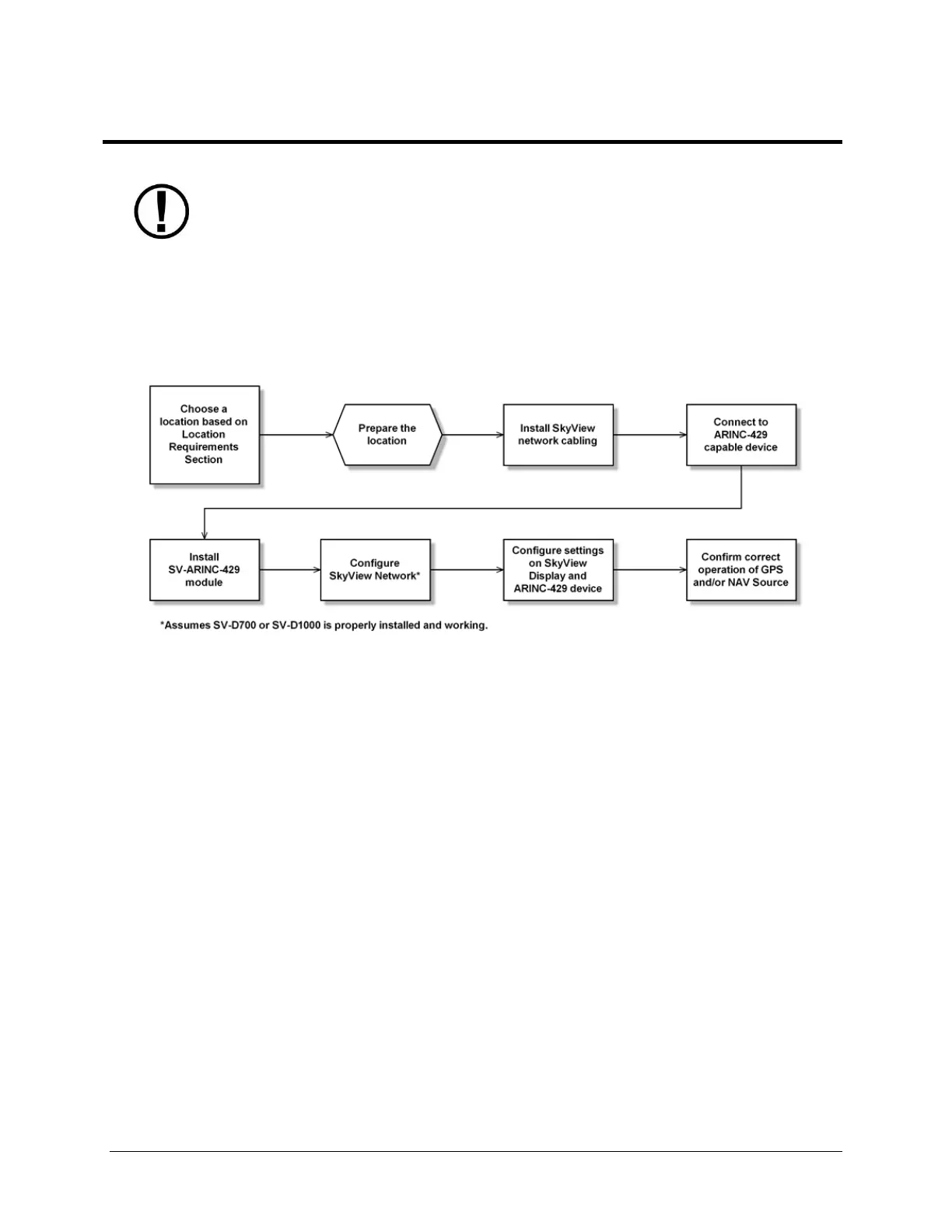
Figure 147 is a high-level overview of a suggested and installation and configuration procedure
for the SV-ARINC-429.
Figure 147 – Suggested SV-ARINC-429 Installation and Configuration Procedure
Physical Installation
Observe the following guidelines when choosing a location for the SV-ARINC-429 module:
Avoid locations that are subject to severe vibration.
Avoid locations that are subject to extreme humidity.
Leave ample working room for electrical connections.
SkyView systems support one or two SV-ARINC-429 per network.
A common location for the SV-ARINC-429 is behind the instrument panel, keeping it close to
the display and associated ARINC-429 capable device.
The diagram below shows the important mounting dimensions of the SV-ARINC-429 module
with electronic connections.










 To Next Page