AP Servo Installation, Configuration, and Calibration
10-2 SkyView System Installation Guide - Revision AA
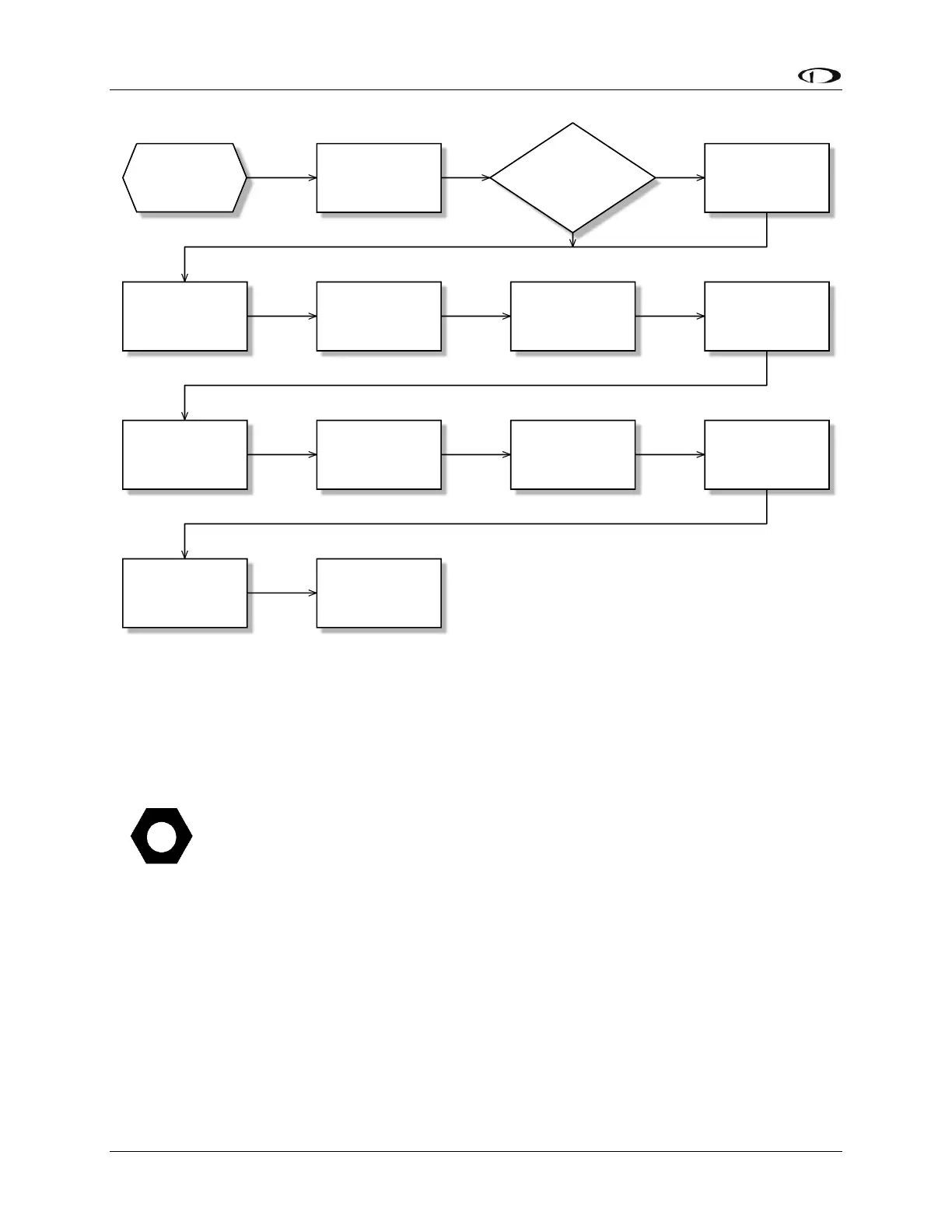
Figure 105 – Suggested Servo Installation, Configuration, and Calibration Procedure
Of note to SkyView pilots that are either upgrading their D10A/D100 series
products to SkyView: Autopilot servos shipped prior to December 1st, 2009, require
that they be upgraded to Version 5.2 Software or higher before they can connect to
a SkyView Network. Autopilot servos shipped prior to this date MUST be upgraded
to the latest version using a D10/D100 Series product BEFORE they are connected
to SkyView. This will then allow the SkyView Network to communicate with the
servo. If you no longer have this capability, contact Dynon Avionics Technical
Support (contact information at the beginning of this manual). Your servos can be
returned to Dynon Avionics for a Software update.










 To Next Page