Accessory Installation and Configuration
15-20 SkyView System Installation Guide - Revision AA
application. An example diode is the very common 1N914, available from Radio Shack
(P/N 276-1122). With a diode installed for each display, the SV-BUTTON-LEVEL will work
correctly with any combination of displays powered on and powered off.
Configuration:
There is no configuration necessary for installation of the SV-BUTTON-LEVEL.
Troubleshooting:
During bootup, SkyView checks the status of the
External LEVEL Button input (SV-BUTTON-LEVEL).
If SkyView detects that the External LEVEL Button
is pressed (the input is grounded) during bootup,
the External LEVEL Button is assumed to be stuck
(or incorrectly installed), resulting in:
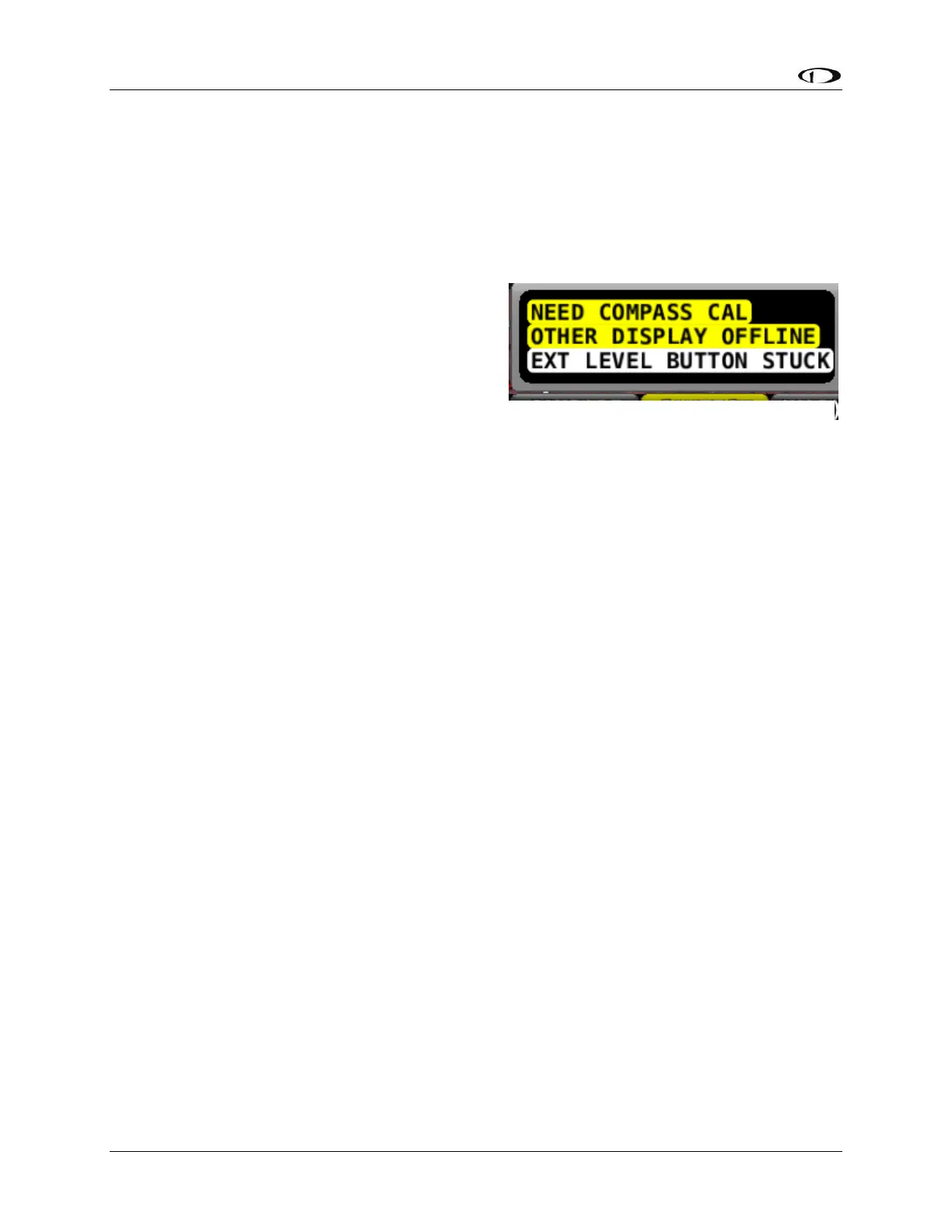
A Message is displayed: EXT LEVEL BUTTON STUCK
The External LEVEL Button input is ignored for the remainder of the time SkyView is
operational (will be checked again at next bootup).










 To Next Page