configured to monitor the left engine, the data log exported from the left display
contains the data log for the left engine (only). It is recommended to use a
separate USB flash drive per engine to prevent the possibility of overwriting data
logs.
Connect a USB flash drive with at least 100 MB of available storage capacity to your SkyView
display. Then, navigate to SETUP MENU > SYSTEM SOFTWARE > EXPORT USER DATA LOGS to
export the three data logs to the USB flash drive.
If your SkyView system has not yet flown, or has not flown since the data logs were last cleared,
there may not be a Recent Flight Data Log available.
The data logs that are exported are in CSV (comma separated values) format and can be
opened by common spreadsheet programs such as Microsoft Excel.
Web-based Engine Analysis
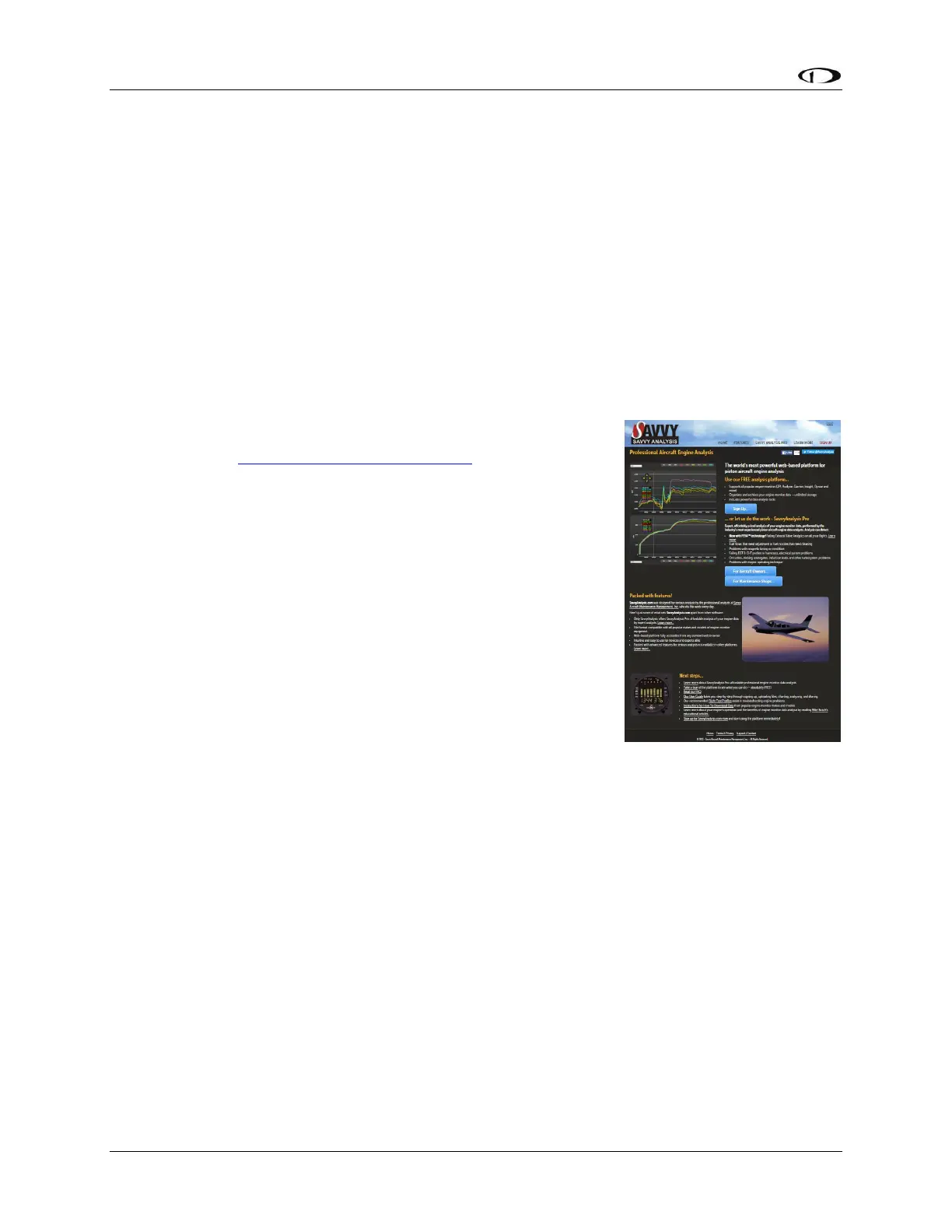
Savvy Analysis – http://www.savvyanalysis.com is a free web-
based tool that supports the upload an analysis of the engine
information that is contained within SkyView’s User Data Logs.
Instructions for creating an account and uploading data logs are
on the Savvy Analysis website.
Other than technical cooperation to ensure that SkyView
datalogs can be correctly parsed as formats are periodically
updated, Dynon Avionics has no relationship with Savvy Analysis.










 To Next Page