SV-EMS-220 Engine Monitoring System Installation and Configuration
10-34 SkyView HDX System Installation Manual - Revision E
Now, we want to configure its alert and graphical properties. Go to the Sensor Setup
Menu and open the OIL TEMPERATURE Page (SETUP MENU > EMS SETUP >
SENSOR SETUP > OIL TEMPERATURE).
Configure OIL TEMPERATURE with the following properties:
• ALARM: LATCHING
• MAXIMUM GRAPHICAL DISPLAY:260 °F
• MINIMUM GRAPHICAL DISPLAY:80 °F
• SHOW SENSOR UNITS YES
• RANGE 1
o ENABLE YES
o COLOR YELLOW
o TOP 165 °F
o BOTTOM 80 °F
• RANGE 2
o ENABLE YES
o COLOR GREEN
o TOP 220 °F
o BOTTOM 165 °F
• RANGE 3
o ENABLE YES
o COLOR YELLOW
o TOP 240 °F
o BOTTOM 220 °F
• RANGE 4
o ENABLE YES
o COLOR RED
o TOP 260 °F
o BOTTOM 240 °F
• RANGE 5
o ENABLE NO
o COLOR RED
o TOP 5 °F
o BOTTOM 0 °F
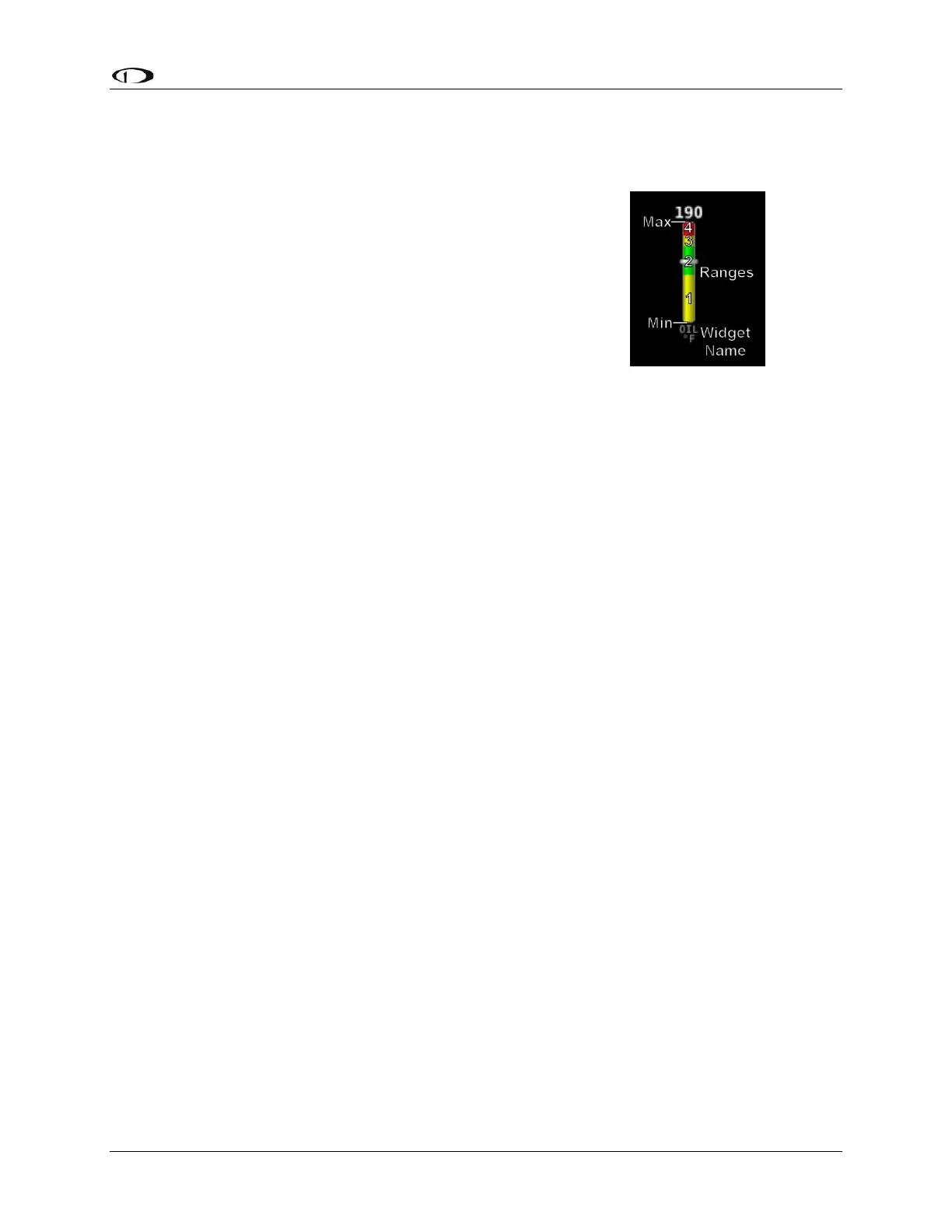
Figure 62:
Anatomy of a
Widget, Oil
Temperature



 To Next Page