SV-XPNDR-261 Transponder Installation and Configuration
12-24 SkyView HDX System Installation Manual - Revision E
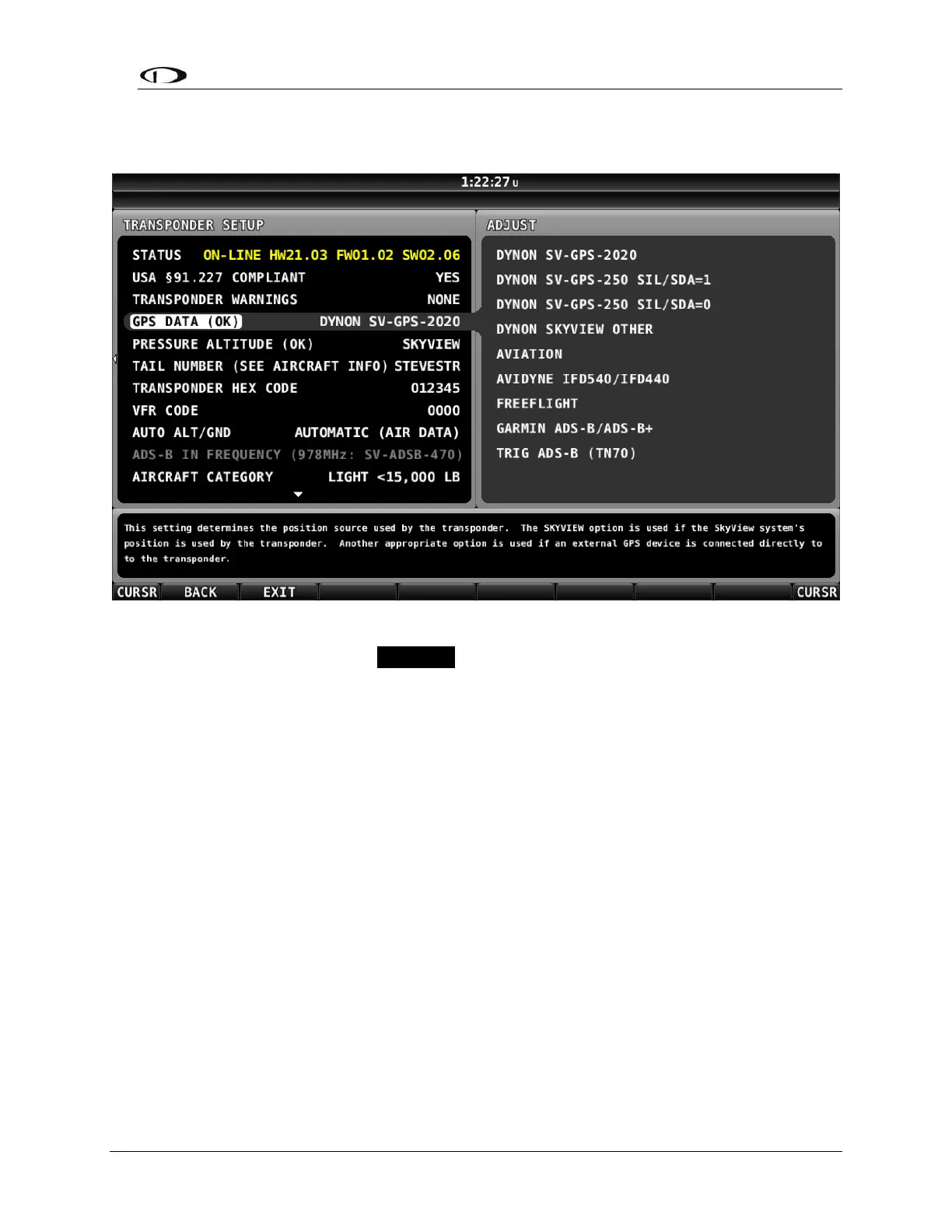
To determine your SV-XPNDR-261’s Software version, go to SETUP MENU >
TRANSPONDER SETUP and observe the STATUS line, as illustrated in the figure below.
Figure 81: SV-XPNDR-261 Software Update Available
If the STATUS line is shown in YELLOW, a Software update for the SV-XPNDR-261 is
available from the SkyView display.
If the STATUS line is shown in White (normal), as illustrated in the figure below, the SV-
XPNDR-261 Software is up-to-date with the Software update available in the current
version of SkyView Software currently installed on your SkyView display.



 To Next Page