SkyView HDX Display Installation and Configuration
SkyView HDX System Installation Manual - Revision E 4-11
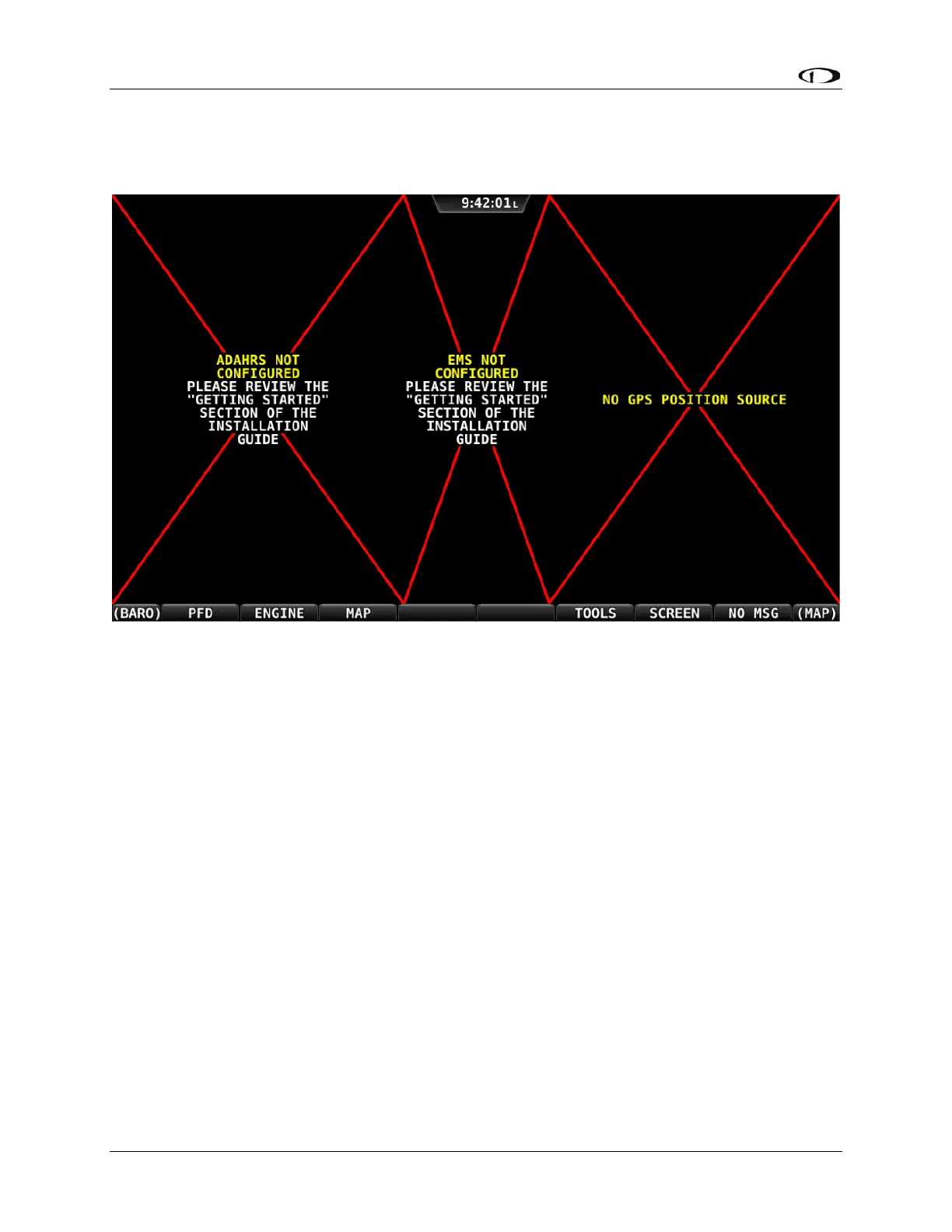
When you first power up your SkyView display, it will look similar to the screen. This is
normal – you have not yet performed a SkyView Network Configuration for the SkyView
display(s) to recognize your ADAHRS, EMS, and other SkyView Network modules.
Figure 29: New SkyView display, SkyView Network not yet configured
Use the following procedure to configure a SkyView network:
1. Push buttons 7+8 to access the SETUP MENU.
2. Navigate to the CONFIGURE Page (SETUP MENU > SYSTEM SETUP >
SKYVIEW NETWORK SETUP > CONFIGURE…).
3. Press DETECT. A successful network configuration yields the screen below
(depending on the units installed, your SkyView system’s network devices will look
different and display different Software versions).
4. Press FINISH to close the screen and return to the Network Setup Menu.



 To Next Page