SkyView HDX Display Installation and Configuration
SkyView HDX System Installation Manual - Revision E 4-15
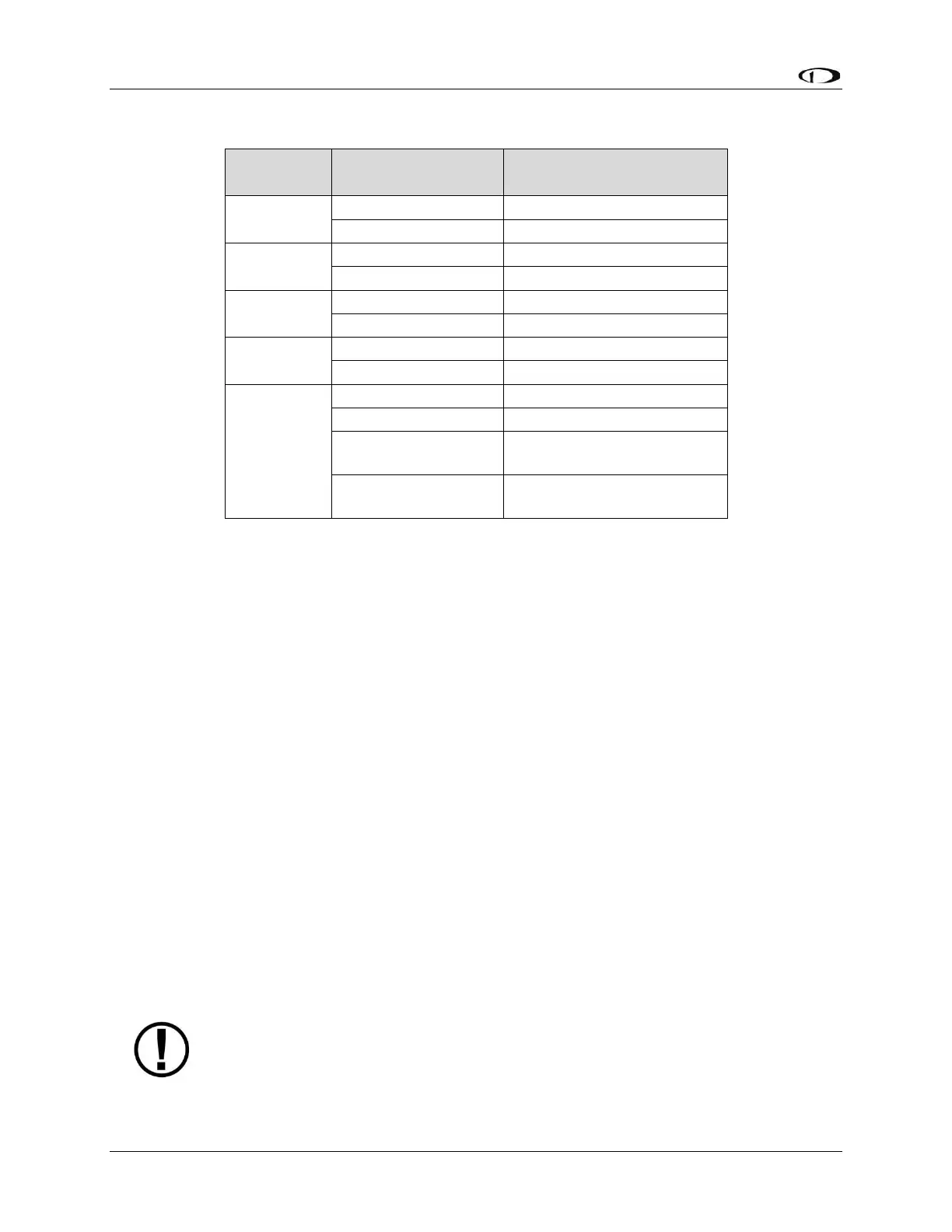
Table 9: SkyView Serial Port Connections
4.3.9.1 Traffic Devices
SkyView has the ability to receive and display aircraft traffic data from:
• Dynon Avionics SV-XPNDR-261 (from TIS).
• Dynon Avionics SV-ADSB-472 (from ADS-B).
• Garmin GTX 330 / 330ES (from TIS).
• Other devices that output traffic data that emulates “Garmin TIS format”
including Garrecht / AIR Avionics TRX-1500 (set to TIS output), NavWorx ADS-
B receiver, and Zaon XRX (set to “Garmin” output). For such devices, configure
the SkyView serial port connected to these devices in SERIAL PORT x SETUP,
SERIAL IN DEVICE to GARMIN TIS TRAFFIC (which will automatically set the
associated parameters).
If a device that can provide traffic data is connected to SkyView and configured (usually
as a TIS serial traffic device under SETUP MENU > SYSTEM SETUP > SERIAL PORT
SETUP), further traffic display options can be configured in SETUP MENU > TRAFFIC
SETUP. Display of traffic on the MAP page and the PFD page can be set to:
• NONE (Do not display traffic).
• TA ONLY (Display only Traffic Advisories (TAs)).
• ALL (Display ALL traffic).
Only one (1) device can provide traffic information to SkyView at any moment.
If you have more than one (1) device connected to SkyView that is capable
of providing traffic (such as, but not limited to, SV-XPNDR-261 (TIS), SV-
ADSB-472/472, Zaon XRX, etc.), the devices provide traffic information with



 To Next Page