Remote Radio Transmitter Operations 59
How To Delete A Remote Radio User Code
1. Enter your followed by 1and the button.
Three beeps will be heard and the
STAY and AWAY indicators will begin to flash.
2. Enter the
(9-16) that you wish to delete followed by the button.
Two beeps will be heard and the corresponding
ZONE indicator will illuminate. Refer to
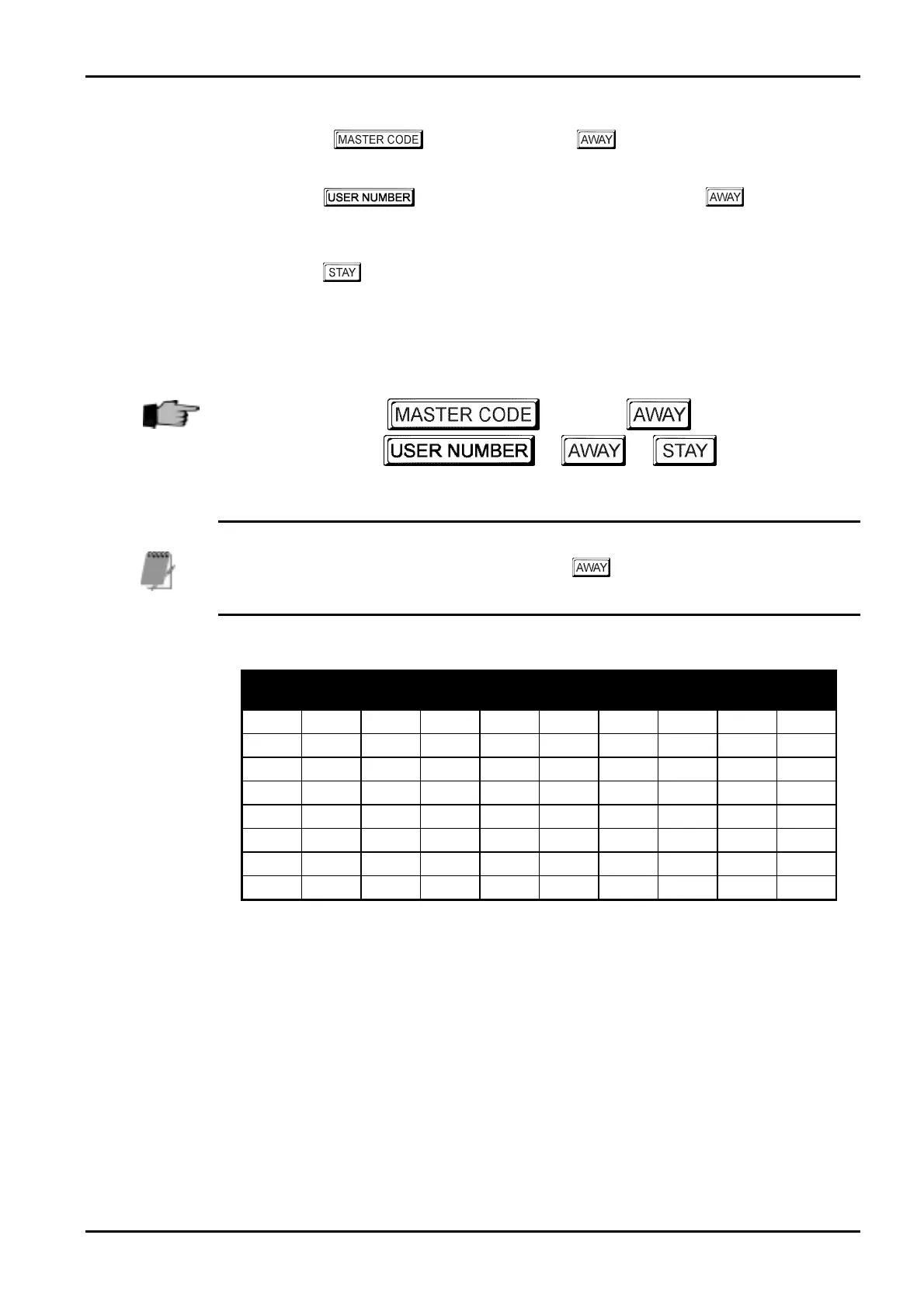
“Table 28: Codepad Indicators Showing Relative Remote User Numbers” on page 59.
3. Press the
button to delete the user code.
Two beeps will be heard and the
STAY and AWAY indicators will extinguish.
If you wish to delete additional remote radio user codes, repeat this procedure as many times as
required.
+
1
+
+ + +
When deleting remote radio user codes, this function will automatically terminate if a button is
not pressed within sixty seconds or by pressing the button. One long beep indicates the
an incorrect user number has been selected.
User
No
Zone 1
Indicator
Zone 2
Indicator
Zone 3
Indicator
Zone 4
Indicator
Zone 5
Indicator
Zone 6
Indicator
Zone 7
Indicator
Zone 8
Indicator
MAINS
Indicator
9
10
11
12
13
14
15
16
Table 28: Codepad Indicators Showing Relative Remote User Numbers
Electronics Design and Manufacturing Pty Limited ISSUE162.DOC



 To Next Page