58 Solution Ultima 844/862/880 Installation Manual
Changing Or Deleting Remote Radio User Codes
Up to eight remote radio hand held Transmitters (User Codes 9 – 16) may be used to operate the
system. Before the control panel will accept any of the signals from any radio remote hand held
Transmitter, the control panel must learn the code of the Transmitter.
You may substitute the Master Code with the Installer Code if required to perform the function
of changing or deleting remote radio user codes.
How To Add Or Change A Remote Radio User Code
1. Enter your followed by 1and the button.
Three beeps will be heard and the
STAY and AWAY indicators will begin to flash.
2. Enter the
(9-16) that you wish to add or change followed by the button.
Two beeps will be heard and the corresponding codepad indicators will illuminate. Refer to
"Table 28: Codepad Indicators Showing Relative Remote User Numbers" on page 59.
3. Enter the
found on the back of the radio remote hand held Transmitter followed
by the
button. Two beeps will be heard and the STAY and AWAY indicators will
extinguish.
If you wish to add or change additional remote radio user codes, repeat this procedure as many
times as required.
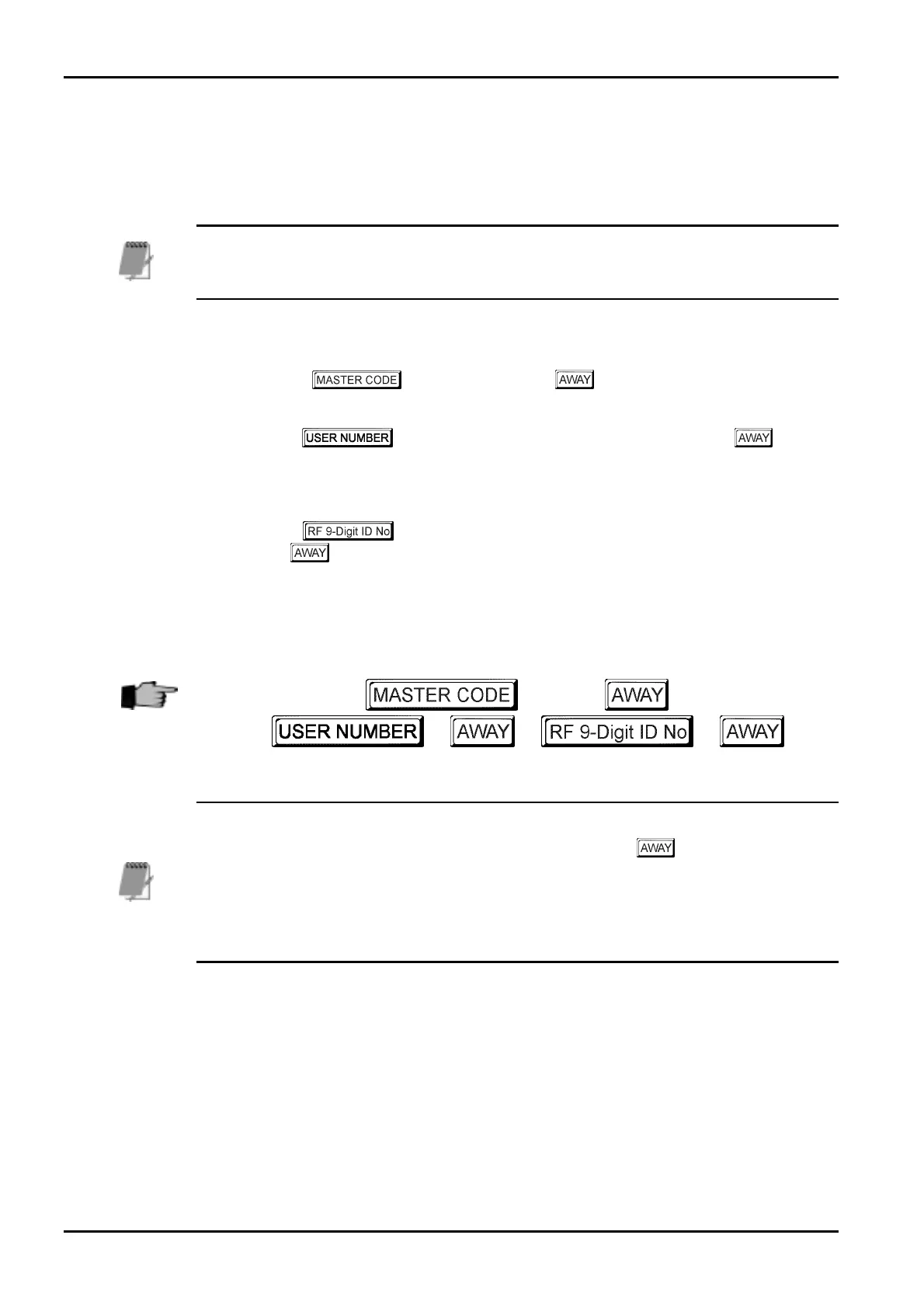
+
1
+
+
+ + +
When adding or changing remote radio user codes, this function will automatically terminate if
a button is not pressed within sixty seconds or by pressing the button. One long beep
indicates the code entered already exists or an incorrect user number has been selected.
Radio remote user codes must be allocated to one or more areas when operating a Solution
Ultima 880 control panel that has been partitioned. Refer to User Code Allocations on page 245
for more information.
ISSUE162.DOC Electronics Design and Manufacturing Pty Limited



 To Next Page