62 Solution Ultima 844/862/880 Installation Manual
System Functions
This section explains the more advanced features that are required for testing and regular maintenance
of the system. Features such as Installer Code Functions, Master Code Functions and Hold Down
Functions are covered in this section.
Installer Code Functions
Installer Code Functions allow the installer to perform various system tests without the need to know
a Master Code. These functions can only be carried out when the system is in the disarmed state.
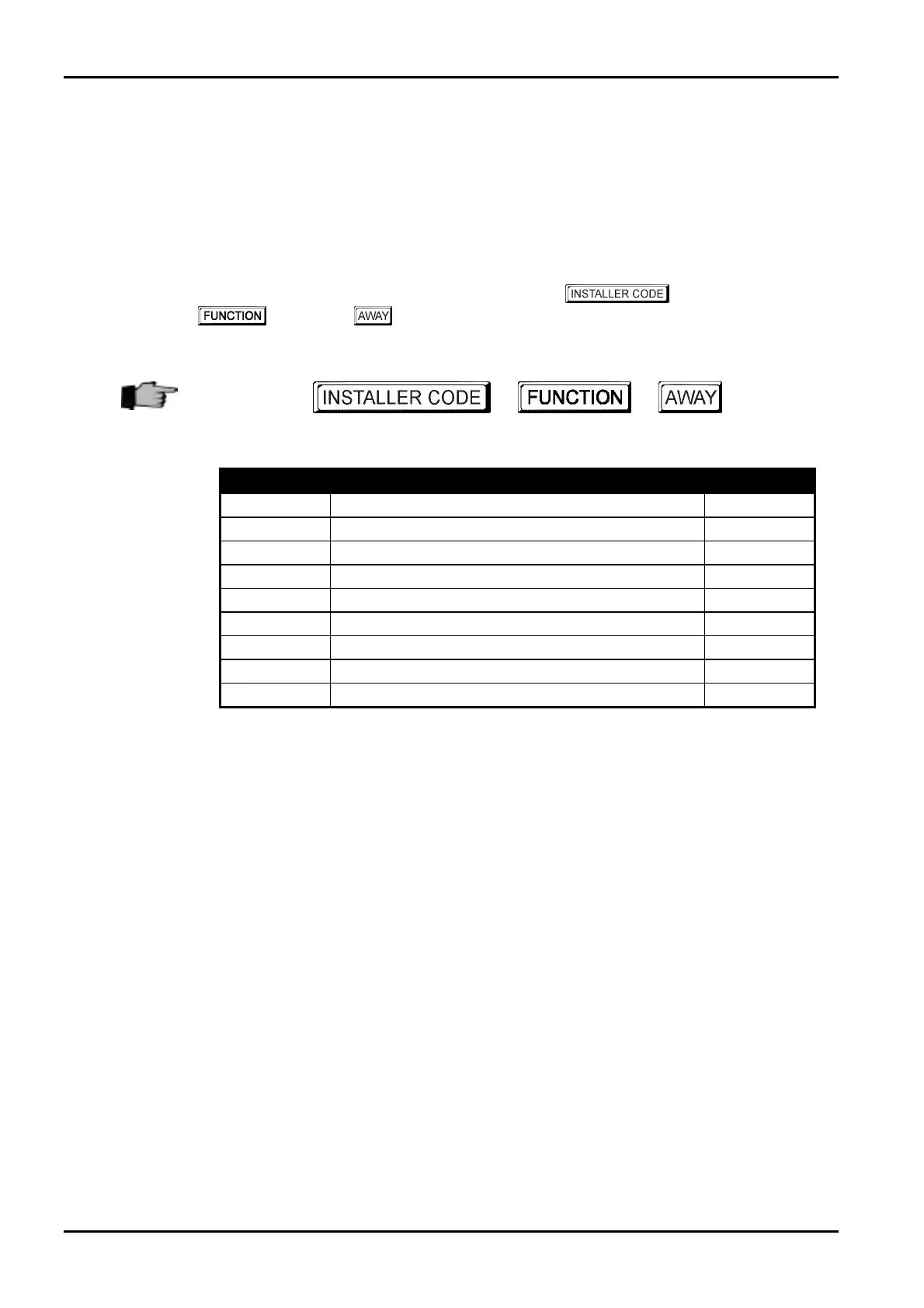
To enter the required Installer Code function, enter the
followed by the required
digit and the button. All available Installer Code functions are listed in “Table 29:
Installer Code Functions” outlined below.
+ +
Function
Description Page
0
Add / Delete RF Wireless Devices 63/64
1
Set Number Of Days Until The First Test Report 65
2
Change Domestic Telephone Numbers 66
3
Change Telco Arm/Disarm Sequence 68
4
Setting STAY Mode 2 Zones 71
5
EDMSAT - Satellite Siren Service Mode 72
6
Turning Telephone Monitor Mode On/Off 73
7
Walk Test Mode 74
8
Event Memory Recall Mode 75
Table 29: Installer Code Functions
ISSUE162.DOC Electronics Design and Manufacturing Pty Limited



 To Next Page