68 Solution Ultima 844/862/880 Installation Manual
3
Change Telco Arm/Disarm Sequence
This feature allows you to program the Telco Arm Sequence (Option 1) and Telco Disarm Sequence
(Option 2). This feature is only available if your telecommunication provider has the call forward
option available.
Option 1 – Telco Arm Sequence
This allows you to program the Call Forward – Immediate On sequence or Call Forward – No Answer
sequence that will automatically operate when you arm the system in the AWAY Mode.
Note: The examples given in this feature is only applicable to Australia.
Call Forward – Immediate On
You can redirect calls to anywhere in Australia, including mobiles, pagers and answering services.
When Call Forward is turned on, your telephone will not ring.
Call Forward – No Answer
When your telephone is not answered within 20 seconds, this feature redirects all incoming calls to
another number anywhere in Australia, but you can still make outgoing calls.
Option 2 – Telco Disarming Sequence
This allows you to automatically disable the call forward sequence upon disarming the system.
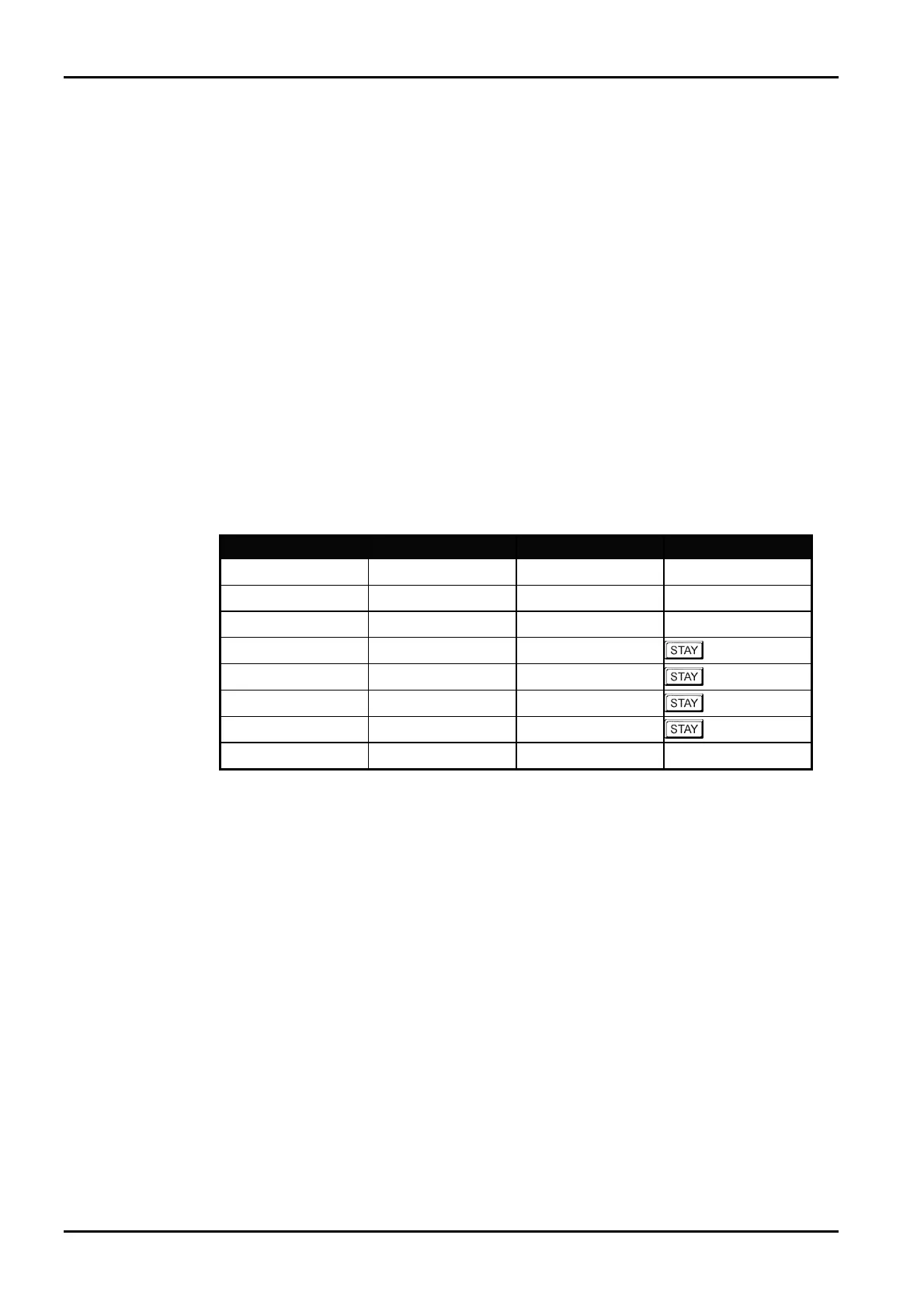
Digit Required Number To Program Digit Required Number To Program
0
0
8
8
1
1
9
9
2
2
3
3
*
Followed By 1
4
4
#
Followed By 2
5
5
Four Second Pause
Followed By 3
6
6
Break
Followed By 4
7
7
Table 32: Telco Arm/Disarm Dialling Digits
ISSUE162.DOC Electronics Design and Manufacturing Pty Limited



 To Next Page