64 Solution Ultima 844/862/880 Installation Manual
How To Delete A RF Wireless Device
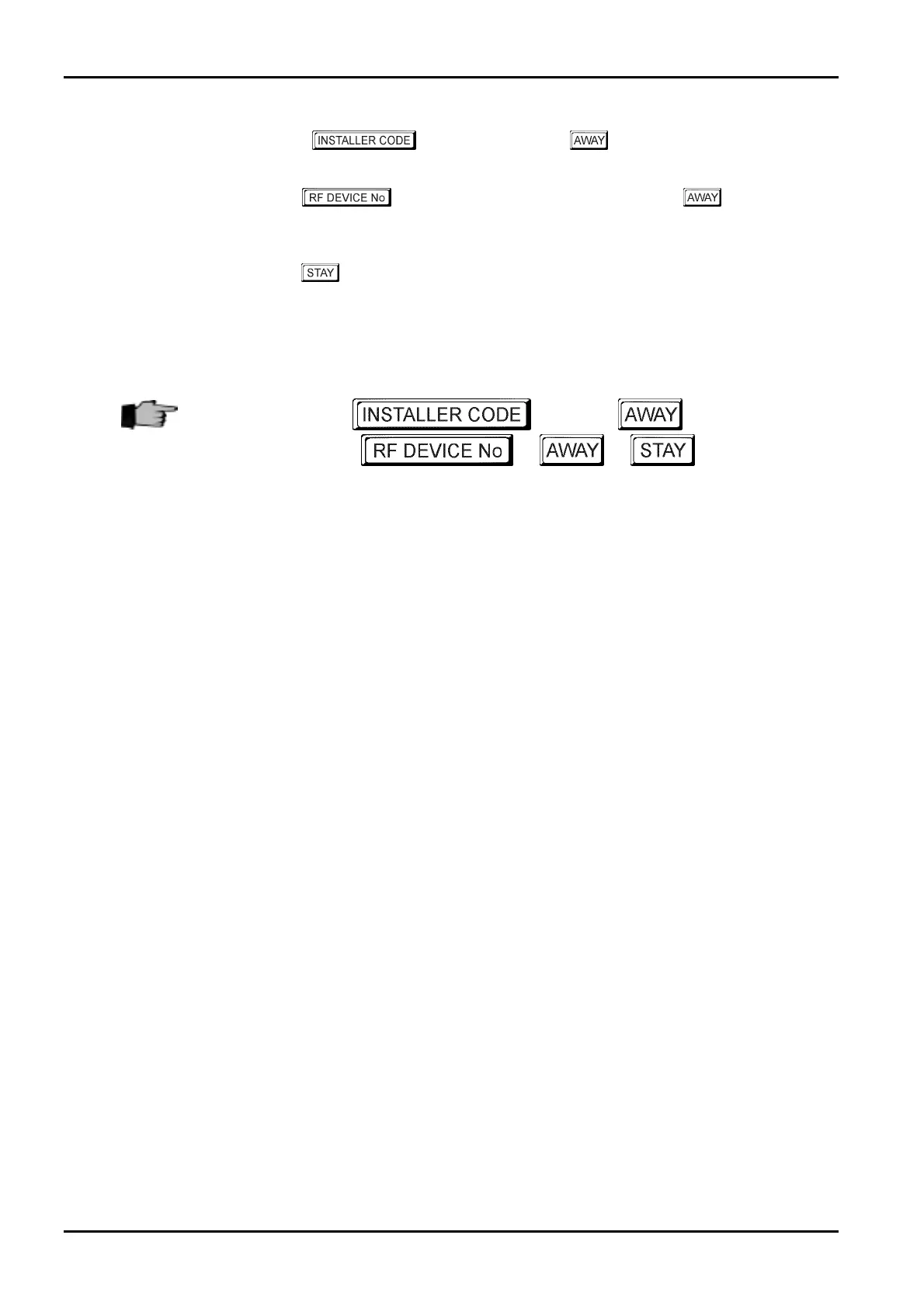
1. Enter your followed by 0and the button.
Three beeps will be heard and the
STAY and AWAY indicators will begin to flash.
2. Enter the
(1-16) that you wish to delete followed by the button.
Two beeps will be heard and the corresponding codepad indicators will illuminate to display
the RF device number that you have selected.
3. Press the
button to delete the RF device.
Two beeps will be heard and the
STAY and AWAY indicators will extinguish.
If you wish to delete additional RF wireless devices, repeat this procedure as many times as
required.
+
0
+
+
+ +
ISSUE162.DOC Electronics Design and Manufacturing Pty Limited



 To Next Page