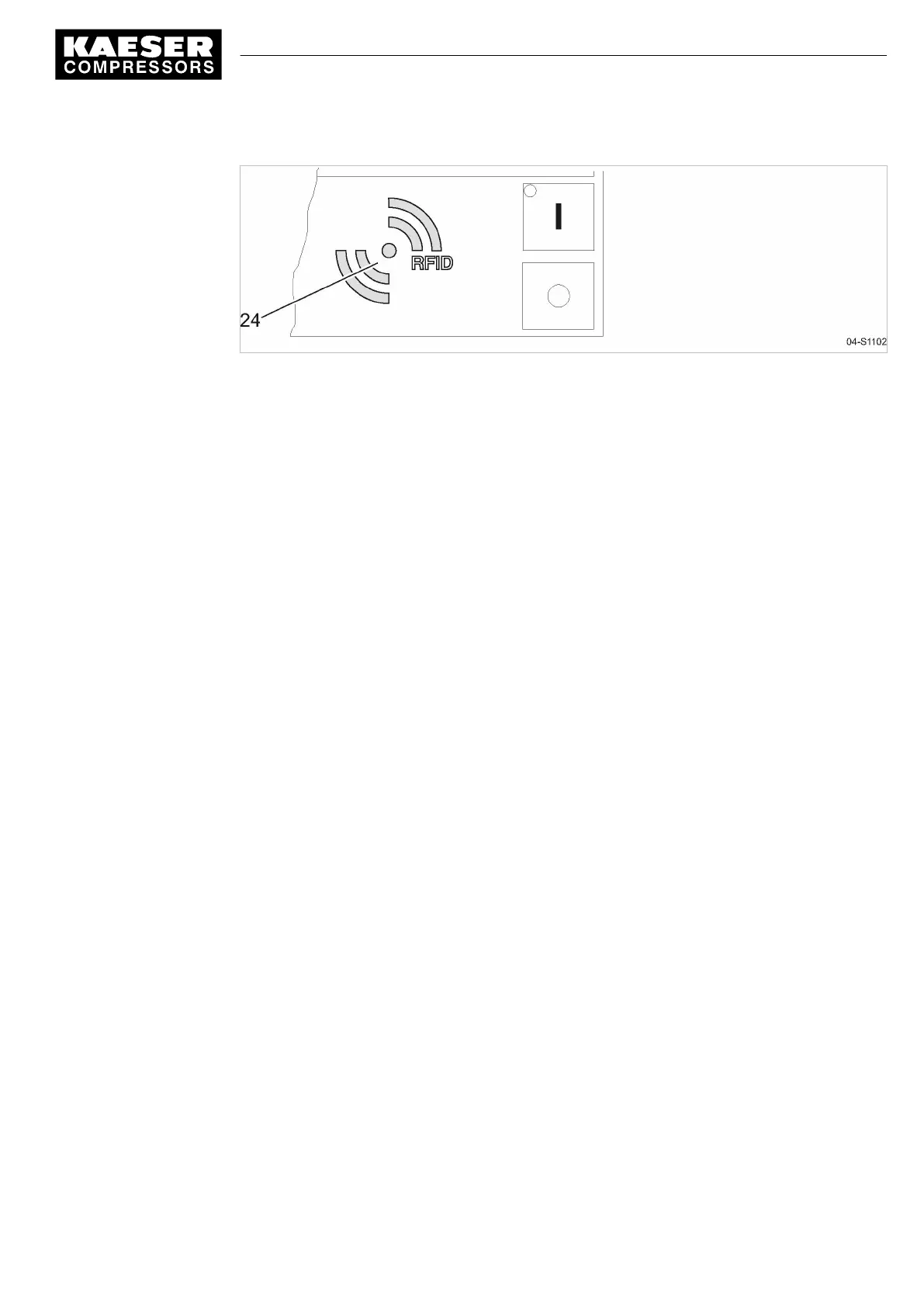
Fig. 2 RFID reader
1. Hold the Equipment Card for a short time in front of the RFID reader.
The data are read.
Your user name and access level are displayed.
2. Press «Enter» to confirm the log-on.
The operating mode is displayed.
Result You are logged on.
Further information See chapter 7.2.6 for a manual log-on to the controller.
4 Logging on with Equipment Card
9_9450 03 USE
Quick user guide Controller
SIGMA CONTROL 2 SCREW FLUID 1.1.3
5





 To Next Page