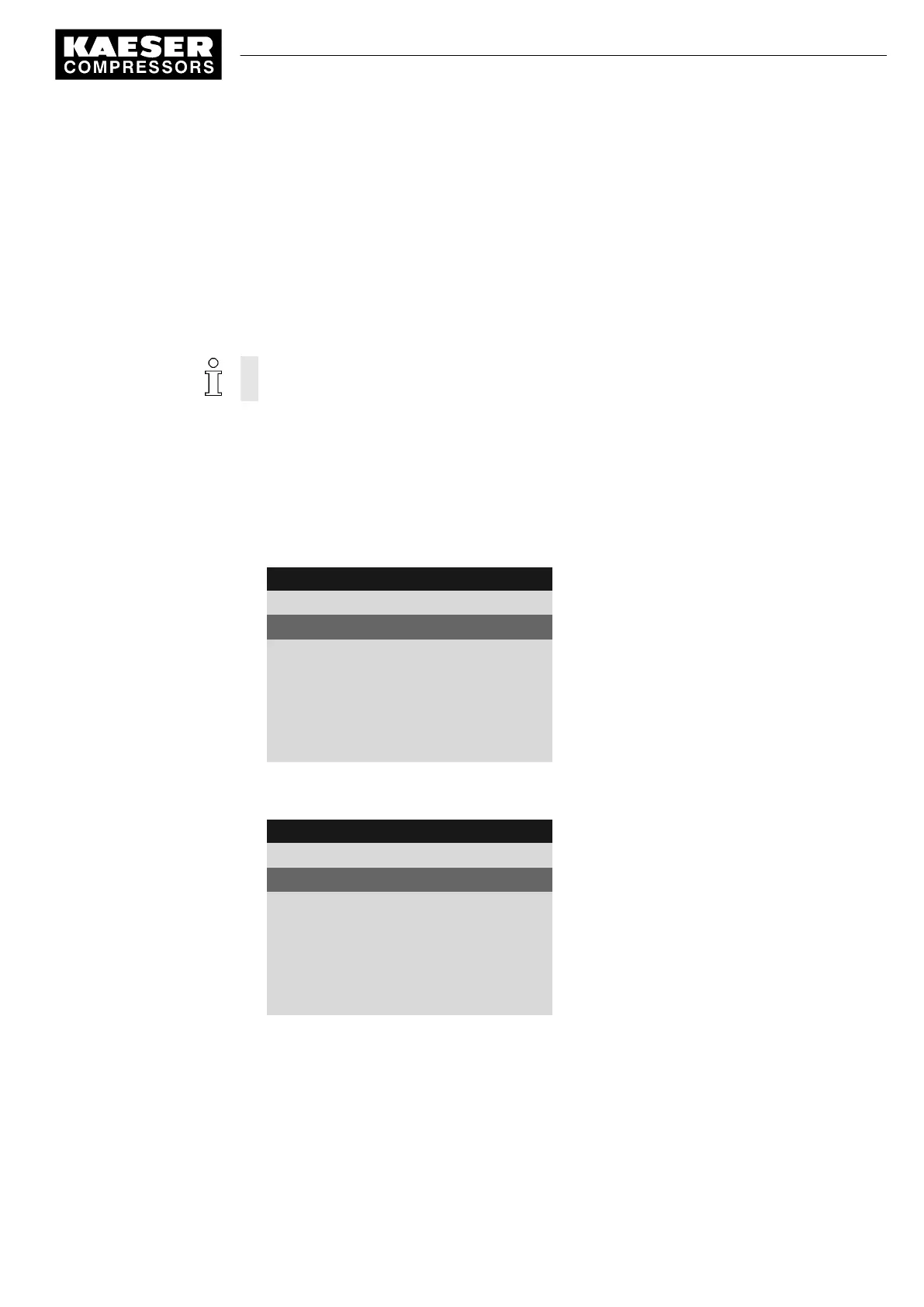
7.6.1 Selecting a control mode
The following control modes are possible:
■ DUAL
■ QUADRO
■ VARIO
■ DYNAMIC
■ CONTINUOUS
The standard setting of the control mode depends on the machine type.
Precondition Password level 2 is activated.
The display shows the operating mode.
1. Press «Enter».
The main menu is displayed.
2. Select the
< Configuration ➙ Control mode >
menu.
Local mode
is displayed as the active line.
8 9 p s i 0 8 : 1 5 1 7 6 ° F
5.3 Control mode
Menu
Local mode : DUAL
Active line
------------------------------
▶1 Venting period
Venting period menu
·········
▶2 DUAL
▶3 QUADRO
3. Press «Enter» to switch into setting mode.
The display for
DUAL
control mode flashes.
8 9 p s i 0 8 : 1 5 1 7 6 ° F
5.3 Control mode
Menu
Local mode : QUADRO
Active line
------------------------------
▶1 Venting period
Venting period menu
·········
▶2 DUAL
▶3 QUADRO
4. Use «UP» to change the regulating mode to
QUADRO
.
5. Press «Enter» to accept the setting.
6. Press «Esc» repeatedly to return to the Main Menu.
7 Initial Start-up
7.6 Activating and adjusting the control modes
9_9450 03USE
Service manual Controller
SIGMA CONTROL 2 SCREW FLUID 1.1.3
75





 To Next Page