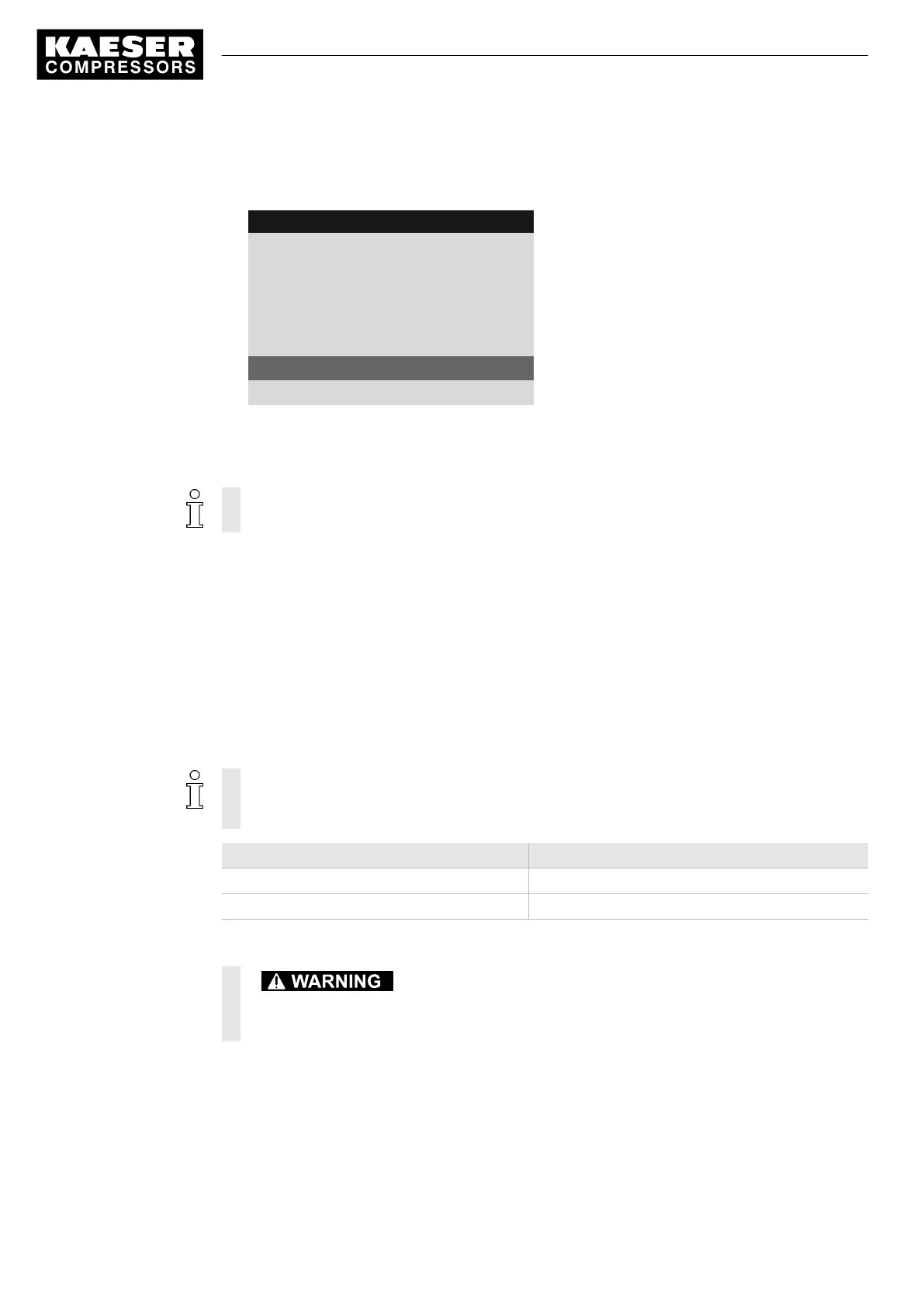
3. Press «DOWN» repeatedly until the maintenance interval for Oil change is displayed as the ac‐
tive line.
8 9 p s i 0 8 : 1 5 1 7 6 ° F
4 Maintenance
Oil separator
3000 h ¦ 0150 h Reset: ☐
·········
Oil change
Maintenance interval description
3000 h ¦ 0150 h Reset: ☐
Active line, preset interval
·········
4. Press «Enter» to switch into setting mode.
Maintenance interval display flashes.
5. Use the «UP» key to set the new value for the maintenance interval.
Simply keep the «UP» key pressed to quickly change the maintenance interval in increments
of 10, 100 or 1000.
6. Press «Escape» repeatedly to return to the main menu.
8.10 Safety relief valve checking
Overview
■ Preparing the test
■ Performing the test
■ Correct conclusion of the test
■ Resetting
When the check mode is activated, monitoring of internal pressure (blow-off protection – if
provided) and regulation of network pressure are deactivated.
The measured value of the internal pressure pi is used to describe the test below.
Check box Status
☑ Activated
☐ Deactivated
Tab. 77 Check box status
Danger of injury from pressurized components!
➤ Perform the following actions in the sequence provided.
Preparing the test
1. Note the activating pressure of the safety relief valve from the machine's nameplate.
2. Press the «OFF» key to shut down the machine.
3. Close the user's shut-off valve between the machine and the air distribution network.
4. Log on to SIGMA CONTROL 2 with access level 2 (see chapter 7.2.6).
8 Operation
8.10 Safety relief valve checking
152
Service manual Controller
SIGMA CONTROL 2 SCREW FLUID 1.1.3 9_9450 03USE





 To Next Page