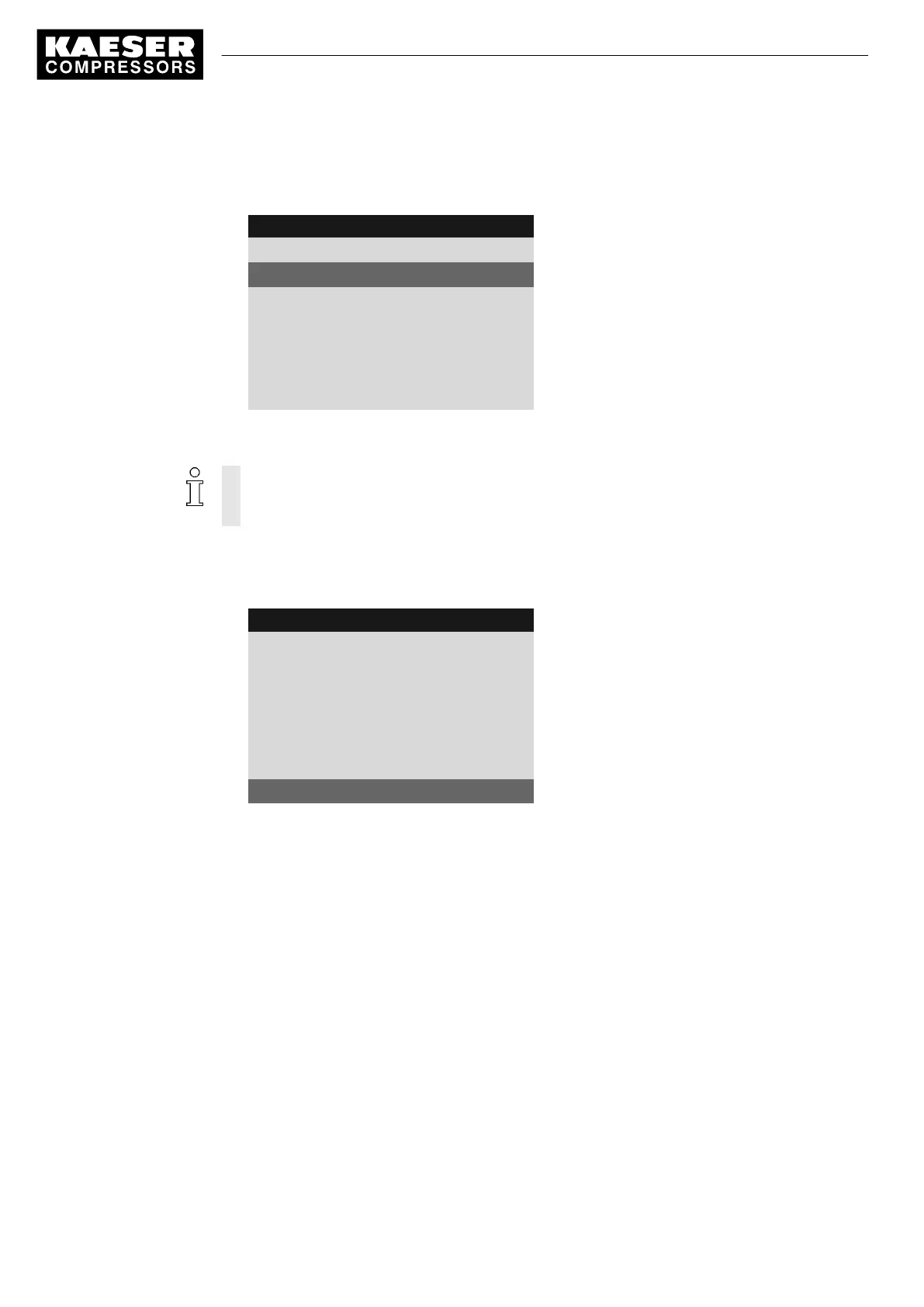
5. Press «Enter».
The
Status
line is displayed as the active line.
8 9 p s i 0 8 : 1 5 1 7 6 ° F
8.2 Com-Module
Menu
Status Counter 0
Active line
No error
------------------------------
Type Profibus
Displayed communication module
Com-Module Start : ☐
Slave No. 103
Assigning the slave address
The permissible address length is between 3 and 126.
For the configuration of the Profibus interface without SIGMA AIR MANAGER or VESIS, the
rule "compressor number +102” does not apply.
1. Press the «DOWN» key repeatedly until
Slave
is displayed as the active line.
2. Press «Enter» to switch into setting mode.
The slave display flashes.
8 9 p s i 0 8 : 1 5 1 7 6 ° F
8.2 Com-Module
Menu
Status Counter 0
No error
------------------------------
Type Profibus
Com-Module Start : ☐
Slave No. 103
Active line, current slave address assigned
3. Set the slave address with «UP» or «DOWN».
4. Press «Enter» to accept the setting.
Result The slave address is assigned.
Further steps
Proceed with the further configuration as outlined in chapter 7.9.2:
➤ If required, also set the suppression time for the bus fault.
7.9.4 Configuring for master control of two machines in master/slave operation
(Ethernet interface)
Two machines with SIGMA CONTROL 2 work as master/slave in the same air network. The mas‐
ter controls the machine configured as a slave and provides the signal for the system pressure set‐
point.
7 Initial Start-up
7.9 Configuring the machine for master control
98
Service manual Controller
SIGMA CONTROL 2 SCREW FLUID 1.1.3 9_9450 03USE





 To Next Page