Result The
Controller voltage
LED extinguishes. The machine is switched off and disconnected from the
power supply.
In rare cases, if you need to shut the machine down immediately and cannot wait until the
automatic shut-down process is finished:
➤ Press «OFF» once again.
8.2 Switching off in an emergency and switching on again
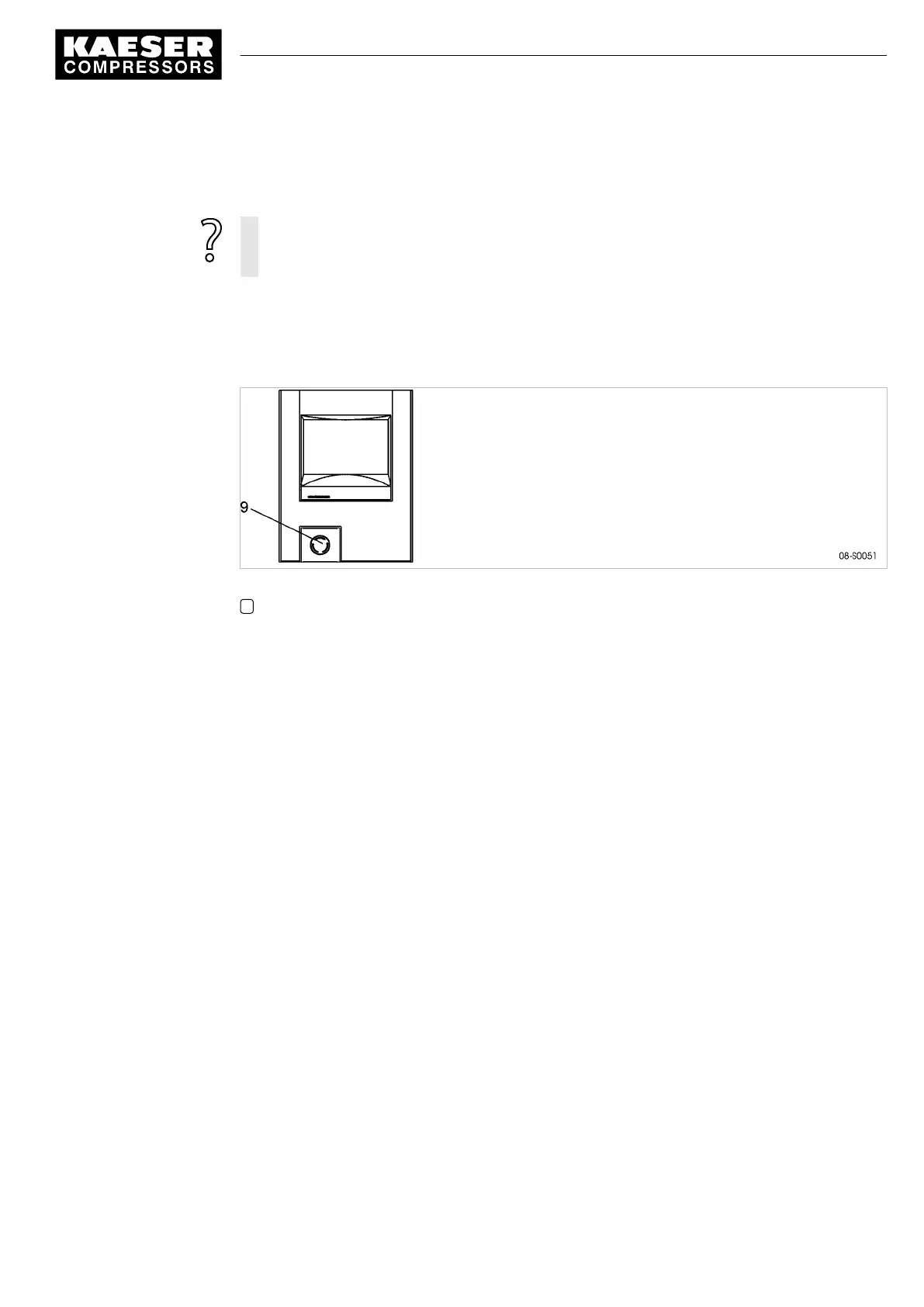
The EMERGENCY STOP push-button is located below the control panel.
Fig. 37 Switching off in an emergency
9 EMERGENCY STOP control device:
Switching off
➤ Press the EMERGENCY STOP control device.
Result The EMERGENCY STOP button remains latched after actuation.
The compressor's pressure system is vented and the machine is prevented from automatically re-
starting.
Switching on
Precondition The fault has been rectified
1. Turn the EMERGENCY STOP device in the direction of the arrow to unlatch it.
2. Acknowledge any existing alarm messages.
Result The machine can now be started again.
8.3 Acknowledging alarm and warning messages
Messages are displayed on the "new value" principle:
■ Message coming: LED flashes
■ Message acknowledged: LED illuminates
■ Message going: LED off
or
■ Message coming: LED flashes
8 Operation
8.2 Switching off in an emergency and switching on again
9_9450 03USE
Service manual Controller
SIGMA CONTROL 2 SCREW FLUID 1.1.3
141





 To Next Page