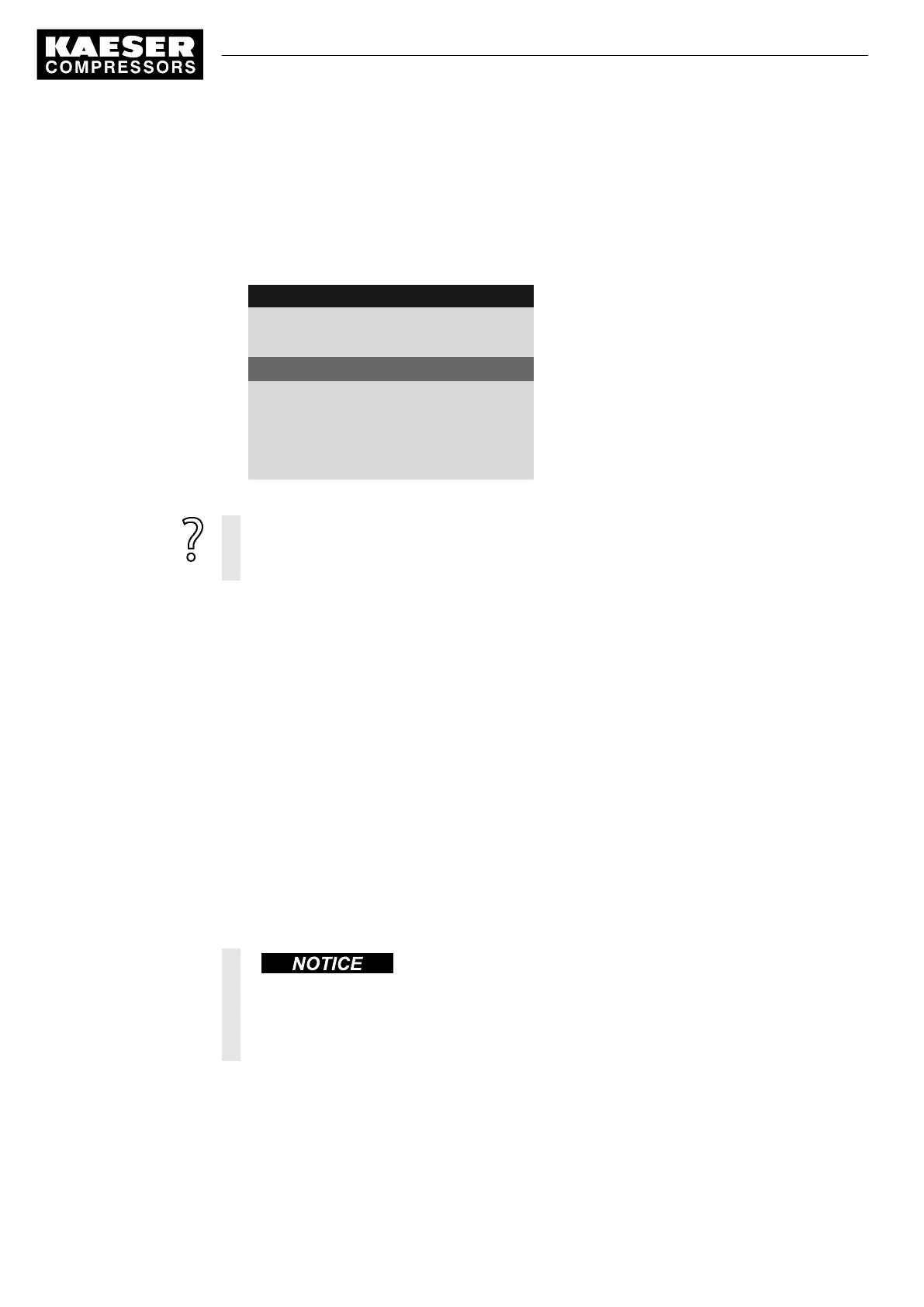
6. Press the «Right» key.
7. Press «Enter» to switch into setting mode.
8. Press «UP».
9. Press «Enter» to accept the setting.
ok
is displayed in the active line.
8 9 p s i 0 8 : 1 5 1 7 6 ° F
5.9 Refrigeration dryer
Menu
Temperature ↑
Temperature high
DOR 1.05 ok ☑ ¦ Logic : +
Active line
DOT 1.01 ☐ ¦ Logic : +
Temperature ⇟
Temperature low
DOR 1.03 ☐ ¦ Logic : +
DOT 2.01 ☐ ¦ Logic : +
10. Proceed in the same manner when configuring the
Temperature ⇟
message.
Upon activation of the check box,
err
is displayed.
➤ The parameterization is incorrect.
➤ Assign another and/or free output.
7.7.3 Fault in the refrigerated dryer
After a fault occurs in the refrigerated dryer, the SIGMA CONTROL 2 will shut the machine down.
No compressed air is delivered.
Because compressed air quality is decisive factor (dried compressed air), you must call KAESER
Service immediately. An authorized KAESER service representative eliminates the fault and exe‐
cutes a reset.
Precondition The operator decides: Compressed air quality has a higher priority than the compressed air quanti‐
ty
1. Keep machine shut down because the required compressed air quality is no longer delivered.
2. Immediately contact KAESER service.
An authorized KAESER service representative eliminates the fault and executes a reset.
The machine is ready for the delivery of high-quality, dried compressed air.
7.7.4 Fault in the refrigerated dryer – activate fault mode
Higher residual humidity in the compressed air!
Higher residual humidity in the compressed air accelerates corrosion.
➤ Carefully assess a "Fault mode without refrigerated dryer" in respect to the further use of
the compressed air.
7 Initial Start-up
7.7 Activating the settings for the refrigerated dryer
80
Service manual Controller
SIGMA CONTROL 2 SCREW FLUID 1.1.3 9_9450 03USE





 To Next Page