7 Activating the «<Remote control»> key
Further settings have to be made to allow the machine to be remotely controlled.
➤ Refer to the section "Additional information" in this chapter.
Activating/deactivating the check box
Check box Status
☑ activated
☐ deactivated
Tab. 2 Check box status
The following menus are used to activate the «Remote control» key:
■ Menu
<Compressor ON>
■ Menu
<Load control>
The function will be available as soon as the «Remote control» key in one of the menus has been
activated.
Precondition Password level 2 is activated.
The display shows the operating mode.
Activating the «Remote control» key in the Compressor ON menu
1. Press «Enter».
The main menu is displayed.
2. Select
< Configuration ➙ Compressor start ➙ Compressor on >
.
3. Press «DOWN» repeatedly until
Key remote
is displayed as active line.
4. Press «Enter» to switch into setting mode.
The
check box
for «Remote control» key will flash.
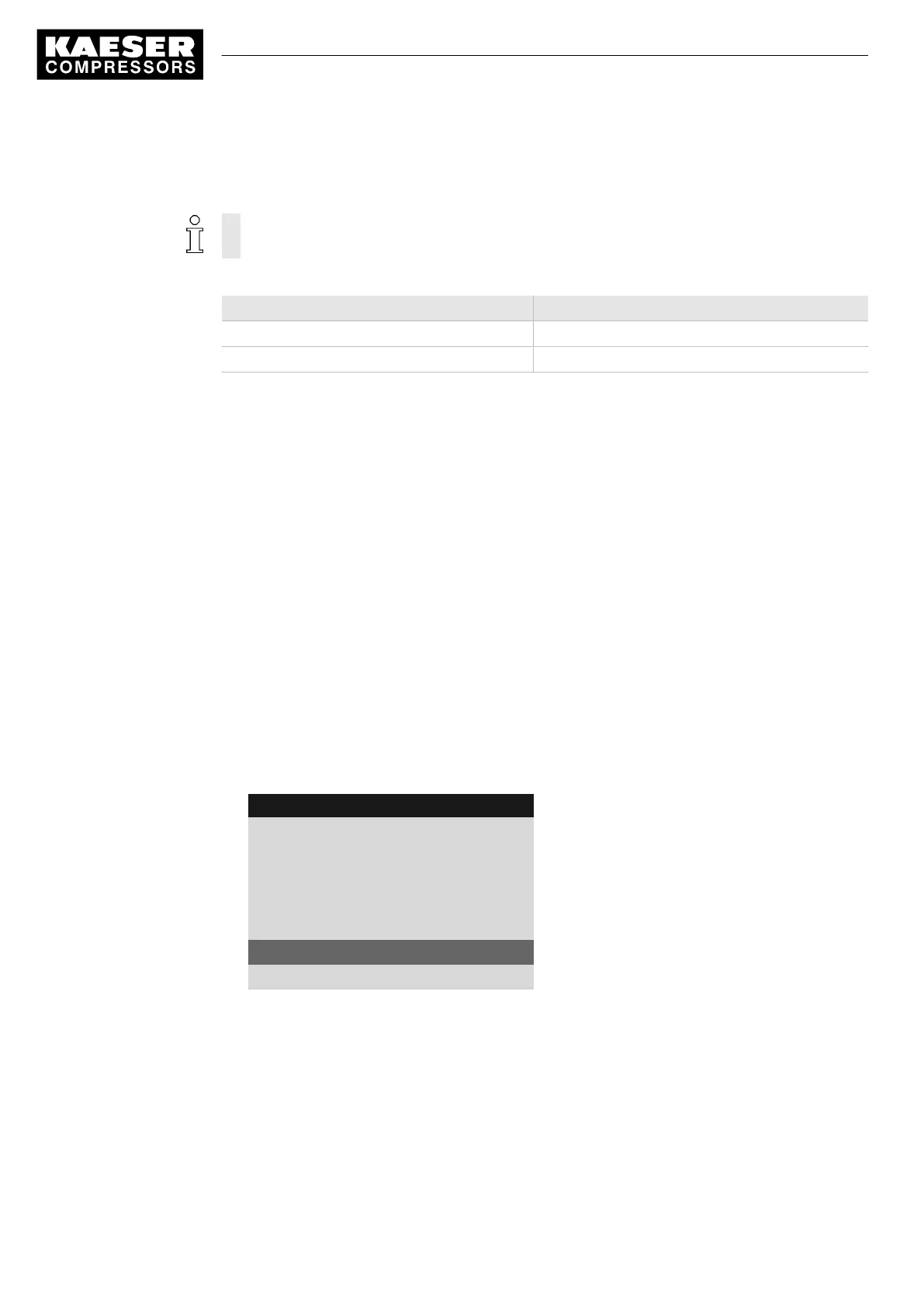
8 9 p s i 0 8 : 1 5 1 7 6 ° F
5.4.1 Compressor on
Menu
Local mode: Key
Remote mode: Key
------------------------------
RC DI 1.12 ☐
Key remote: ☐
Active line with check box
Key clock: ☐
5. Press the «UP» key.
The activated check box is displayed.
7 Activating the «<Remote control»> key
10
Quick user guide Controller
SIGMA CONTROL 2 SCREW FLUID 1.1.3 9_9450 03 USE





 To Next Page