6. Press «Enter» to accept the setting.
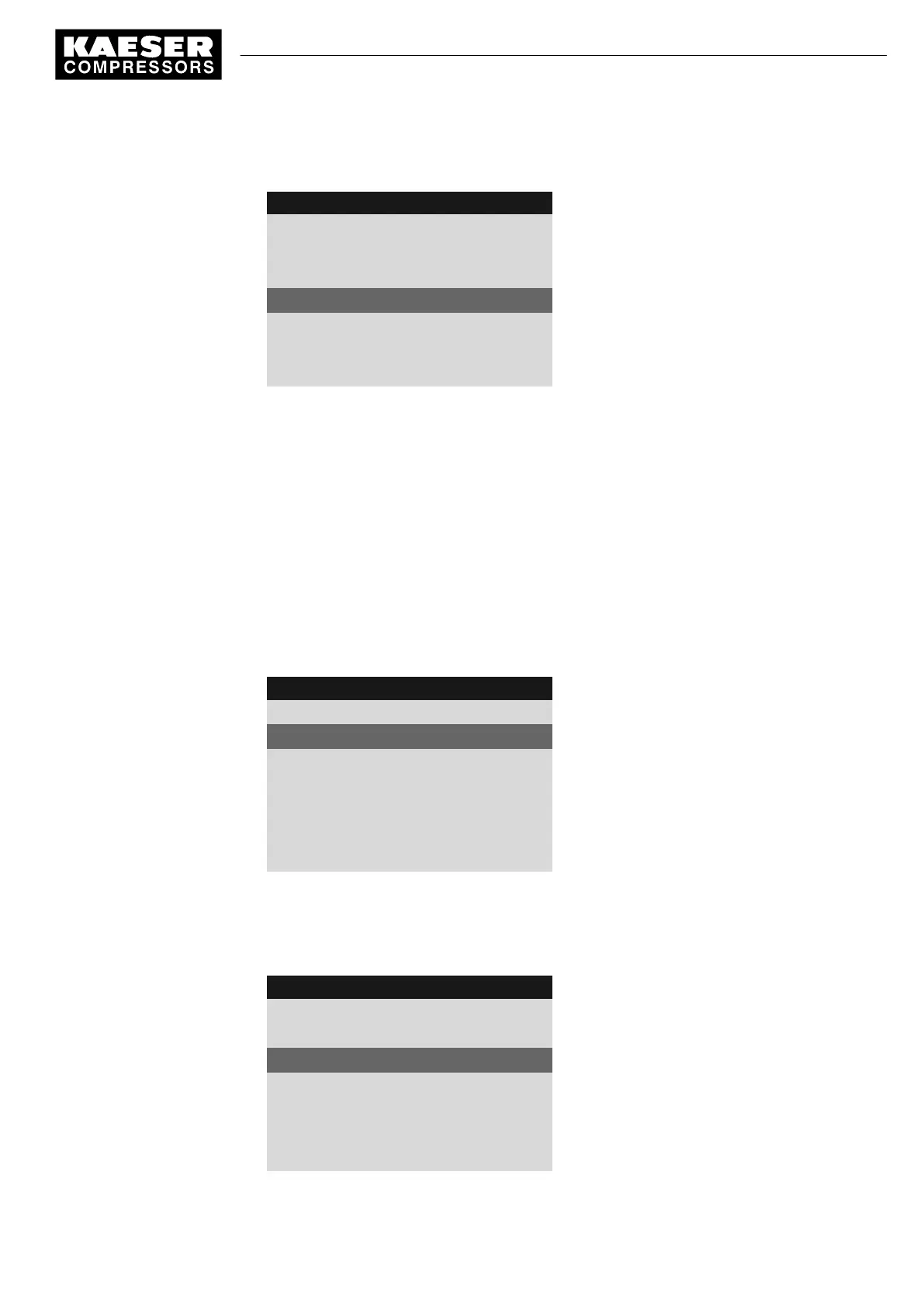
8 9 p s i 0 8 : 1 5 1 7 6 ° F
5.9 Refrigeration dryer
Menu
Control mode
Compressor ready:
Timer
Active line
Compressor Clk/RC/RB off:
off
·········
7. Press «Esc» repeatedly to return to the Main Menu.
Result The CONTINUOUS operating mode has been switched to CLOCK.
7.7.2 Output messages
If required, you can activate messages regarding the operating temperature of the refrigerated dry‐
er as a binary signal.
You can assign to
DOR
or
DOT
.
If you have correctly parameterized,
ok
will be displayed.
Precondition Access level 2 is activated.
The
< Configuration ➙ Refrigeration dryer >
menu is selected.
1. Press «DOWN» repeatedly until
Temperature ↑
is displayed as the active line.
8 9 p s i 0 8 : 1 5 1 7 6 ° F
5.9 Refrigeration dryer
Menu
Temperature ↑
Active line, temperature high
DOR 1.07 ☐ ¦ Logic : +
DOT 1.01 ☐ ¦ Logic : +
Temperature ⇟
DOR 1.03 ☐ ¦ Logic : +
DOT 2.01 ☐ ¦ Logic : +
2. Press «DOWN» once.
3. Press «Enter» to switch into setting mode.
4. Choose a spare DOR with the «UP» key.
5. Press «Enter» to accept the setting.
8 9 p s i 0 8 : 1 5 1 7 6 ° F
5.9 Refrigeration dryer
Menu
Temperature ↑
Temperature high
DOR 1.05 ☐ ¦ Logic : +
Active line, example: DOR selected
DOT 1.01 ☐ ¦ Logic : +
Temperature ⇟
DOR 1.03 ☐ ¦ Logic : +
DOT 2.01 ☐ ¦ Logic : +
7 Initial Start-up
7.7 Activating the settings for the refrigerated dryer
9_9450 03USE
Service manual Controller
SIGMA CONTROL 2 SCREW FLUID 1.1.3
79



 To Next Page