4. Press «Enter» to accept the setting.
Activate the “Autostart” function in the same manner.
5. Press «Escape» repeatedly to return to the main menu.
Result Automatic restart after a power failure is now deactivated.
Setting up the automatic restart delay period
If you operate several machines, it is better to start them in sequence.
Time for restart: Use the set times (IDLE to LOAD) of the other machines as base.
Precondition Password level 2 is activated.
The
< Compressor start >
menu is selected.
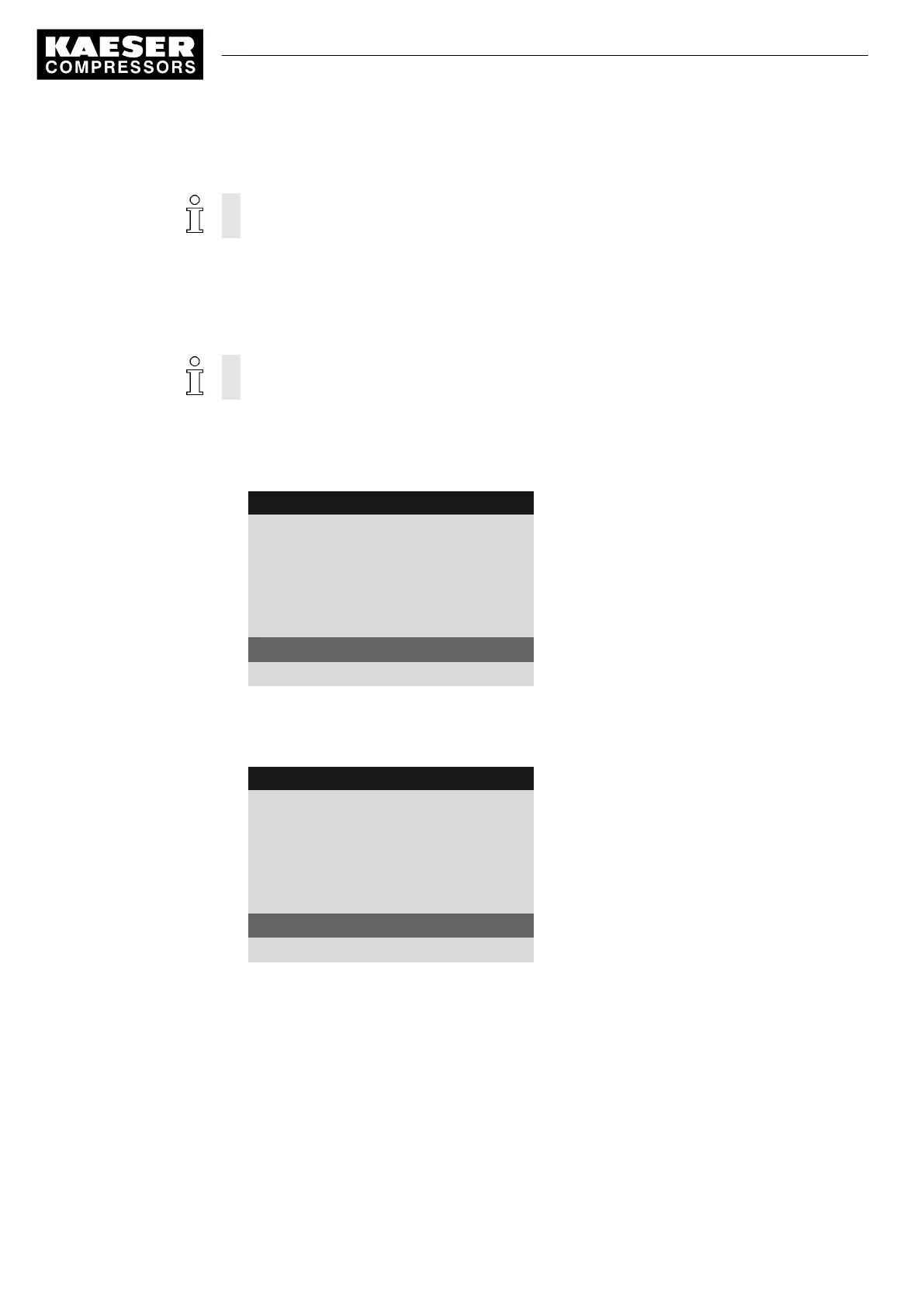
1. Press «DOWN» repeatedly until the delay time for the restart is displayed as the active line.
8 9 p s i 0 8 : 1 5 1 7 6 ° F
5.4 Compressor start
Menu
▶1 Compressor on
▶2 Compressor off
·········
Autostart: : ☑
Automatic restart is activated
Target 10 s ¦ Actual 0 s
Set/expiring delay period.
·········
2. Press «Enter» to switch into setting mode.
The display for the delay time
Setpoint
flashes.
3. Change the time using the «DOWN» or «UP» keys.
8 9 p s i 0 8 : 1 5 1 7 6 ° F
5.4 Compressor start
Menu
▶1 Compressor on
▶2 Compressor off
·········
Autostart: : ☑
Target 12 s ¦ Actual 0 s
Active line
·········
4. Press «Enter» to accept the setting.
5. Press «Escape» repeatedly to return to the main menu.
Result Delay time for restart after a main power failure has been adjusted from 10 s to 12 s.
7.6 Activating and adjusting the control modes
The controller is provided with various control modes that can bring about different capacity utiliza‐
tion depending on machine application. Chapter 4.7 provides a comprehensive description of all
control modes.
7 Initial Start-up
7.6 Activating and adjusting the control modes
74
Service manual Controller
SIGMA CONTROL 2 SCREW FLUID 1.1.3 9_9450 03USE





 To Next Page