7.3.1 Calling up KAESER CONNECT for SIGMA CONTROL 2
Precondition The password for KAESER CONNECT has already been generated, see chapter 7.2.7
The IP address of your controller is known.
1. Use an Ethernet cable to connect the PC and the SIGMA CONTROL 2.
2. In the web browser, enter the controller's IP address.
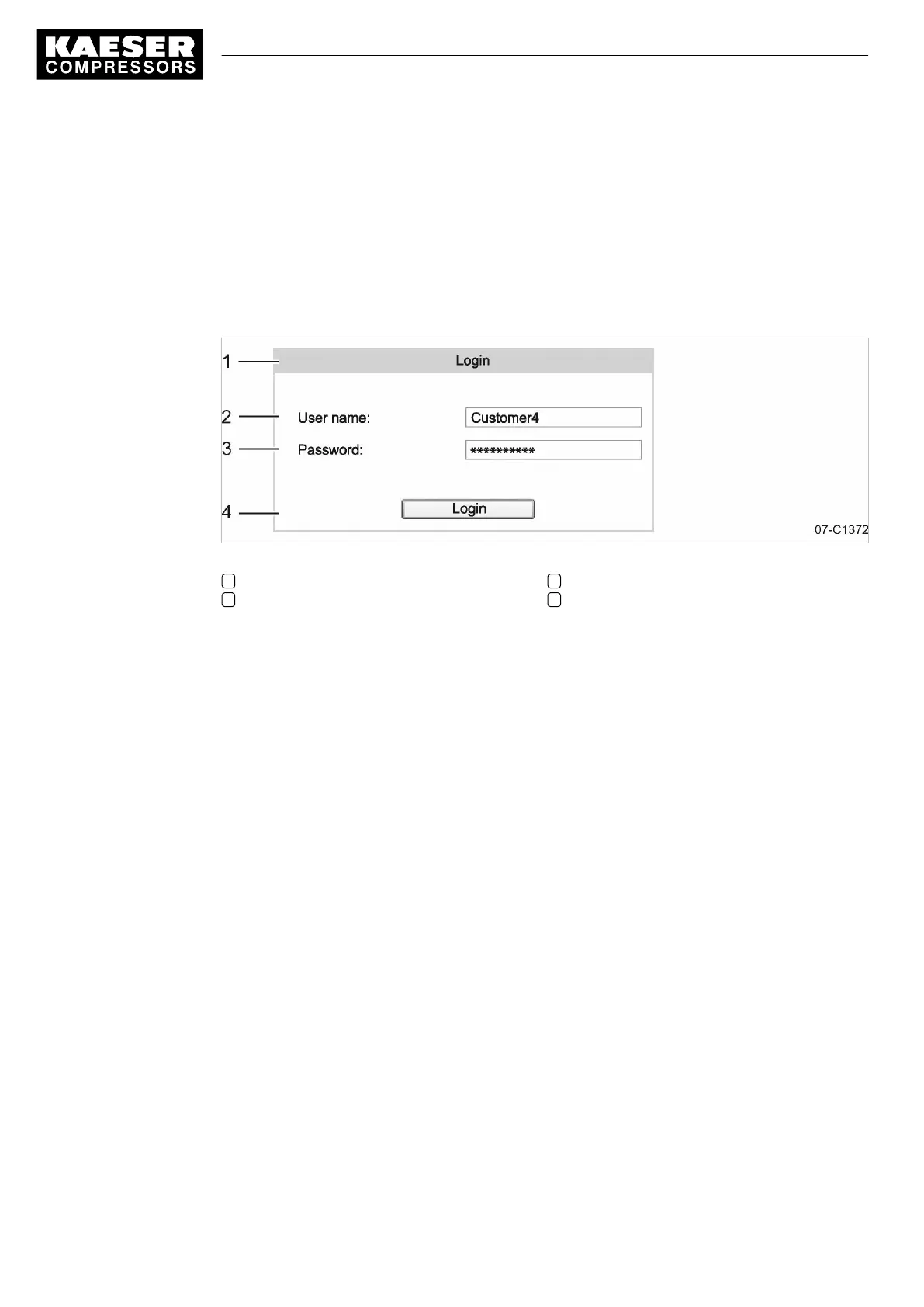
The
Login
window opens.
Fig. 10 Login window
1
Login
window
2 User name
3 Generated password
4 «Login» key
3. Enter the user name.
4. Enter the generated password.
5. Click «Login».
KAESER CONNECT for SIGMA CONTROL 2 is displayed.
7 Initial Start-up
7.3 Using KAESER CONNECT
48
Service manual Controller
SIGMA CONTROL 2 SCREW FLUID 1.1.3 9_9450 03USE





 To Next Page