Parameter Explanation
Setpoint
pressure
Setpoint pressure can be regulated to two values: pA and pB
Setting:
■ Switching point pA or control pressure pA in machines with frequency converter
(SFC)
■ Switching point pB or control pressure pB in machines with frequency converter
(SFC)
System
pressure low
A warning message is displayed when the limit value for the system pressure is
reached.
Setting:
■ SD: Switching differential for system pressure low,
SP: Switching point for system pressure low
■ Option: Configure the output signal,
Warning message displayed or an additional output signal is sent, e.g., to a
control center
Cut-in
pressure min
Display:
For design reasons, pressure can only be built up above this value.
Tab. 52 Compressor pressure parameters
➤ Parameters correspond to the following specifications
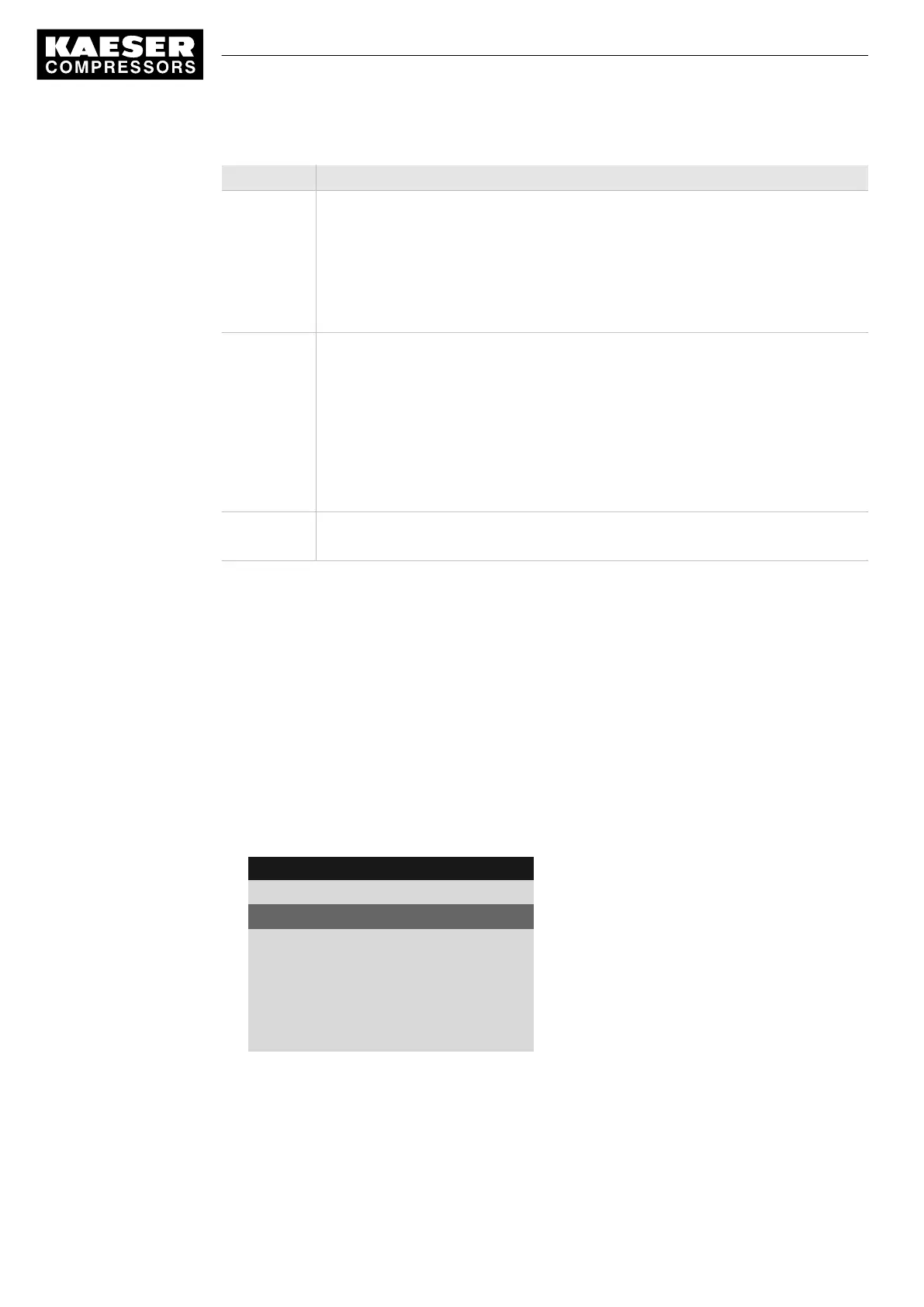
7.4.1 Displaying pressure parameters
Precondition Access level 2 is activated.
The
< Configuration ➙ Pressure control >
menu is selected.
Opening the menu for pressure parameters
1. Press «DOWN» or «UP» repeatedly until
Pressure settings
is displayed as the active line.
2. Press «Enter».
The system displays the pressure parameters.
8 9 p s i 0 8 : 1 5 1 7 6 ° F
5.2.2 Pressure settings
Menu
pA SP : 116 psi ¦ SD : - 7 psi
Active line
pB SP : 109 psi ¦ SD : - 6 psi
·········
System pressure low ☐
↓ < 73 psi ¦ SD : 7 psi
ta : 600 s ¦ DOR 1.04 ☐
7 Initial Start-up
7.4 Adjusting the pressure parameters of the machine
60
Service manual Controller
SIGMA CONTROL 2 SCREW FLUID 1.1.3 9_9450 03USE





 To Next Page