■ Assigning the remote contact input
■ Activating the «remote control» key
➤ Configure the setpoint pressure pre-selection as described.
7.9.7.1 Setting up remote contact mode pA/pB
Precondition Password level 2 is activated,
The electrical connections are made,
Menu
< Configuration ➙ Pressure control ➙ Load control >
is selected.
1. Press «UP» repeatedly until
Remote mode
is displayed as the active line.
2. Press «Enter» to switch into setting mode.
Display for remote mode flashes.
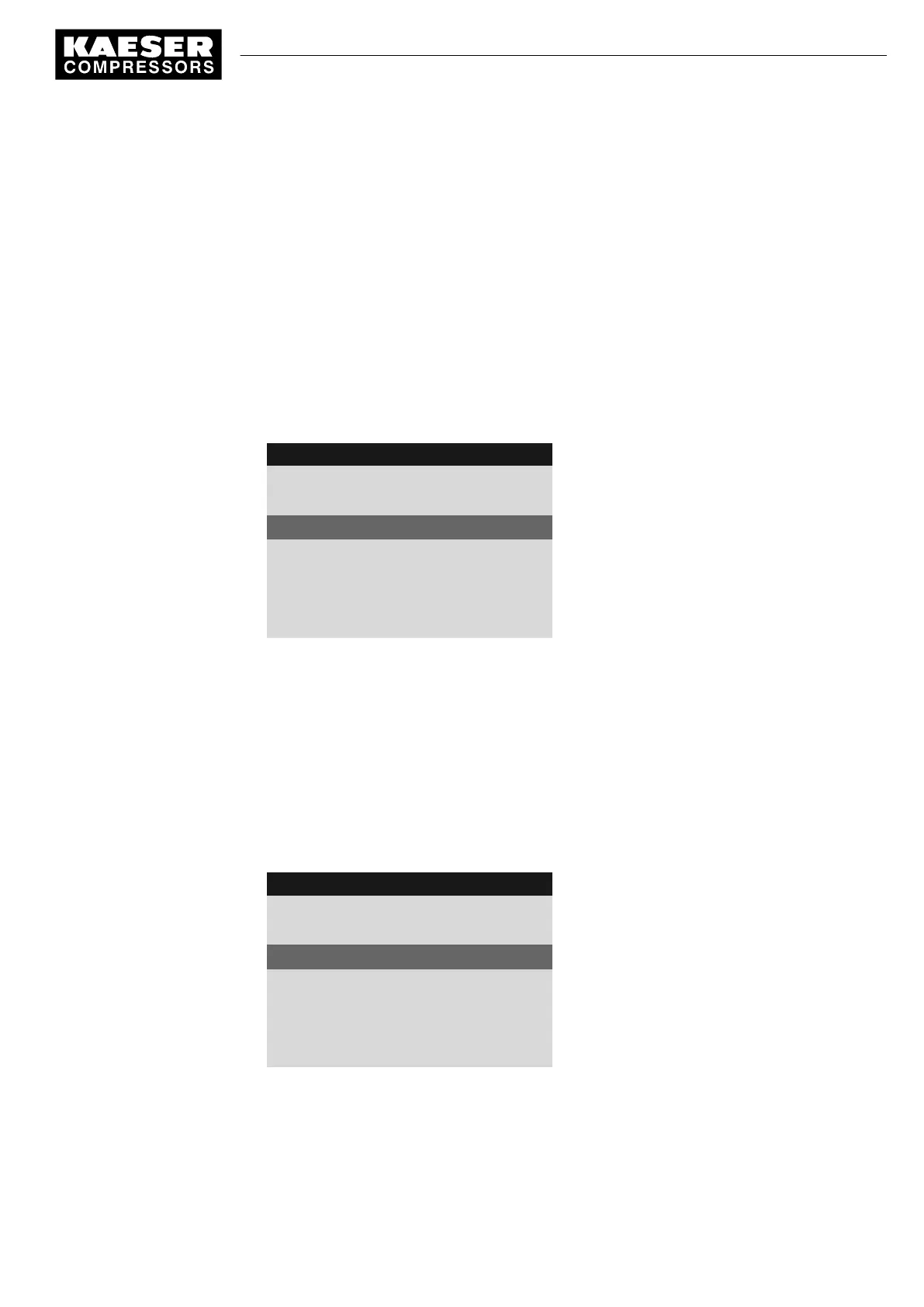
8 9 p s i 0 8 : 1 5 1 7 6 ° F
5.2.3 Load control
Menu
·········
Remote mode : pA/pB RC
Active line, current operating mode
Key remote : ☐
·········
▶1 pA/pB Clock
·········
3. Use the «UP» key to select operating mode pA/pB RC.
4. Press «Enter» to accept the setting.
Result Operating mode pA/pB remote contact is selected.
7.9.7.2 Assigning the remote contact input
A spare input can be found in the machine circuit diagram.
1. Press «UP» repeatedly until
pA/pB RC
is displayed as the active line.
2. Press «Enter» to switch into setting mode.
DI
flashes.
8 9 p s i 0 8 : 1 5 1 7 6 ° F
5.2.3 Load control
Menu
·········
pA/pB RC DI 1.05 ok ☑
Active line
pA/pB DO DOR 1.04
·········
Load RC DI 1.13 ok ☑
loc.-load RC DI 1.09 ok ☑
No input assigned
3. Use the «UP» key to select input pA/pB RC.
4. Press «Enter» to accept the setting.
Result The input for remote contact has now been assigned.
7 Initial Start-up
7.9 Configuring the machine for master control
9_9450 03USE
Service manual Controller
SIGMA CONTROL 2 SCREW FLUID 1.1.3
111





 To Next Page