7. Use «UP» or «DOWN» to change the year setting.
8. Press «Enter» to save the settings.
9. Press «Esc» repeatedly to return to the Main Menu.
7.2.9 Setting display formats
When setting the language, several display formats will automatically adjust to local usage.
Setting the date format
Select your preferred format.
Format Example:
DD.MM.YY 30.07.10
YY-MM-DD 10–07–30
MM/DD/YY 07/30/10
Tab. 46 Date formats
Precondition Password level 2 is activated,
Menu
< Configuration> General >
is selected (see 7.2.1).
1. Press the «DOWN» key repeatedly until
Date format
is displayed as the active line.
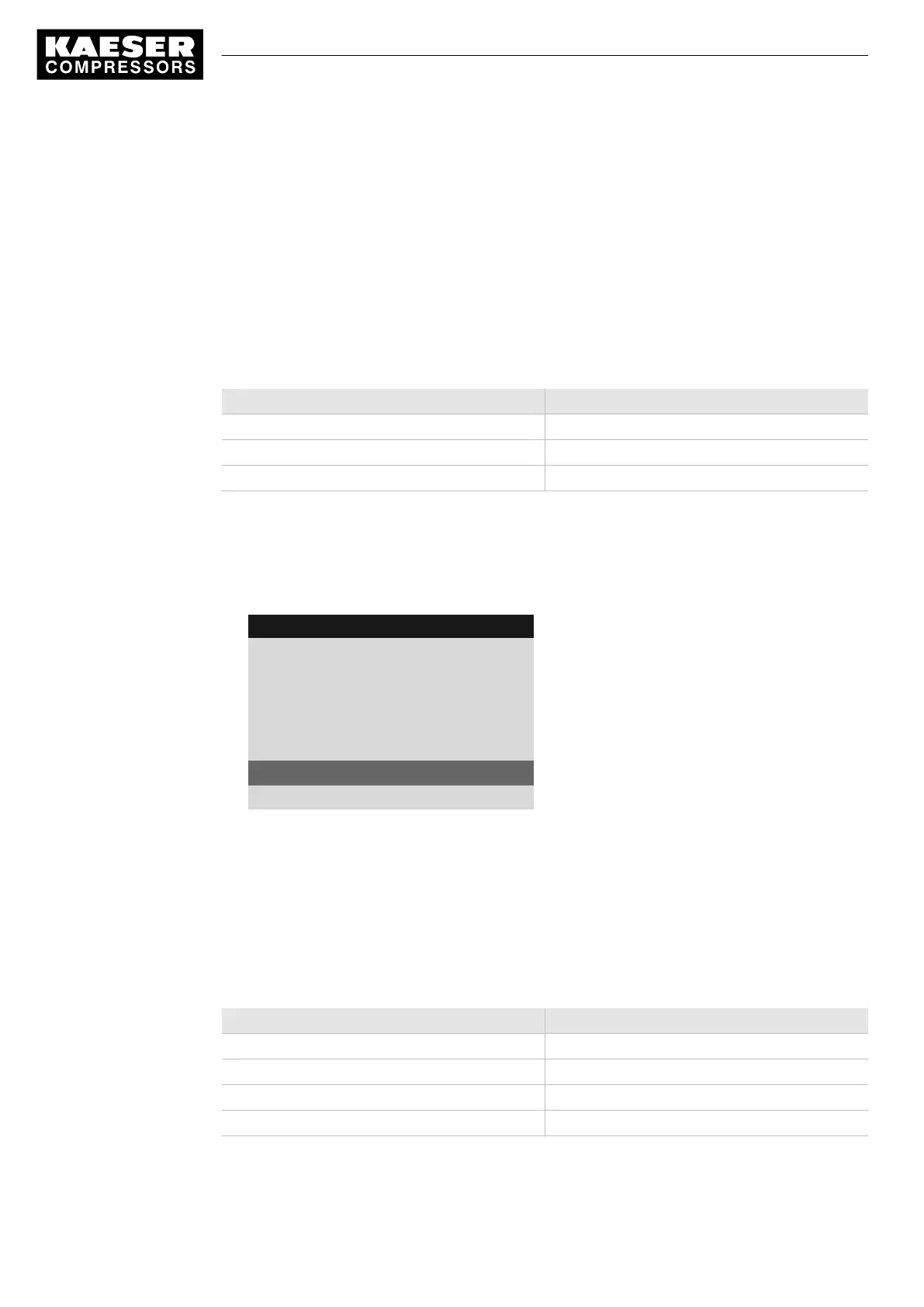
8 9 p s i 0 8 : 1 5 1 7 6 ° F
5.1 General
Menu
Date/time
13:04:11 08:15:37
Europe/Berlin
·········
Date format DD.MM.YY
Current date format
Time format hh:mm:ss
2. Press «Enter» to switch into setting mode.
DD.MM.YY
flashes.
3. Change the format with the «DOWN» or «UP» keys.
4. Press «Enter» to save the setting.
5. Press «Esc» repeatedly to return to the main menu.
Setting the time format
Select your preferred format for the time display:
Format Example:
hh:mm:ss 13:33:45
hh:mm 13:33
hh:mm:ssAM/PM 01:33:45PM
hh:mmAM/PM 01:33PM
Tab. 47 Time formats
7 Initial Start-up
7.2 Configuring the controller
44
Service manual Controller
SIGMA CONTROL 2 SCREW FLUID 1.1.3 9_9450 03USE





 To Next Page