3. Change the unit with the «DOWN» or «UP» keys.
4. Press «Enter» to save the setting.
5. Press «Esc» repeatedly to return to the Main Menu.
Setting the temperature display units
Select your preferred display of the temperature unit:
Format Example:
°C 46 °C
K 319 K
°F 114 °F
Tab. 49 Units of temperature
Precondition Password level 2 is activated,
Menu
< Configuration> General >
is selected (see 7.2.1).
1. Press the «DOWN» key repeatedly until
Temperature unit
is displayed as the active line.
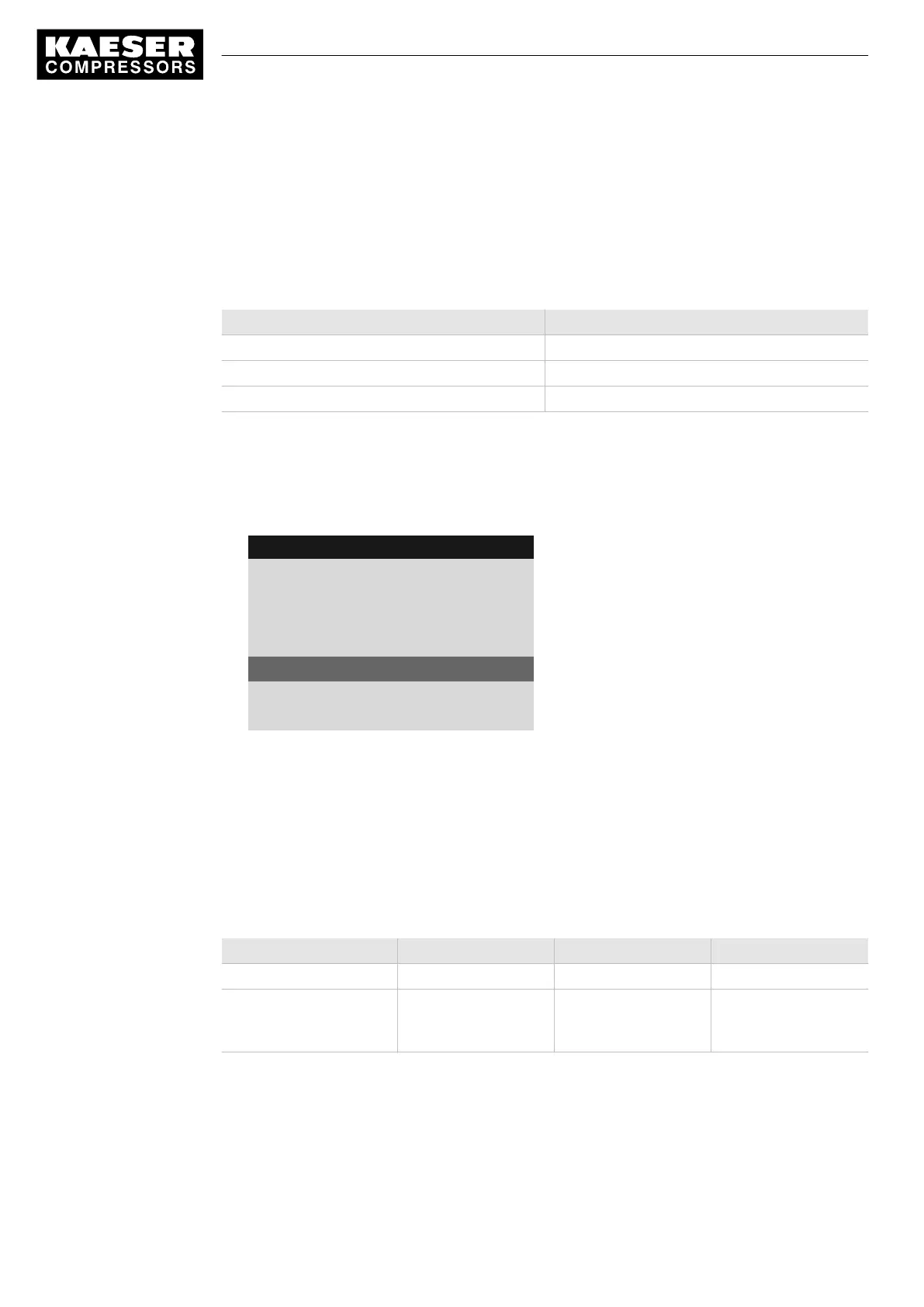
8 9 p s i 0 8 : 1 5 1 7 6 ° F
5.1 General
Menu
Time format hh:mm:ss
·········
Pressure unit bar
Temperature unit °C
Current unit of temperature
·········
Display lighting
2. Press «Enter» to switch into setting mode.
The
°C
parameter flashes.
3. Change the unit with the «DOWN» or «UP» keys.
4. Press «Enter» to save the setting.
5. Press «Esc» repeatedly to return to the Main Menu.
Setting the display illumination
Select your personal mode for the display illumination:
Mode 1 2 3
Display
automatic ON OFF
Function The illumination extin‐
guishes after the
time-
out
has elapsed.
Permanent setting
Illumination "on"
Permanent setting
Illumination "off"
Tab. 50 Display illumination
Precondition Password level 2 is activated,
Menu
< Configuration> General >
is selected (see 7.2.1).
1. Press «DOWN» repeatedly until
Display lighting
is displayed.
7 Initial Start-up
7.2 Configuring the controller
46
Service manual Controller
SIGMA CONTROL 2 SCREW FLUID 1.1.3 9_9450 03USE





 To Next Page