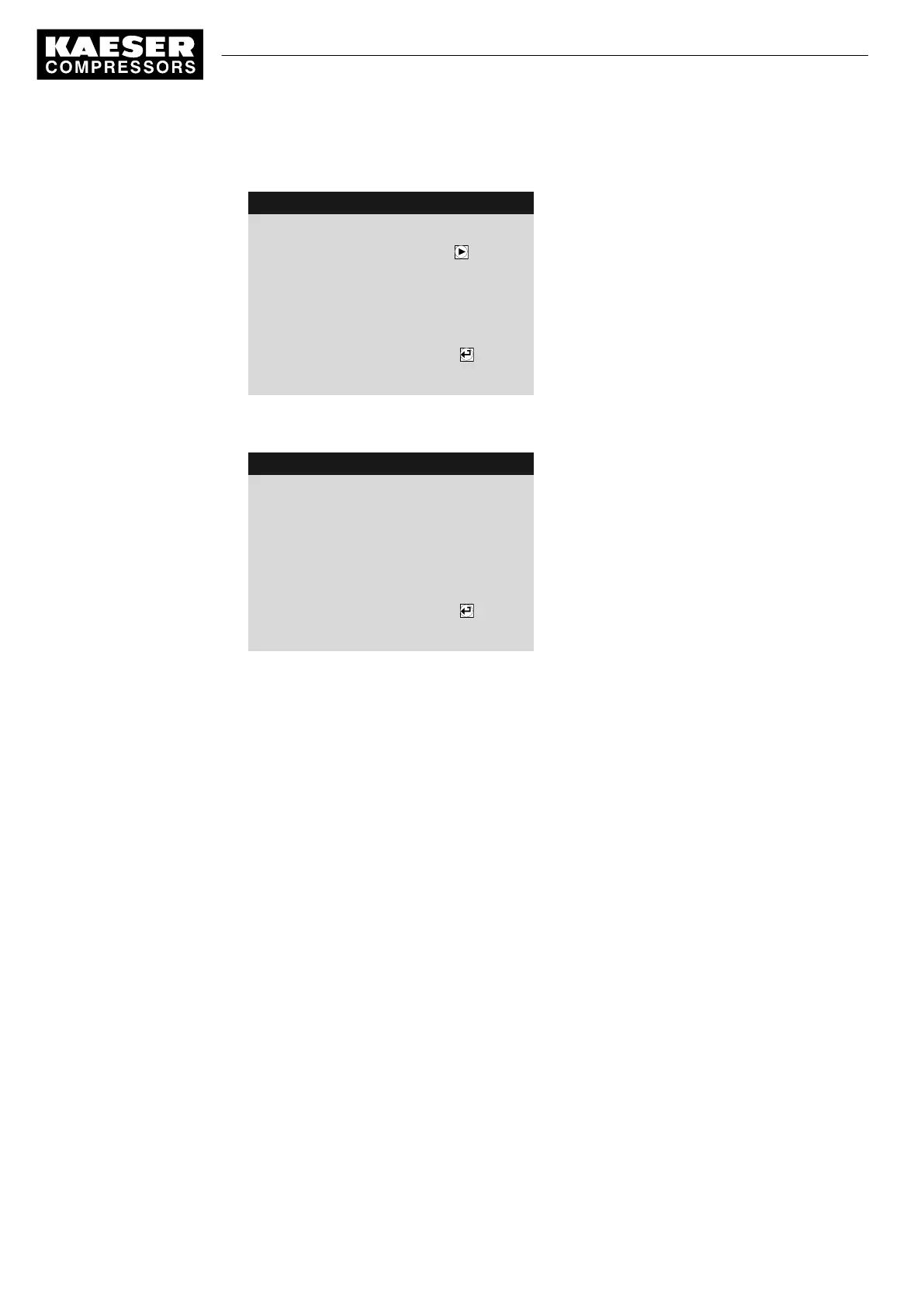
5. Hold the Equipment Card in front of the controller's reader.
8 9 p s i 0 8 : 1 5 1 7 6 ° F
Log-on successful.
Menu
Password change with key
Prompt, whether the password is to be changed
------------------------------
Name : E00019895
Level: 2
6. Press the «Right» key.
The generated
password
is displayed in a new screen.
8 9 p s i 0 8 : 1 5 1 7 6 ° F
Password changed
Menu
Please note your new password:
xFNDQRCnDn
Note the new password
Name : E00019895
Level: 2
7. Note the generated password.
8. Store the password at a suitable location, if it should become necessary to manually log on
without your Equipment Card.
9. Press «Enter» to accept the setting.
7.2.6 Controlling access to the SIGMA CONTROL 2 via manual input
In the event that your Equipment Card is damaged or lost, you must manually log on to
SIGMA CONTROL 2.
Precondition The Equipment Card is damaged or lost.
User name (number of Equipment Card) must be known
A password was generated at the SIGMA CONTROL 2 before the Equipment Card was damaged
or lost.
The display shows the operating mode.
1. Press «Enter».
The main menu is displayed.
2. Use the «DOWN» key to select the
<User>
menu.
The
Name
line is displayed as the active line.
7 Initial Start-up
7.2 Configuring the controller
40
Service manual Controller
SIGMA CONTROL 2 SCREW FLUID 1.1.3 9_9450 03USE





 To Next Page