■ Procedures following a fault of the refrigerated dryer:
─ Compressed air quality has priority
Call KAESER Service immediately
■ Procedures following a fault of the refrigerated dryer:
─ Compressed air quantity has priority,
Activate fault mode without refrigerated dryer
➤ It is mandatory to follow the procedures indicated according to the priorities established for the
compressed air quality or compressed air quantity!
7.7.1 Setting the CLOCK mode
You may select either CONTINUOUS or CLOCK mode for controlling the refrigerated dryer.
If the CLOCK setting is used, the refrigerated dryer is shut-down under timing control whenever
compressed air is not required.
The operating temperature in the refrigerated dryer is kept constant within narrow limits under this
method of control by cycling the refrigerant circulation.
Precondition Access level 2 is activated.
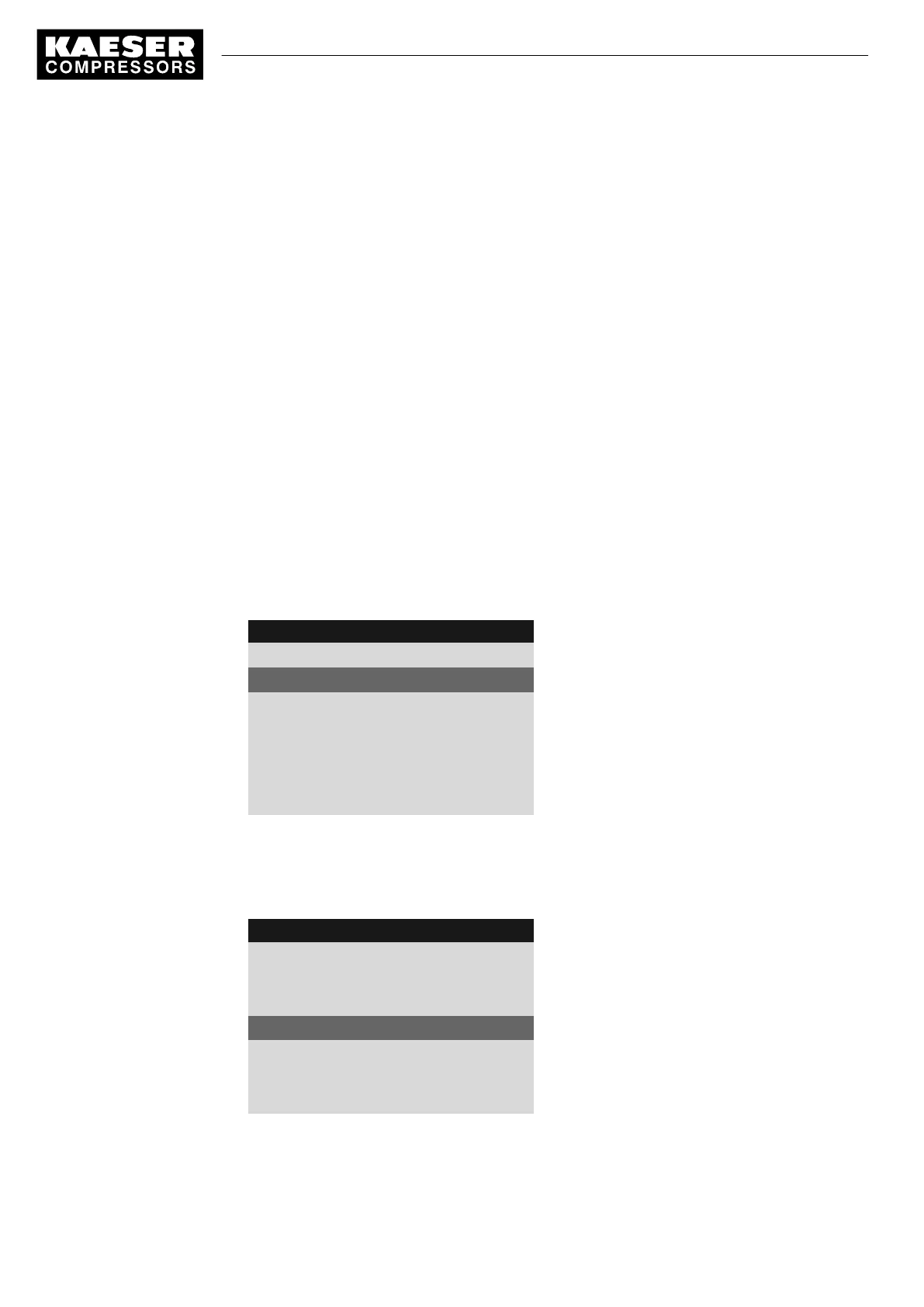
1. In operating mode, switch to the main menu with the «Enter» key.
2. Select the
< Configuration ➙ Refrigeration dryer >
menu.
The
< Refrigeration dryer >
menu is displayed.
8 9 p s i 0 8 : 1 5 1 7 6 ° F
5.9 Refrigeration dryer
Menu
Control mode
Active line
Compressor ready:
Continuous
Compressor Clk/RC/RB off:
off
·········
3. Press «DOWN» twice.
The
Continuous
line is displayed as being active.
4. Press «Enter» to switch into setting mode.
Display
flashes.
8 9 p s i 0 8 : 1 5 1 7 6 ° F
5.9 Refrigeration dryer
Menu
Control mode
Compressor ready:
Continuous
Active line
Compressor Clk/RC/RB off:
off
·········
5. Press «UP» once.
The
Clock
mode is displayed.
7 Initial Start-up
7.7 Activating the settings for the refrigerated dryer
78
Service manual Controller
SIGMA CONTROL 2 SCREW FLUID 1.1.3 9_9450 03USE



 To Next Page