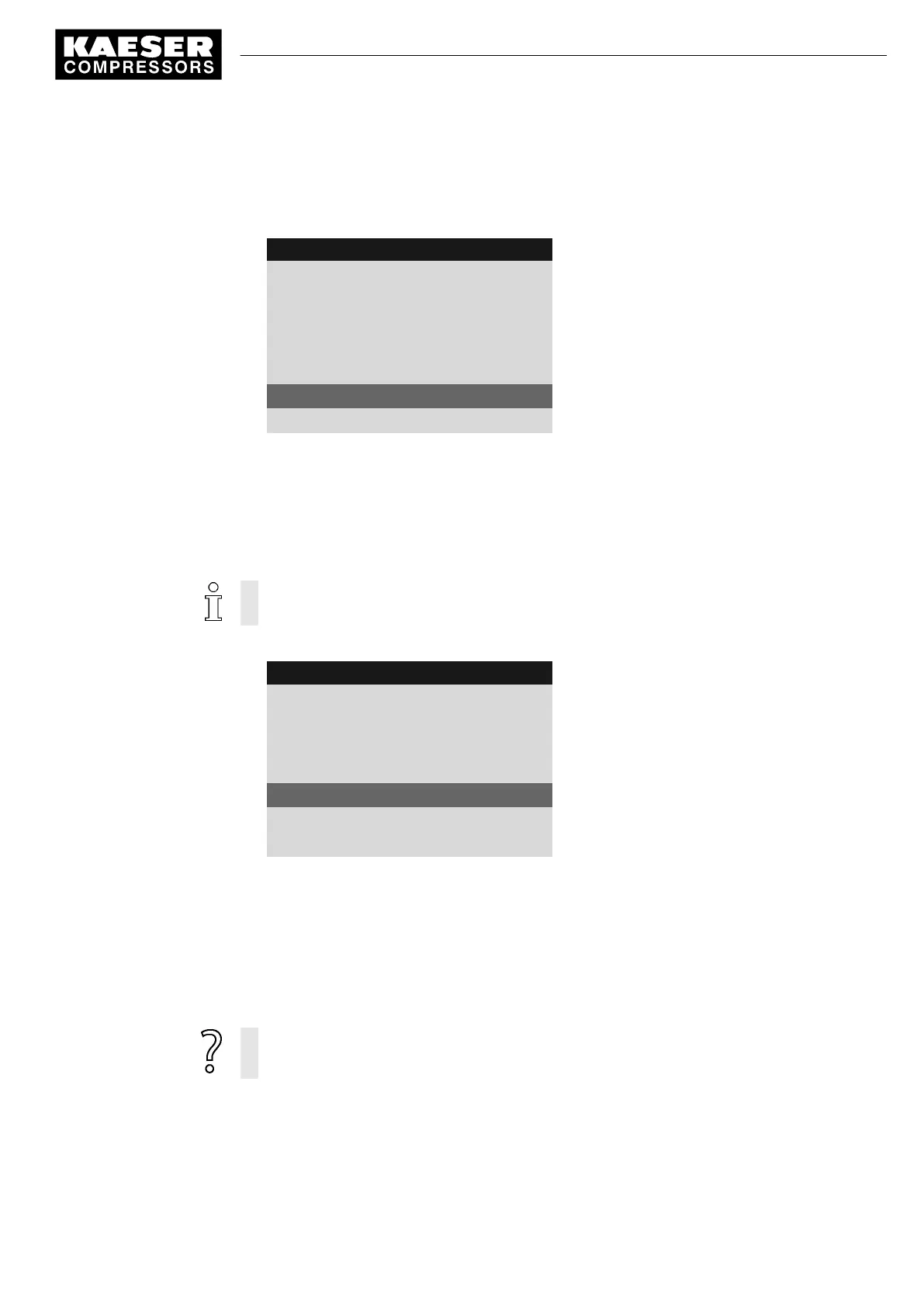
5. Press the «UP» key.
The activated check box is displayed.
6. Press «Enter» to save the setting.
8 9 p s i 0 8 : 1 5 1 7 6 ° F
5.4.1 Compressor on
Menu
Local mode : Key
Remote mode : Key+RC
·········
RC DI 1.12 ok ☑
Key remote : ☑
Active line with deactivated check box
Key clock : ☐
The Clock key is not activated.
7. Press «Escape» repeatedly to return to the main menu.
The «Remote control» key is activated and can be used.
8. If method B with the timer program is selected, the «Clock» key must be activated in the same
manner.
7.5.3.3 Assigning another input
Inputs already assigned cannot be further assigned.
1. Press the «DOWN» key repeatedly until the following is displayed as active line:
8 9 p s i 0 8 : 1 5 1 7 6 ° F
5.4.1 Compressor on
Menu
Local mode : Key
Remote mode : Key+RC
·········
RC DI 1.12 ok ☑
Remote contact DI 1.12 (preset)
Key remote : ☑
Key clock : ☐
2. Press «Enter» to switch into setting mode.
Display for input flashes.
3. Select another input with the «UP» or «DOWN» keys.
4. Press «Enter» to accept the setting.
The input has now been assigned.
5. Press the «Remote control» key to enable the machine to be started from the remote control
centre.
If an input is rejected it means it is already assigned.
➤ Select a different input.
7 Initial Start-up
7.5 Configuring machine start and stop
9_9450 03USE
Service manual Controller
SIGMA CONTROL 2 SCREW FLUID 1.1.3
71





 To Next Page