6. Press «Enter» to save the setting.
The «Remote control» key is activated and can be used.
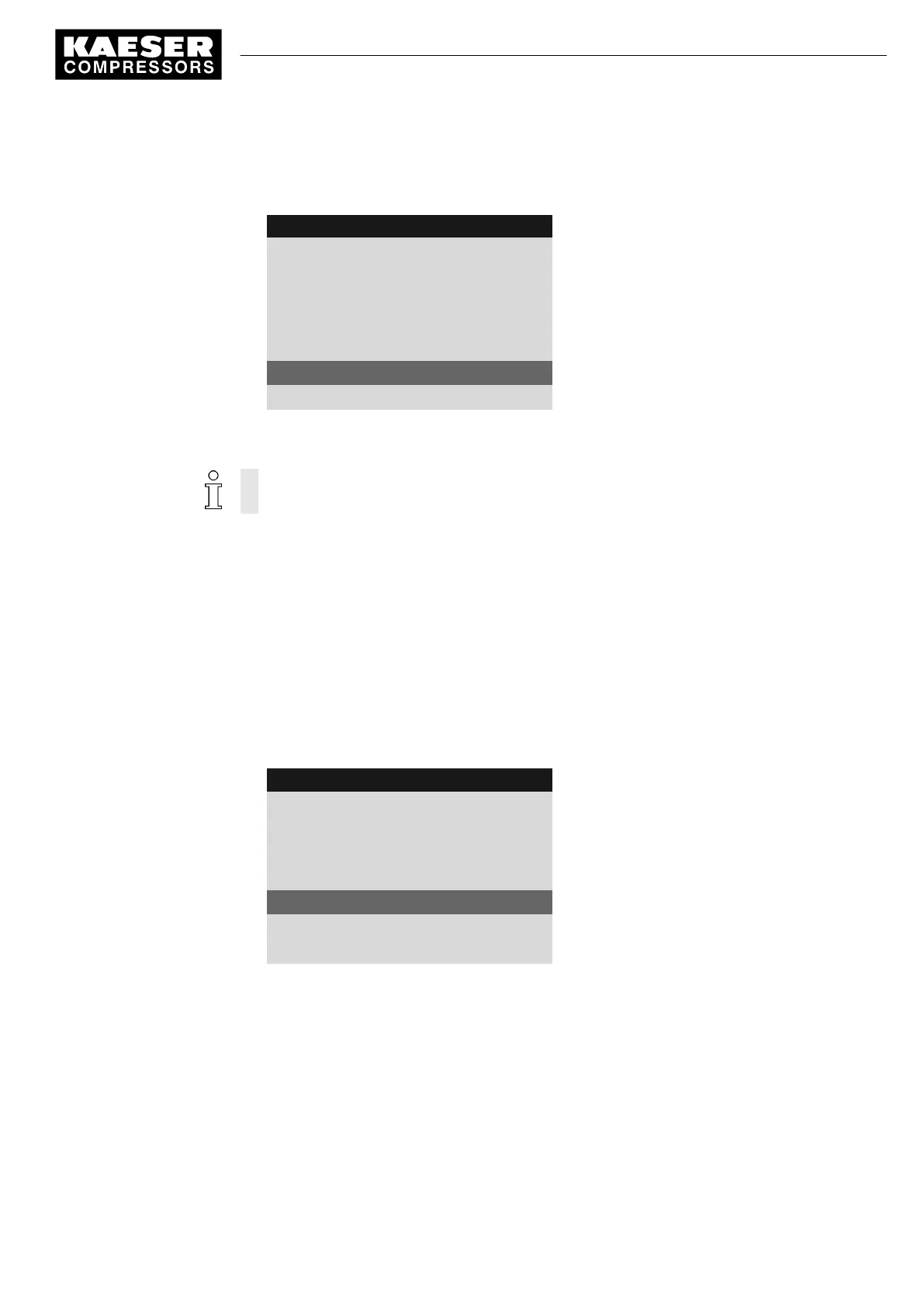
8 9 p s i 0 8 : 1 5 1 7 6 ° F
5.4.1 Compressor on
Menu
Local mode: Key
Remote mode: Key
------------------------------
RC DI 1.12 ☐
Key remote: ☑
Active line with check box
Key clock: ☐
7. Press «Escape» repeatedly to return to the main menu.
8. Press the «Remote control» key to enable remote mode.
Proceed in the same manner to deactivate the «Remote control» key.
Activating the «Remote control» key in the load control menu
Precondition Password level 2 is activated.
The display shows the operating mode.
1. Press «Enter».
The main menu is displayed.
2. Select
< Configuration ➙ Pressure control ➙ Load control >
.
3. Press «UP» repeatedly until
Key remote
is displayed as active line.
4. Press «Enter» to switch into setting mode.
The check box for «Remote control» key will flash.
8 9 p s i 0 8 : 1 5 1 7 6 ° F
5.2.3 Load control
Menu
Local mode pA
·········
Remote mode: pA
Key remote: ☐
Active line with check box
·········
▶1 pA/pB Clock
5. Press the «UP» key.
The activated check box is displayed.
7 Activating the «<Remote control»> key
9_9450 03 USE
Quick user guide Controller
SIGMA CONTROL 2 SCREW FLUID 1.1.3
11





 To Next Page