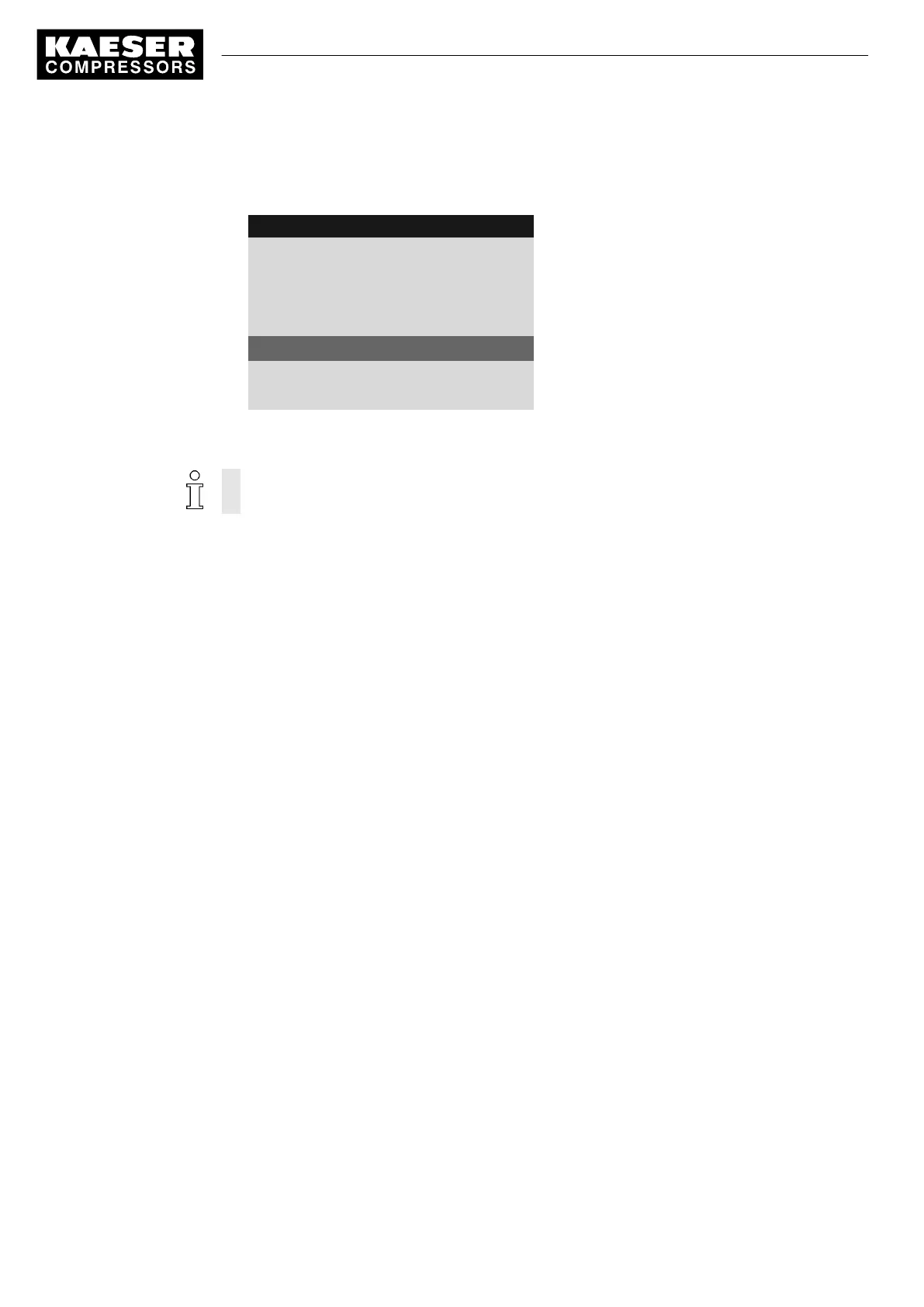
6. Press «Enter» to accept the setting.
The «Remote control» key is activated and can be used.
8 9 p s i 0 8 : 1 5 1 7 6 ° F
5.2.3 Load control
Menu
Local mode pA
·········
Remote mode: pA
Key remote: ☑
Active line with check box
·········
▶1 pA/pB Clock
7. Press «Escape» repeatedly to return to the main menu.
8. Press the «Remote control» key to enable remote mode.
Proceed in the same manner to deactivate the «Remote control» key.
Further information See chapter 7.5 for configuration of starting and stopping the machine.
See chapter 7.9 for configuration of load changeover under master control.
7 Activating the «<Remote control»> key
12
Quick user guide Controller
SIGMA CONTROL 2 SCREW FLUID 1.1.3 9_9450 03 USE





 To Next Page