215184 158 Revision A
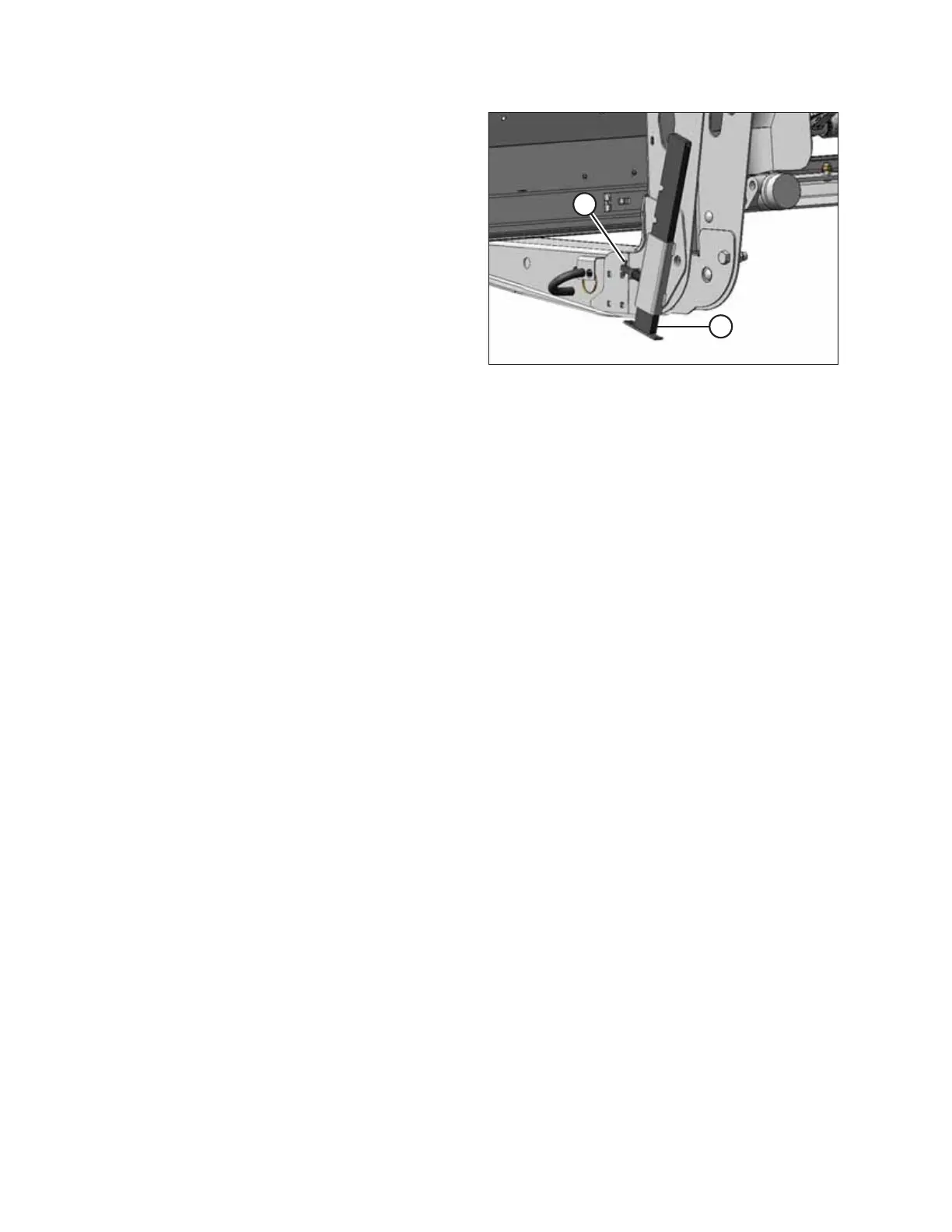
Figure 5.9: Header Stand in Raised Position
7. Lower header stand (B) by pulling pin (A), lowering stand,
and releasing pin to secure stand in place.
8. Place 150 mm (6 in.) blocks under each end of cutterbar.
NOTE:
If ground is soft, place a block under the stand.
9. Lower header onto blocks.
10. Check for shipping damage and missing parts.
11. Proceed to 5.6 Removing the Remaining Shipping Supports, page 163 .
UNLOADING HEADER AT DEALER



 To Next Page