215184 175 Revision A
Chapter 6: Float Module Setup at Dealer
Complete the following procedures in the order in which they are listed:
• 6.1 Installing Filler Cap, page 175
• 6.2 FM100 Feed Auger Configurations, page 178
• 6.3 FM100 Stripper Bars and Feed Deflectors, page 202
6.1 Installing Filler Cap
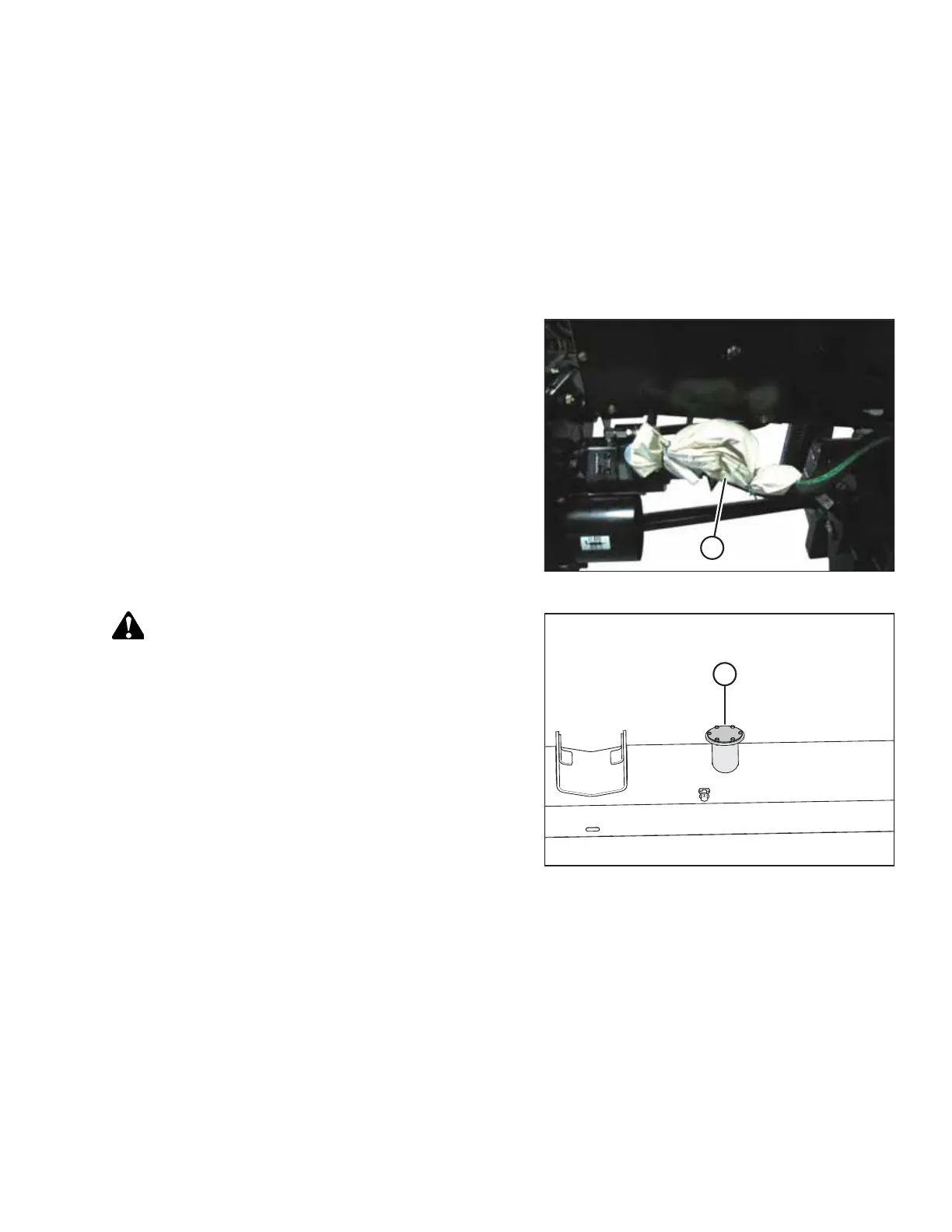
Figure 6.1: Hardware Bag
1. Remove filler cap from bag (A).
Figure 6.2: Yellow Shipping Cover
CAUTION
Fluid may be under pressure. Allow pressure to equalize by
loosening screws and lifting the shipping cover slightly.
2. Remove yellow shipping cover (A) from the float module
frame. Discard cover. Keep screws if screws are not
supplied with filler cap.



 To Next Page