215184 47 Revision A
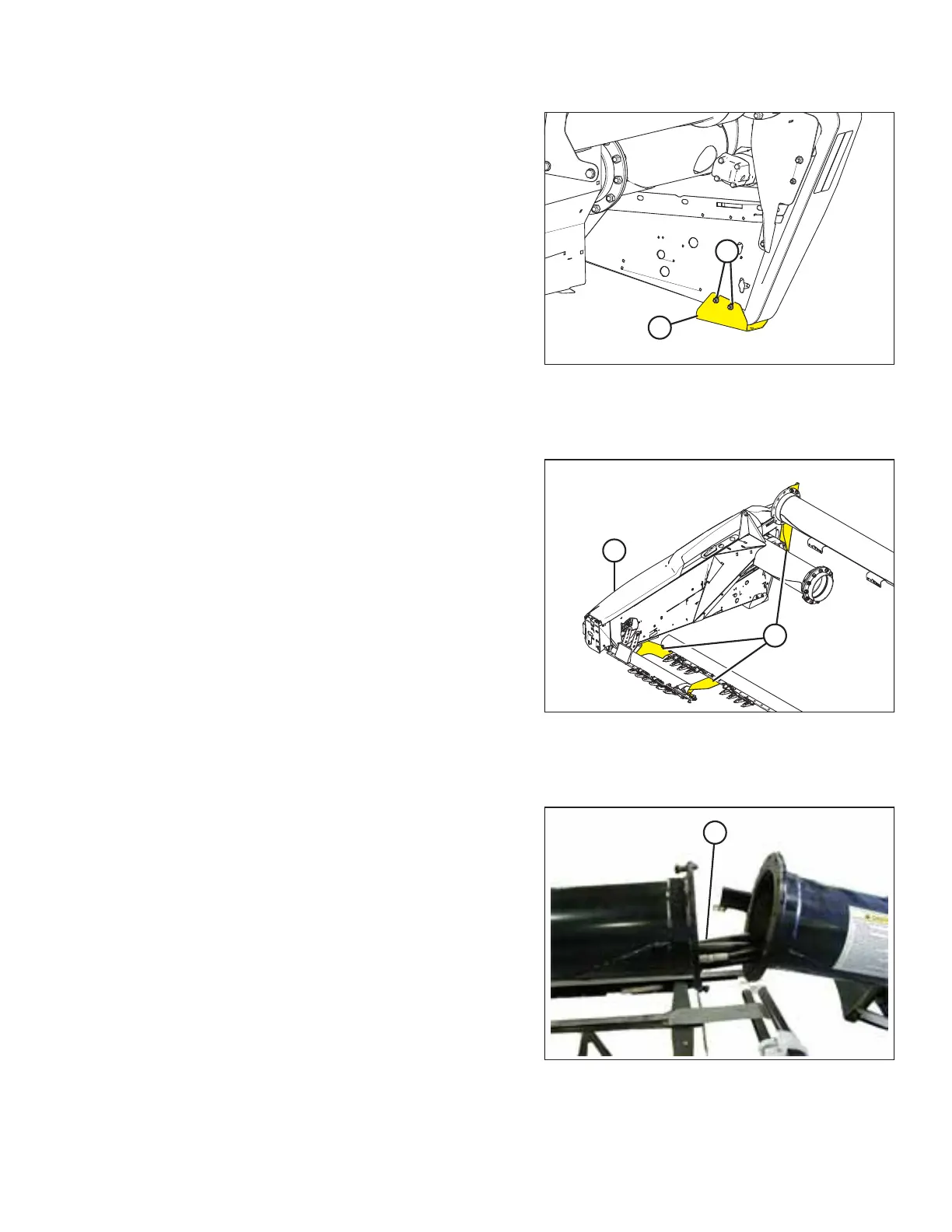
Figure 3.66: Endshield Guard
18. Loosen two bolts (A) in right endshield guard (B) and
remove the guard. Hardware can be removed when header
endshield is opened.
3.2.3 Removing Extension
Figure 3.67: Shipping Supports
1. Support split section of header (A) with slings and a forklift
(or equivalent). Position slings on split section to prevent it
from shifting when the shipping supports are removed.
2. Remove shipping supports (B) securing split section to the
header. Retain hardware for reinstallation.
3.2.4 Attaching Extension
Figure 3.68: Hoses and Harness in Backtube
1. Move extension up to header backtube.
2. Locate two fore-aft hoses, one lift hose, two 3/4 in.
hoses (A) (double-knife headers), and electrical harness in
backtube, and pull out.
3. Align end of split section with end of header.
4. Route the hoses and harness through tube of split section.
ASSEMBLING THE HEADER AND FLOAT MODULE



 To Next Page