215184 324 Revision A
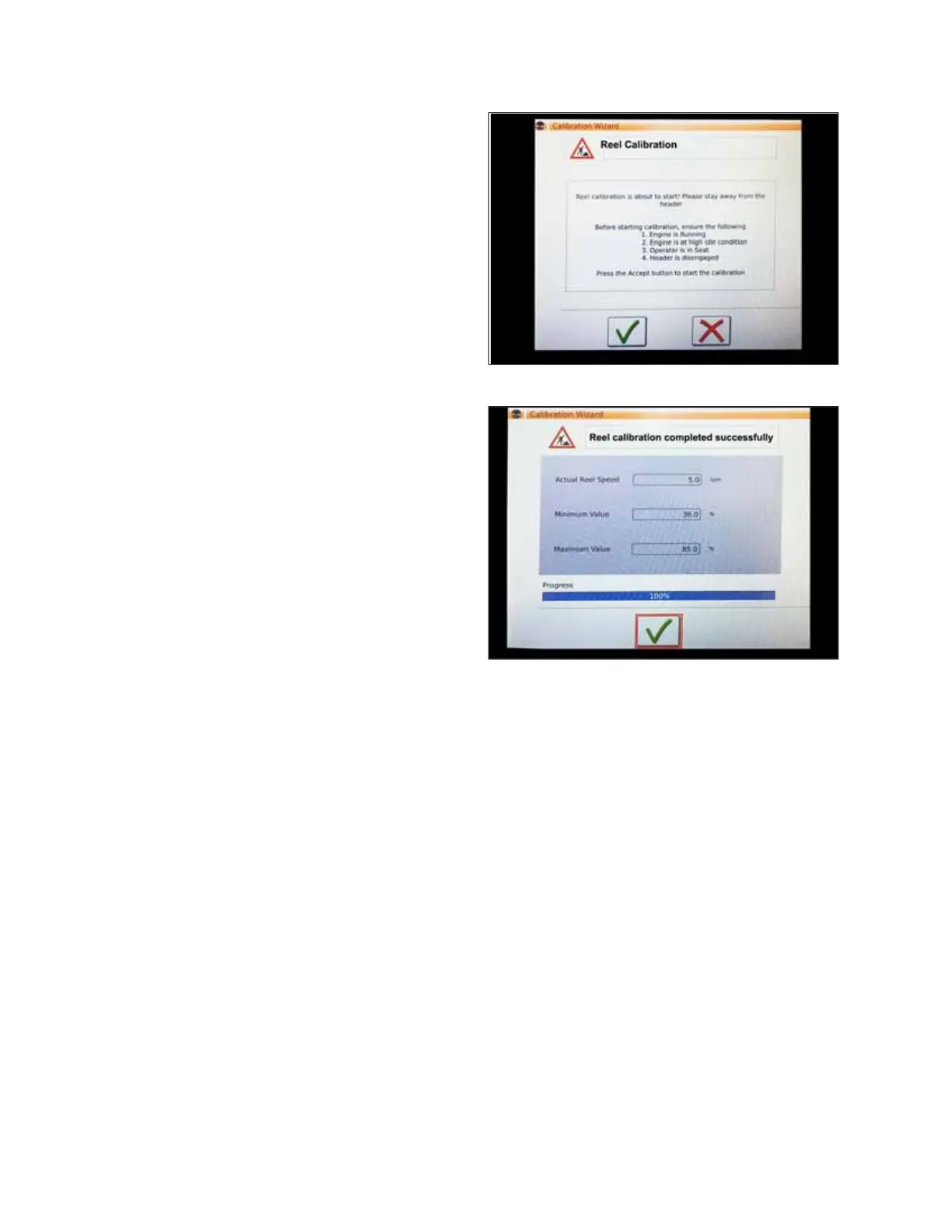
Figure 9.35: Calibration Wizard
4. Make sure to meet all the conditions listed in the
CALIBRATION WIZARD warning. Press the green check mark
to accept and start reel calibration. Pressing the red X will
cancel the calibration procedure.
Figure 9.36: Calibration Progress
5. A message appears in the CALIBRATION WIZARD stating
that reel calibration has started. The reel will begin turning
slowly and increase to high speed. A progress bar is
provided. If necessary, touch the red X (not shown) to
cancel. Otherwise, wait for the message that reel
calibration has completed successfully. Touch the green
check mark to save the calibrated settings.
Setting up Automatic Header Controls – AGCO IDEAL
™
Series
Automatic header functions are configured on the HEADER SETTINGS page.
NOTE:
Up-to-date images of the IDEAL
™
Series combine display were not available at time of publishing. For instructions, refer to
the combine operator’s manual for updates.
SETTING UP AUTO HEADER HEIGHT CONTROL



 To Next Page