215184 372 Revision A
Adjusting Auto Reel Speed – CLAAS 500 Series
The preset reel speed can be set when the automatic header functions are activated.
NOTE:
Changes may have been made to the combine controls or display since this document was published. Refer to the combine
operator’s manual for updates.
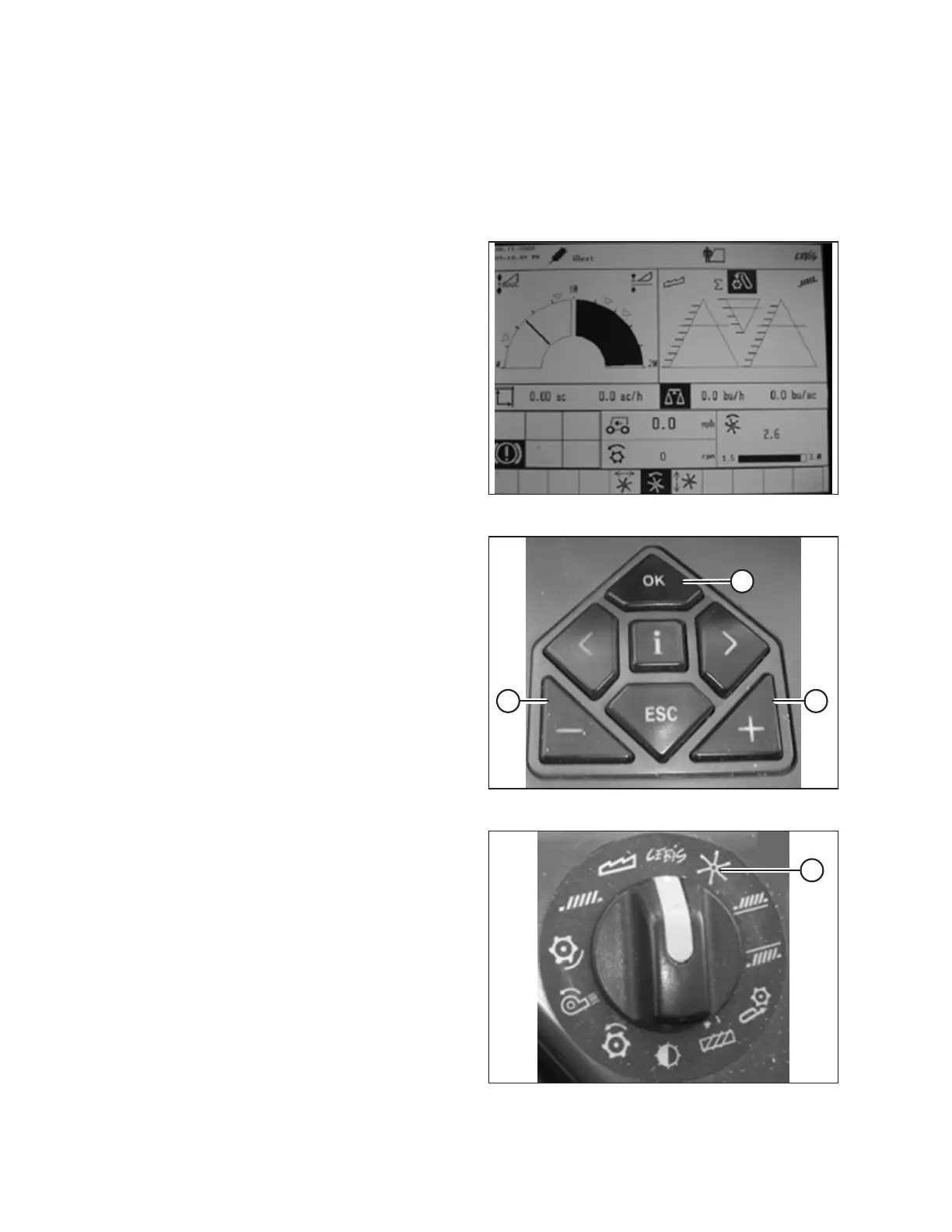
Figure 9.148: CLAAS Combine Display
1. Use the < or > key to select REEL WINDOW. Window E15
will display the current advance or retard speed of the reel
in relation to the ground speed.
Figure 9.149: CLAAS Combine Controls
2. Press OK key (C) to open the REEL SPEED window.
3. Use – key (A) or + key (B) to set the reel speed in relation to
the current ground speed. Window E15 will display the
selected reel speed.
Figure 9.150: CLAAS Combine Rotary Switch
4. Manually adjust the reel speed by rotating the rotary switch
to reel position (A), and then use the – or + key to set the
reel speed.
SETTING UP AUTO HEADER HEIGHT CONTROL



 To Next Page