215184 416 Revision A
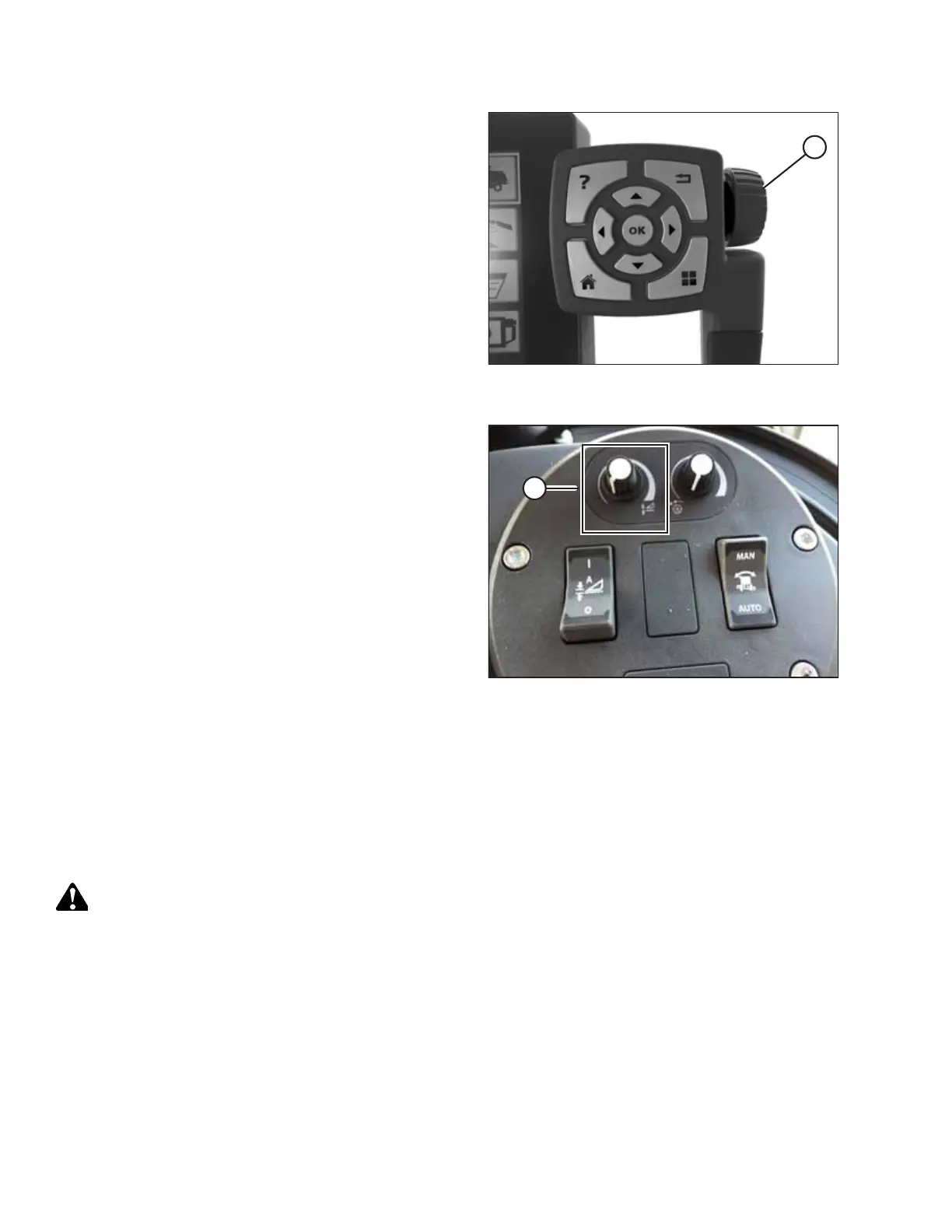
Figure 9.246: Adjustment Wheel on Right Side of
Tyton Terminal
3. Touching a field opens the on-screen keyboard so that
values can be adjusted. Enter the new value and touch the
green check mark when complete.
NOTE:
Scroll wheel (A) is located on the right side of the Tyton
terminal.
Figure 9.247: Header Control Cluster
NOTE:
HEADER HEIGHT SETPOINT control dial (A) is on the header
control cluster.
9.1.14 John Deere 60 Series Combines
Checking Voltage Range from the Combine Cab – John Deere 60 Series
NOTE:
Changes may have been made to the combine controls or display since this document was published. Refer to the combine
operator’s manual for updates.
WARNING
Check to be sure all bystanders have cleared the area.
1. Position the header 150 mm (6 in.) above the ground, and unlock the float.
SETTING UP AUTO HEADER HEIGHT CONTROL



 To Next Page