215184 469 Revision A
Adjusting Header Raise Rate – New Holland CR/CX Series
If necessary, the header raise rate (the first speed on the HEADER HEIGHT rocker switch of the multifunctional handle) can
be adjusted.
NOTE:
Changes may have been made to the combine controls or display since this document was published. Refer to the combine
operator’s manual for updates.
NOTE:
For New Holland CR models 6.80, 6.90, 7.90, 8.90, 9.90, and 10.90, refer to 9.1.19 New Holland Combines – CR Series –
2015 and Later, page 472.
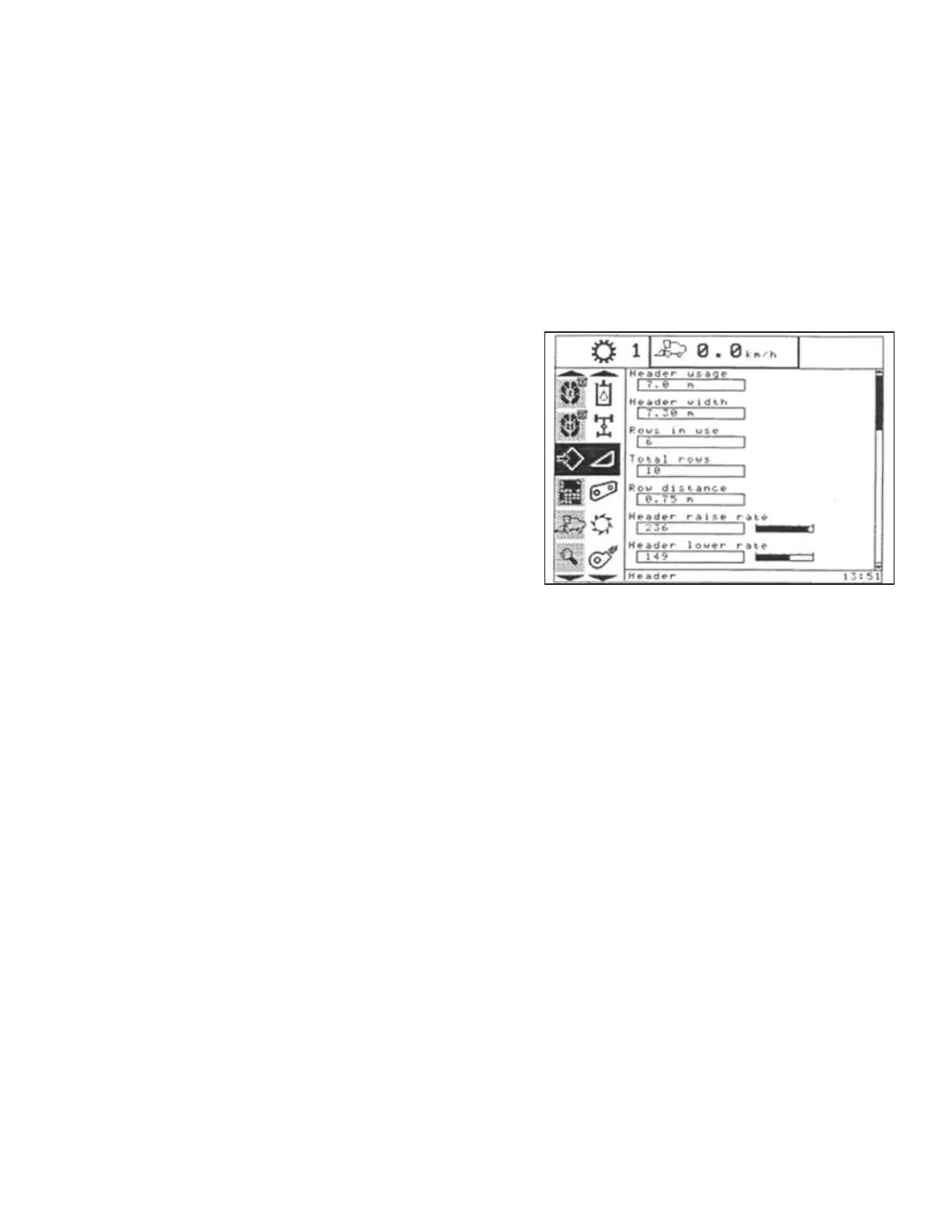
Figure 9.364: New Holland Combine Display
1. Select HEADER RAISE RATE on the combine display.
2. Use the + or – buttons to change the setting.
3. Press ENTER to save the new setting.
NOTE:
The raise rate can be changed from 32–236 in steps of 34.
The factory setting is 100.
Setting the Header Lower Rate – New Holland CR/CX Series
If necessary, the header lower rate (the automatic header height control button or second speed on the header height
rocker switch of the multifunction handle) can be adjusted.
NOTE:
Changes may have been made to the combine controls or display since this document was published. Refer to the combine
operator’s manual for updates.
NOTE:
For New Holland CR models 6.80, 6.90, 7.90, 8.90, 9.90, and 10.90, refer to 9.1.19 New Holland Combines – CR Series –
2015 and Later, page 472.
SETTING UP AUTO HEADER HEIGHT CONTROL


 To Next Page