215184 303 Revision A
8.19 Checking Manuals
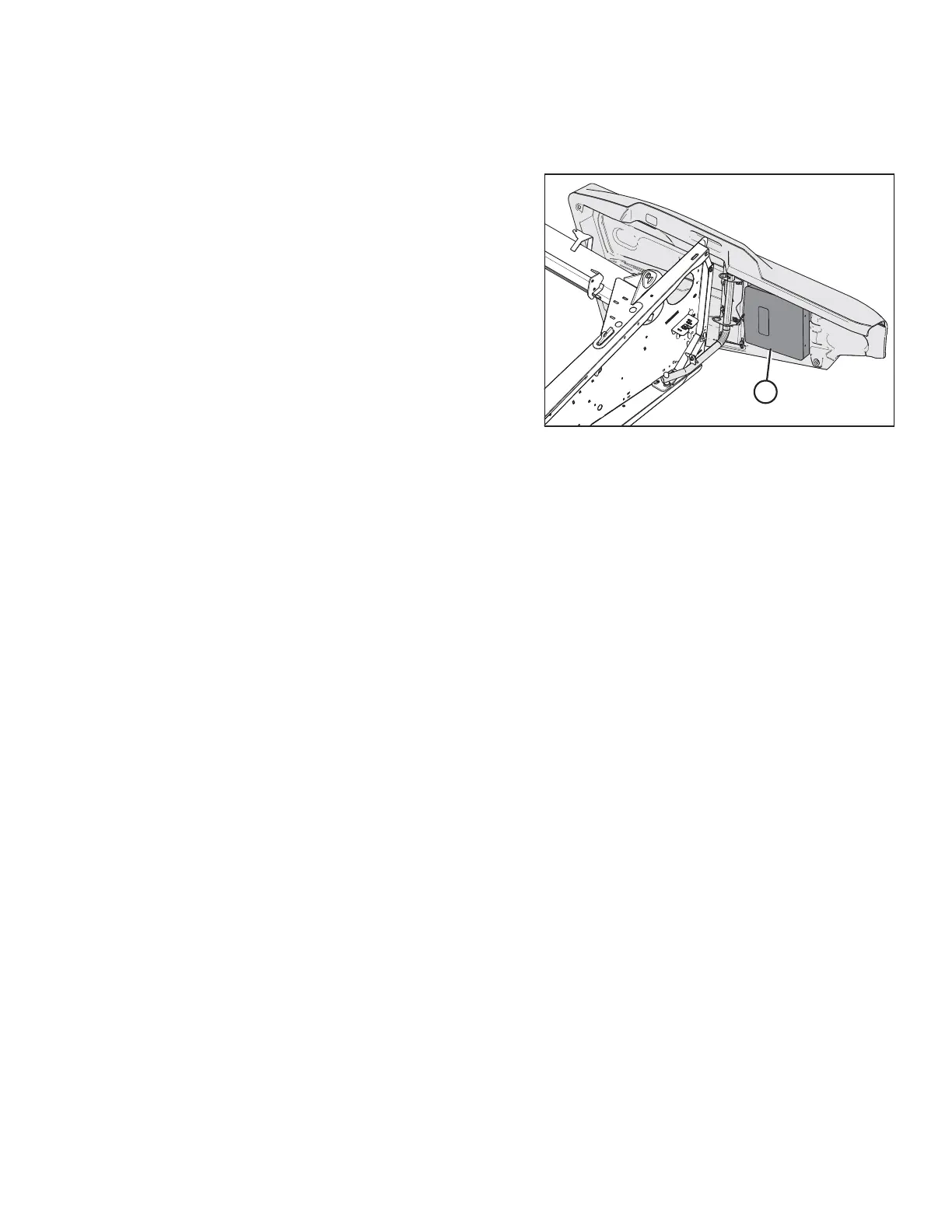
Check the manual case contents. The manual case is located inside the left endshield.
Figure 8.77: Manual Case
1. Open the left endshield. Remove the cable tie on manual
case (A).
3. Confirm that the case contains the following manuals:
• D1 Series Draper Header for Combines Operator’s Manual
• D1 Series Draper Header with FM100 Float Module Parts Catalog
4. Close case and endshield.
PERFORMING PREDELIVERY CHECKS



 To Next Page