215184 200 Revision A
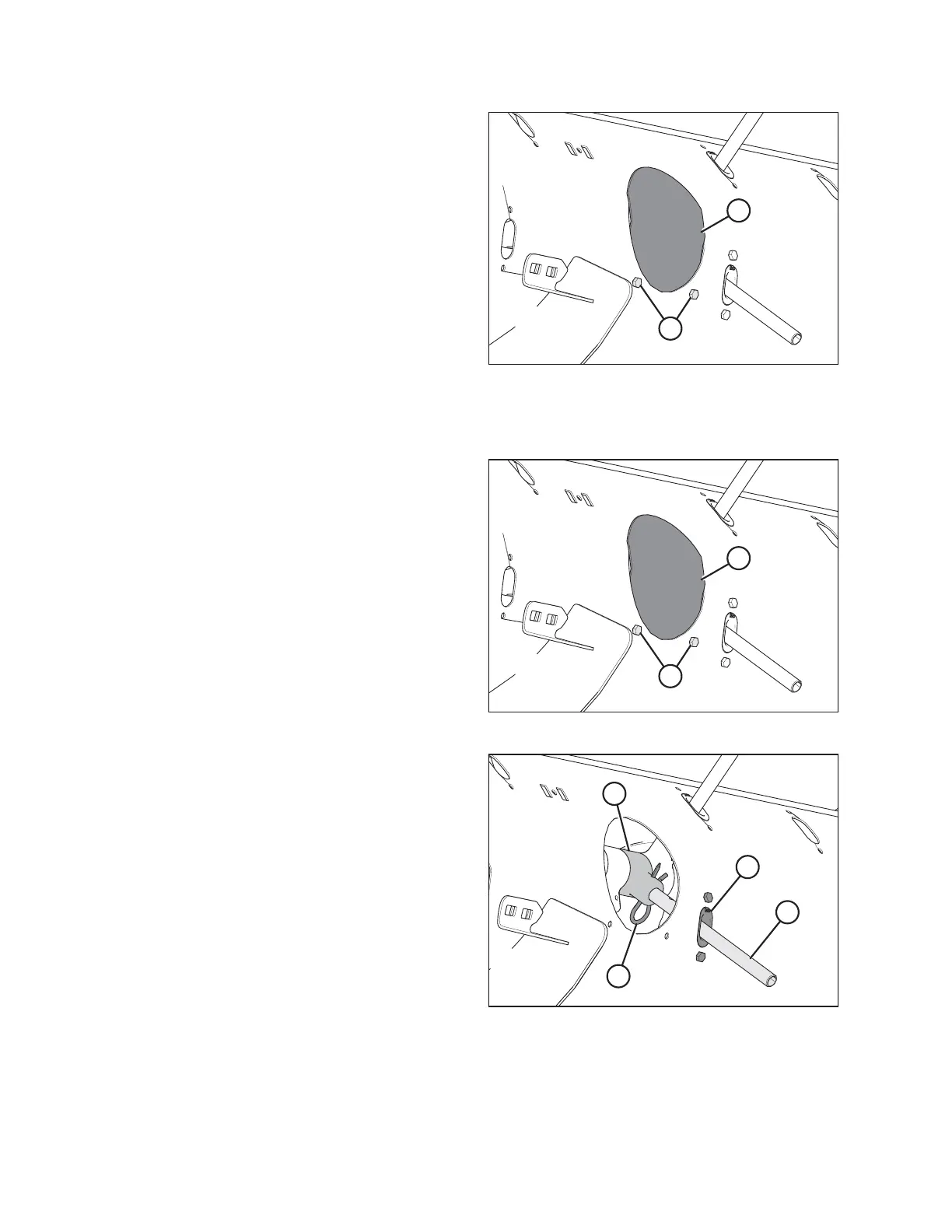
Figure 6.60: Access Hole Cover
6. Coat bolts (A) with medium-strength threadlocker
(Loctite
®
243 or equivalent), then reinstall access cover (B)
and secure with bolts. Torque to 9 Nm (80 lbf∙in).
6.2.11 Removing Feed Auger Fingers
Figure 6.61: Auger Access Hole Cover
1. Remove bolts (A) and access cover (B) closest to the finger
you are removing. Retain parts for reinstallation.
Figure 6.62: Auger Finger
2. Remove hairpin (A) and pull finger (B) out of finger
holder (C) from inside the auger. Remove the finger from
the auger by pulling it out through plastic guide (D).
FLOAT MODULE SETUP AT DEALER



 To Next Page