215184 37 Revision A
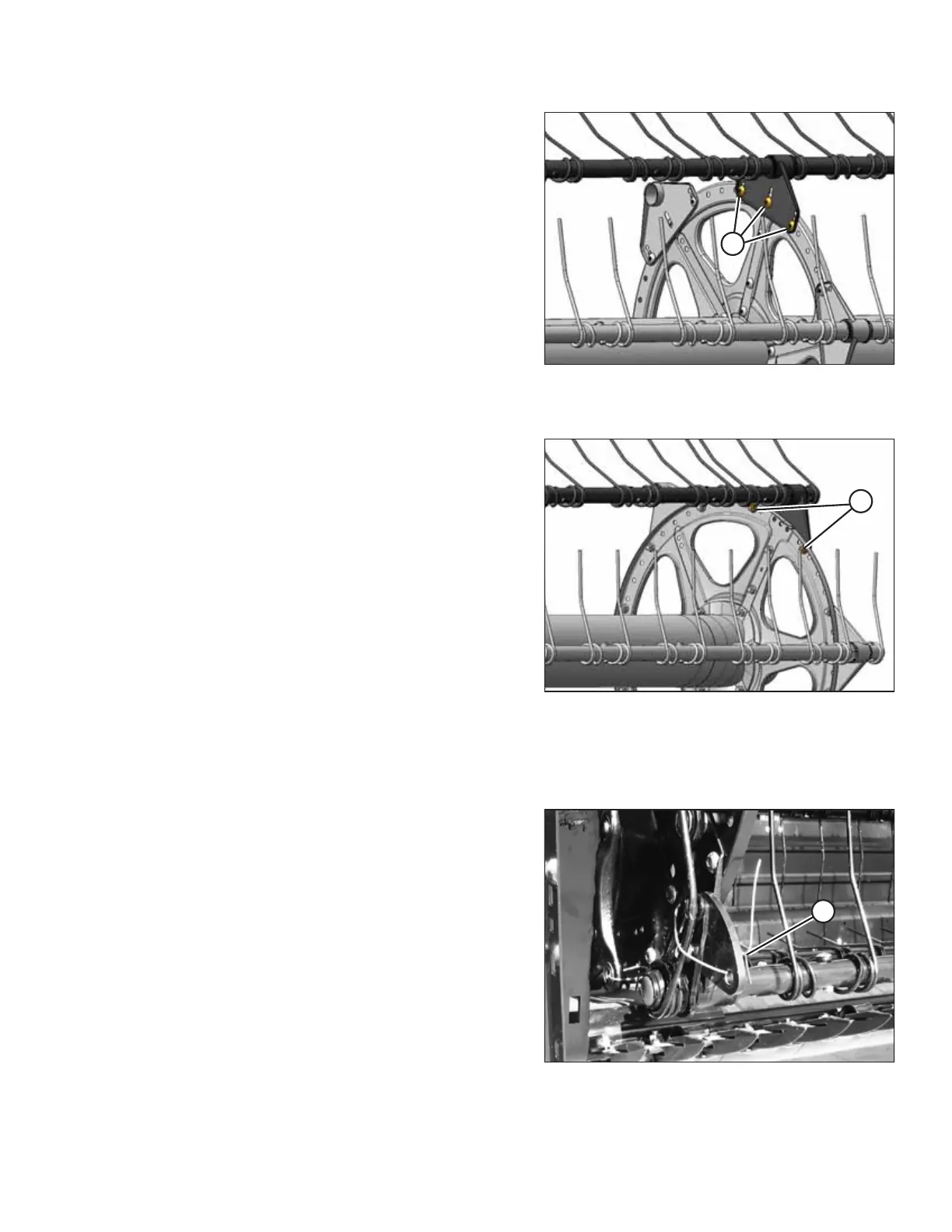
Figure 3.41: Center of Six-Bat Reel
A - Bolts: 1/2 in. x 3/4 in. Torx
®®
Figure 3.42: Tail End of Six-Bat Reel
A - Bolts: 1/2 in. x 3/4 in. Torx
®®
3.1.6 Attaching Cam Arms
Figure 3.43: Disconnected Cam Links and
Shipping Wire
1. Rotate the reel manually until the tine bars with
disconnected cam links are accessible.
2. If not already removed, remove shipping wire (A).
3. Obtain parts from hardware bag D and bag E.
ASSEMBLING THE HEADER AND FLOAT MODULE



 To Next Page