215184 253 Revision A
Installing Crop Divider Rods
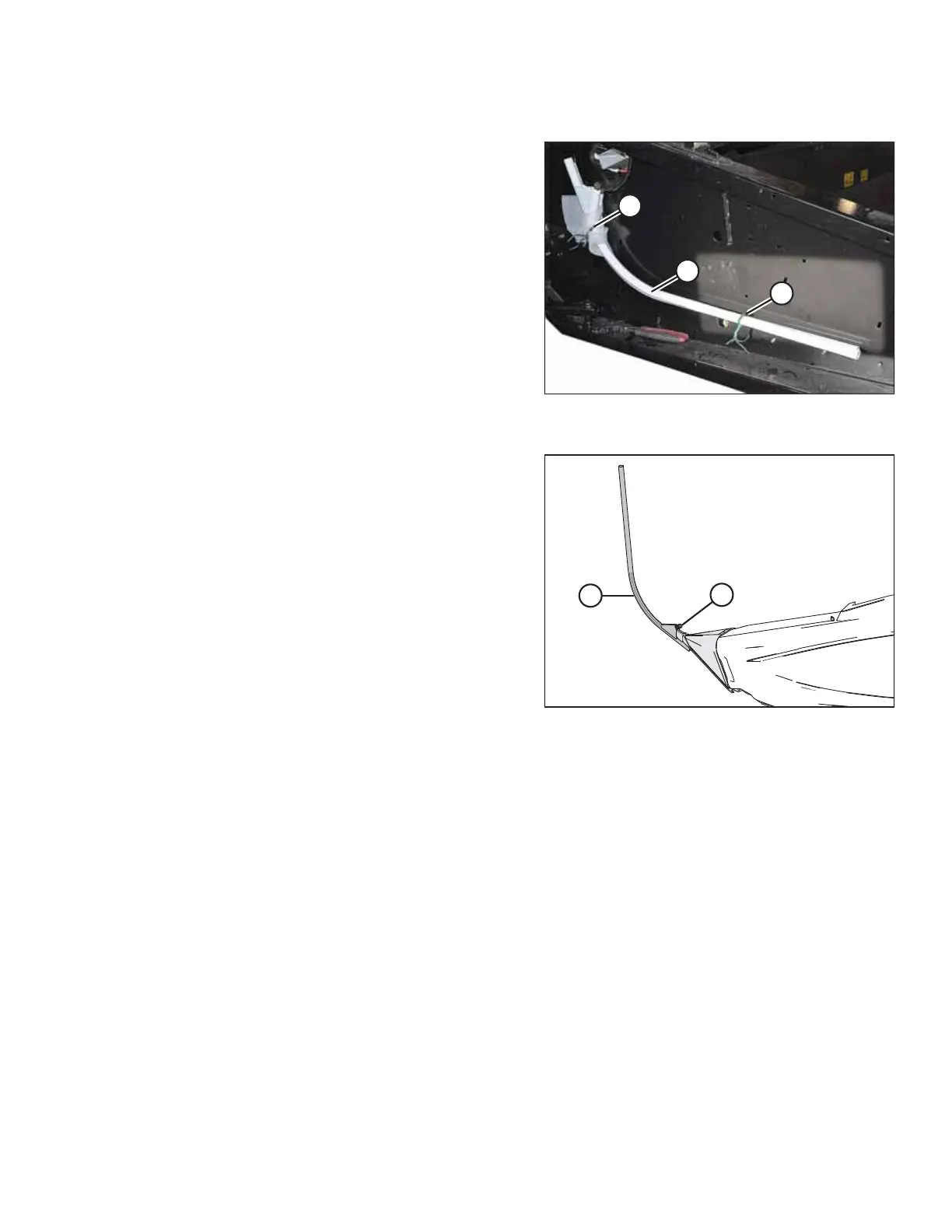
Figure 7.112: Divider Rods in Shipping Location on
Header Endsheet – View from Right
1. Remove shipping wire (A) securing divider rods (B) to
header endsheet, and remove divider rods from shipping
location.
Figure 7.113: Divider Rod on Crop Divider
2. Position crop divider rod (B) on tip of crop divider as shown
and tighten bolt (A).
3. Repeat procedure at opposite end of header.
ATTACHING HEADER TO COMBINE



 To Next Page